
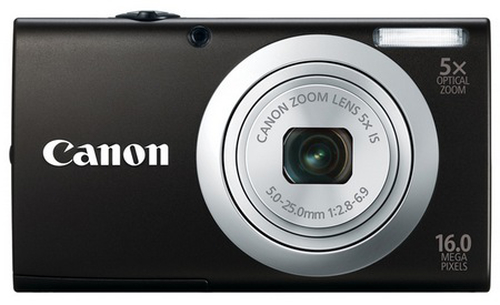
Canon
PowerShot A2400 IS
- Camera type
- Compact camera
- Megapixel
- 16 MP
- Image sensor size
- 1/2.3"
- Maximum video resolution
- 1280 x 720 pixels
Canon PowerShot A2400 IS 1/2.3" Compact camera 16 MP CCD 4608 x 3456 pixels Black
Model code: 6188B012
Compare digital cameras with independent expert reviews, COR Scores and exact-model specifications. Find the best fit for your needs, explore the buying advice below and check available UK retailer offers.
Choosing the best digital cameras starts with how you will use them. Consider family and travel, wildlife and distance, learning photography, then match the features and practical requirements to your shortlist.
Our UK digital camera reviews comparison brings together published critics’ assessments and recorded product specifications. A COR Score converts eligible ratings to five points and gives each publisher equal weight. Read the original reviews for the reasoning, tested configuration and review date; an average becomes available after three distinct critics.
Use the available category filters to explore recorded features. Open each product to check its full manufacturer code, configuration and current review coverage. Compare retailer offers for that exact version, including condition, accessories and delivery.
Below the results, explore the buying guides, work through how to choose, or use the glossary to make sense of unfamiliar specifications.
509 product listingsShowing 325–336
Canon
Canon PowerShot A2400 IS 1/2.3" Compact camera 16 MP CCD 4608 x 3456 pixels Black
Model code: 6188B012
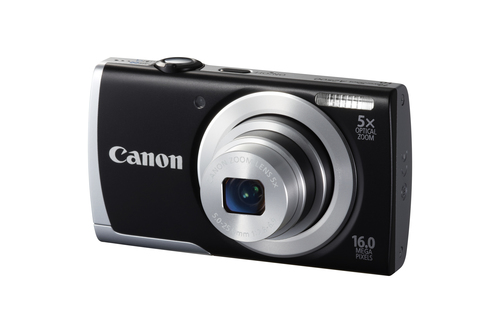
Canon
Canon PowerShot A2500 1/2.3" Compact camera 16 MP CCD 4608 x 3456 pixels Black
Model code: 8253B011
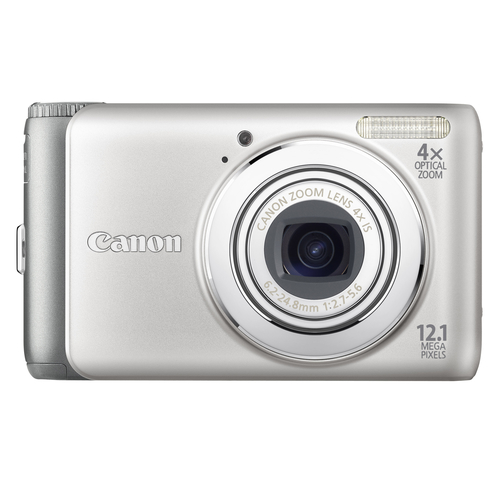
Canon
Shown option: Silver. Scores shown apply to this option.
Canon PowerShot A3100 IS 1/2.3" Compact camera 12.1 MP CCD 4000 x 3000 pixels Silver
Model code: 4255B014
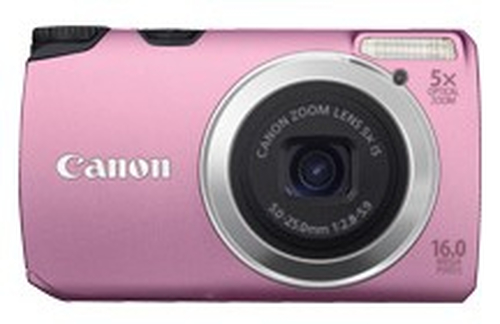
Canon
Canon PowerShot A3300 IS 1/2.3" Compact camera 16 MP CCD 4608 x 3456 pixels Pink
Model code: 5034B011
Canon
Shown option: 0 MB RAM · Silver. Scores shown apply to this option.
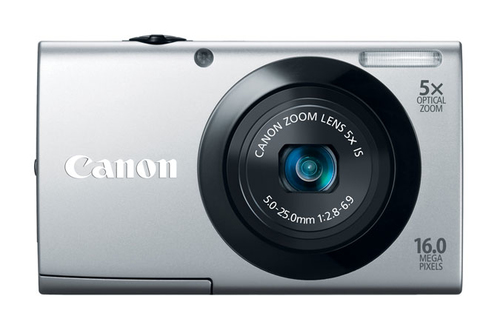
Canon PowerShot A3400 IS 1/2.3" Compact camera 16 MP CCD 4608 x 3456 pixels Silver
Model code: 6182B011
Specifications, review scores and prices belong to each exact model.
Canon
Shown option: Black. Scores shown apply to this option.
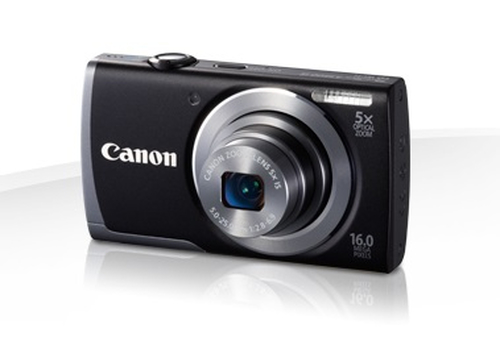
Canon PowerShot A3500 IS 1/2.3" Compact camera 16 MP CCD 4608 x 3456 pixels Black
Model code: 8156B012
Canon
Shown option: Silver. Scores shown apply to this option.
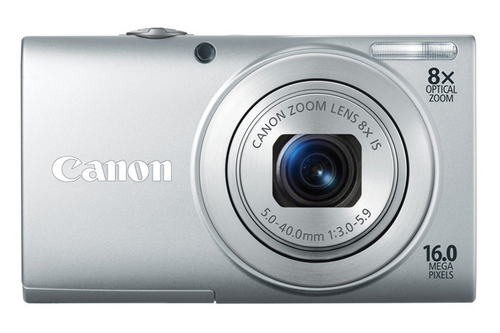
Canon PowerShot A4000 IS 1/2.3" Compact camera 16 MP CCD 4608 x 3456 pixels Silver
Model code: 6148B012
Canon
Canon PowerShot D10 1/2.3" Compact camera 12.1 MP CCD 4000 x 3000 pixels Blue
Model code: 3508B011
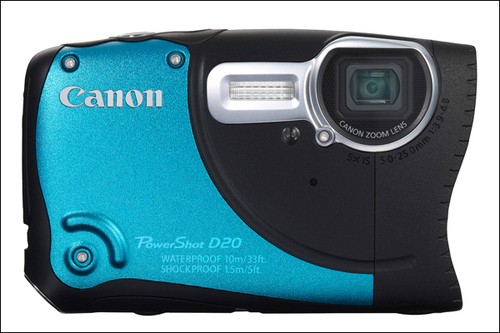
Canon
Shown option: Blue. Scores shown apply to this option.
Canon PowerShot D20 1/2.3" Compact camera 12.1 MP CMOS 4000 x 3000 pixels Blue
Model code: 6145B011
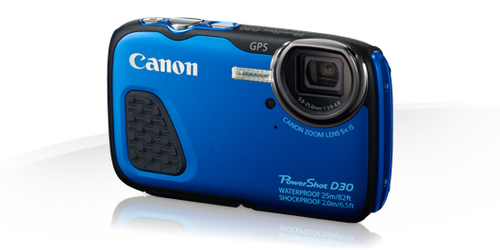
Canon
Shown option: Blue. Scores shown apply to this option.
Canon PowerShot D30 1/2.3" Compact camera 12 MP CMOS 4000 x 3000 pixels Blue
Model code: 9337B011
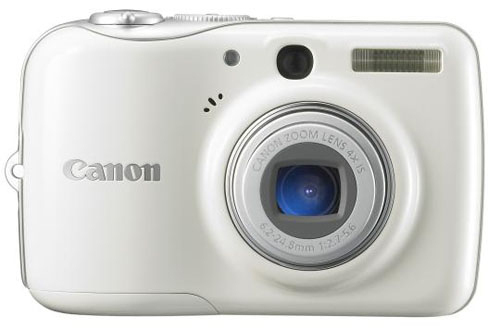
Canon
Shown option: 32 MB RAM · White. Scores shown apply to this option.
Canon PowerShot E1 1/2.3" Compact camera 10 MP CCD 3648 x 2736 pixels White
Model code: 3100B009
Specifications, review scores and prices belong to each exact model.
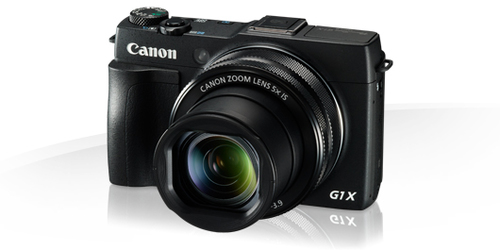
Canon
Shown option: Black. Scores shown apply to this option.
Canon PowerShot G1 X Mark II 1.5" Compact camera 13.1 MP CMOS 4352 x 2904 pixels Black
Model code: 9167B011
Select a product to check its exact model, reviewed version and available retailer offers. Matching model options are grouped together where supported; the displayed score belongs to the shown option. Individual critic reviews remain visible while a product builds towards three critics for a COR Score.
Your reading library
Understand the features and specifications you see in digital camera reviews. Read the complete guide or explore a focused topic.
Read the complete buying guide →Back to the results ↑Larger sensors can gather more light at the same framing and equivalent depth of field, but they also tend to require larger lenses. The finished photograph depends on the complete camera, exposure and…
Explore the guide →Choose focal-length range from subjects and working distance, then balance it against lens brightness, size and image quality.
Explore the guide →Match autofocus to subjects, lens and burst needs instead of comparing focus-point counts.
Explore the guide →Judge video through crop, autofocus, stabilisation, audio, heat and recording duration rather than resolution label alone.
Explore the guide →Your six-step checklist
Find the best fit for your priorities, your setup and your budget.
Turn expert digital camera reviews into a shortlist with these six practical checks.
Name the subjects and situations a phone cannot handle well enough.
Your decision Defined demanding subjects.
Compare carry weight including lens, battery, card and case.
Your decision Compared complete carry weight.
Read autofocus and long-zoom reviews for your intended subjects.
Your decision Read focus and zoom evidence.
Check battery, charger, card and backup workflow costs.
Your decision Costed camera workflow.
Verify video recording limits and editing requirements if relevant.
Your decision Checked video limits.
Confirm service, spare battery and lens support for the planned lifetime.
Your decision Planned long-term support.
Ready to build your shortlist? Use these checks to narrow the results, then read the evidence for each exact model.
Make it work for you
Turn your everyday needs into a practical setup. Record these details before comparing your final shortlist.
| Requirement | What to record or check |
|---|---|
| Subjects | Shooting situations, focal lengths and focus or zoom evidence |
| Carry kit | Body, lens, battery, card, charger, case and total weight |
| Workflow | Video limits, file formats, editing, storage and backups |
| Lifetime support | Service route, spare battery, lenses and ownership period |
Use the exact model’s manual and manufacturer specifications to confirm measurements, connections and supported features.
Keep your priorities together. A short set of notes makes it easier to compare complete offers and discuss your requirements with a retailer or installer.
For fixed-lens cameras, check service and battery availability. For interchangeable systems, the lens range and support ecosystem can matter more than a body-only comparison.
Practical check Match review samples to the exact camera and firmware where possible. Count on Reviews aggregates linked critic scores only after three distinct reviews and does not claim hands-on tests of its own.
Explore this in the buying guide →Compare the focal lengths you use rather than a zoom ratio alone. A 10x zoom beginning at a wide lens frames different subjects from a 10x zoom beginning longer, and maximum aperture can change across the range.
Practical check For children, pets or travel moments, review start-up, autofocus and shutter response. A camera with a detailed sensor is little help if it misses the expression while focus locks.
Explore this in the buying guide →Check whether you can change exposure compensation, focus point and flash settings without diving through menus. These controls affect moving and backlit subjects more than a modest difference in sensor resolution.
Practical check A viewfinder can help in bright light, but its type, coverage and dioptre adjustment affect usability. Test it with glasses if that is how you will shoot.
Explore this in the buying guide →Compare with a purpose
Choose your main priority, then compare the evidence that matters most for your setup.
| Your main use | What to look for | What to weigh up |
|---|---|---|
| Family and travel | Carry size, zoom, autofocus and battery spares | A larger sensor or lens can make the kit less portable. |
| Wildlife and distance | Reach, stabilisation, focus tracking and weather protection | Long zoom claims need checking at the focal lengths you use. |
| Learning photography | Direct controls, viewfinder and accessible system support | More manual control requires time to learn. |
Include the product, delivery, required accessories and any setup or installation. Check relevant consumables, subscriptions and replacement parts over the period you expect to own it.
Use your planning notes to identify essential functions and connections. Confirm them for the exact model and configuration, then weigh optional features against the difference in price.
Read the original critics’ findings for your priorities. Check the date and tested version, then compare the evidence alongside the COR Score and number of distinct critics.
Check the manufacturer code, generation, configuration, condition and included items. Confirm stock, delivered price, returns and warranty terms with the retailer before ordering.
Open the specifications glossary · Compare expert reviews · Check the model and offer
Independent reviews, made comparable
One consistent scale makes different publishers’ ratings easier to compare. The original review explains why a critic reached that verdict.
Read our scoring methodology →Scale conversion · example
An illustration of conversion, not a rating for a listed product.
Identify the exact product and the version reviewed. Check model codes, configuration and the included package.
Convert eligible ratings to five points, count each publisher once and give every critic equal weight.
Show the average to two decimal places after three distinct critics. Otherwise show tbd while keeping individual reviews visible.
Read the score alongside the critic count, review dates, tested version and strengths that matter to you. Linked reviews of related hardware remain separate from the selected product’s score.
Explore the catalogue
Compare the recorded models, explore different configurations and follow the available expert reviews. Use each product page for its latest evidence and retailer links.
Return to the results ↑Explore your options
Follow a manufacturer or a selection based on recorded product features.
Your questions, answered
Ten answers to help you make an informed choice.
No. Lens, sensor, processing and technique all affect images. Choose around the subjects and conditions you photograph.
Choose a compact for simplicity and portability, or a system camera if lenses and controls support your goals. Compare total kit, not body alone.
Check the camera manual for the recording modes you use. Burst and high-bitrate video can need particular card performance.
Start with your main use, practical setup and total budget. The comparison table above identifies useful features for different priorities. Use the category filters, then check exact-model specifications and the original reviews for your shortlist.
It summarises eligible independent critic ratings on a five-point scale, with one equally weighted rating per publisher. The displayed average has two decimal places. Open the original reviews to see how the findings relate to your priorities.
A public COR Score becomes available after three distinct critics. Until then, tbd indicates that review coverage is still building; available individual reviews remain visible. It is different from a zero rating.
Check the version actually reviewed. Confirmed equivalent colour, storage or accessory variants can share model-level reviews with a tested-version label. Related hardware, different generations and other distinct editions are shown separately and do not contribute to the selected product’s score.
Filters use the recorded specifications for each model or option. Choose a brand or feature, then apply your filters to narrow the results. Missing information is not treated as confirmed feature support. Open the product page to check the full specification.
Match the complete manufacturer code, configuration, condition and included items. Add delivery and necessary accessories to compare the total cost, and confirm stock, warranty and returns details with the retailer.
Check the review date, tested version and current manufacturer support. Compare the features you need, replacement parts or consumables where relevant, and the complete offer. A useful older review can still explain a model well, while availability and services may have changed.
Related categories
Compare complementary products and other ways to meet your needs.
Specifications, explained
Understand the terms, then use the buying checks to compare exact models.
12 terms
The physical dimensions of a camera’s light-sensitive imaging surface.
Buying check Consider the complete lens-and-camera system and real image tests.
The number of image pixels expressed in millions.
Buying check Compare actual images, lens quality and processing for your intended output.
An indication of the lens opening relative to focal length, affecting light capture and depth of field.
Buying check Check how the maximum aperture changes across a zoom range.
A change in framing produced by changing the lens’s focal length.
Buying check Check the useful focal-length range and image quality across that range.
A system that adjusts focus automatically using supported detection methods.
Buying check Look for tests with the subjects, lighting and shooting modes you use.
Movement of lens or sensor elements intended to reduce blur from camera movement.
Buying check Read still-image and video tests; stabilisation does not freeze a moving subject.
An optical or electronic means of composing a photograph at eye level.
Buying check Check visibility, information display and comfort with glasses if relevant.
A file containing minimally processed image data for editing in compatible software.
Buying check Check software support, storage requirements and your preferred workflow.
The number of recorded or displayed video frames per second.
Buying check Check the resolution, crop, recording limits and storage requirements at that rate.
Image distortion that can occur when different parts of a frame are read at different times.
Buying check Read motion and panning tests if you film fast-moving subjects.
The physical and electronic interface between a camera body and lens.
Buying check Verify the exact mount and supported functions, including any adapter limitations.
A system that moves the image sensor to counter some camera movement.
Buying check Check supported lenses, shooting modes and measured results.
No matching term. Try an abbreviation or clear the search to browse all topics.
Technical sources and further reading · Check the exact model’s manufacturer documentation for supported features.