
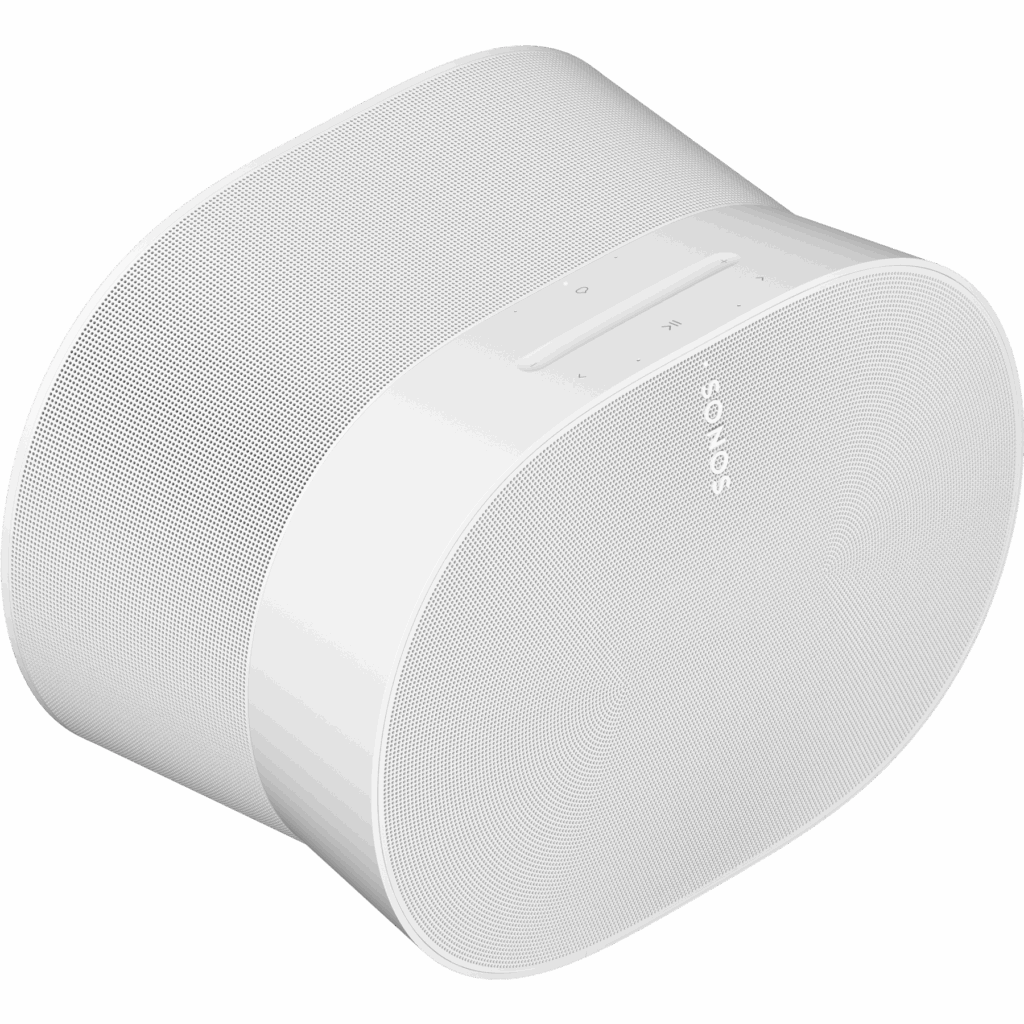
Sonos
Era 300
Shown option: White. Scores shown apply to this option.
- Virtual assistant
- Not confirmed
- Built-in speaker(s)
- Yes
- Bluetooth
- Yes
- Wi-Fi
- Yes
Current
Sonos Era 300 White
Model code: E30G1UK1
Compare smart speakers with independent expert reviews, COR Scores and exact-model specifications. Find the best fit for your needs, explore the buying advice below and check available UK retailer offers.
Choosing the best smart speakers starts with how you will use them. Consider kitchen and casual music, multiroom listening, smart-home voice control, then match the features and practical requirements to your shortlist.
Our UK smart speaker reviews comparison brings together published critics’ assessments and recorded product specifications. A COR Score converts eligible ratings to five points and gives each publisher equal weight. Read the original reviews for the reasoning, tested configuration and review date; an average becomes available after three distinct critics.
Use the available category filters to explore recorded features. Open each product to check its full manufacturer code, configuration and current review coverage. Compare retailer offers for that exact version, including condition, accessories and delivery.
Below the results, explore the buying guides, work through how to choose, or use the glossary to make sense of unfamiliar specifications.
13 product listingsShowing 1–12
Sonos
Shown option: White. Scores shown apply to this option.
Current
Sonos Era 300 White
Model code: E30G1UK1
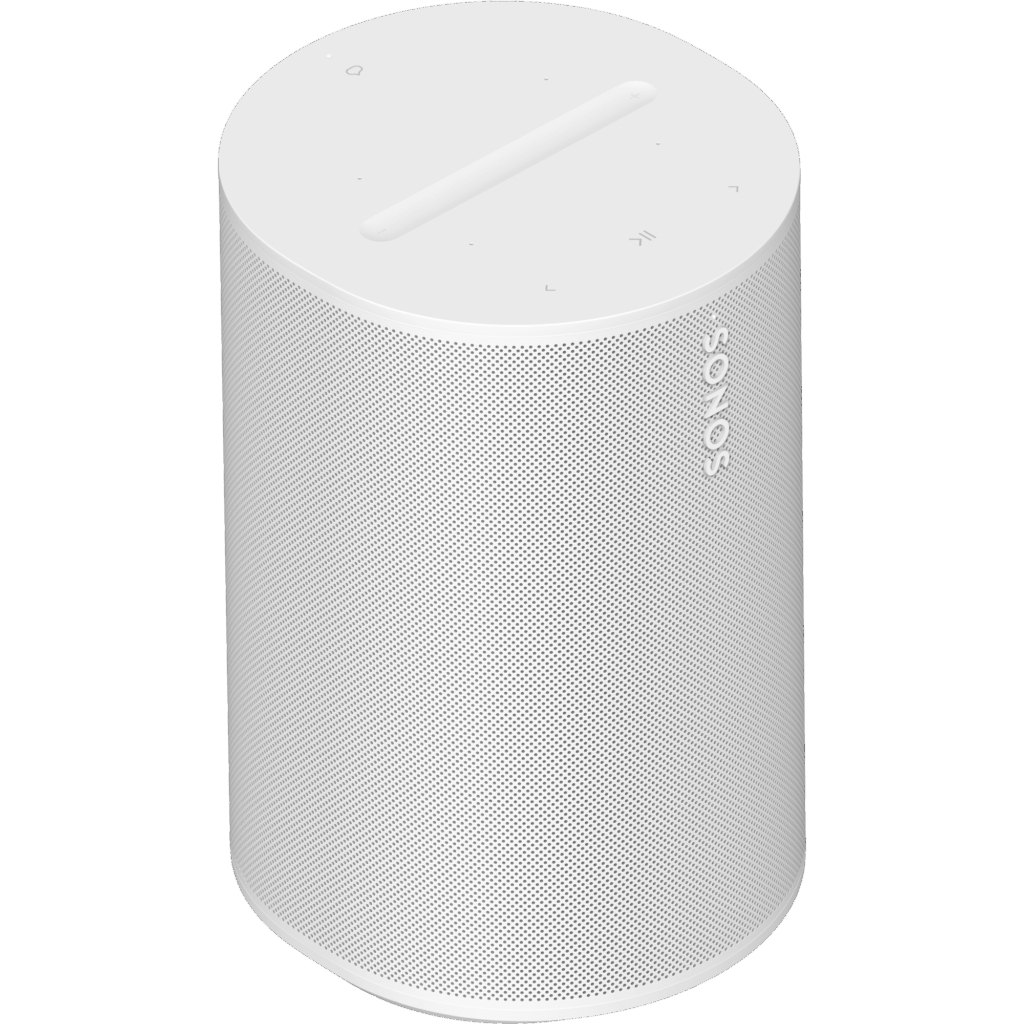
Sonos
Shown option: White. Scores shown apply to this option.
Current
Sonos Era 100 White
Model code: E10G1UK1
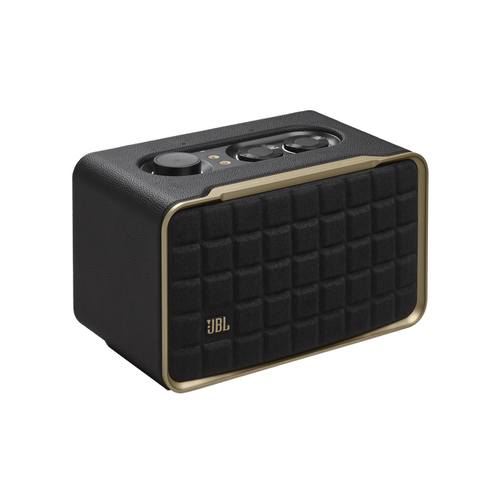
JBL
Current
JBL Authentics 200 Black 90 W
Model code: JBLAUTH200BLKUK
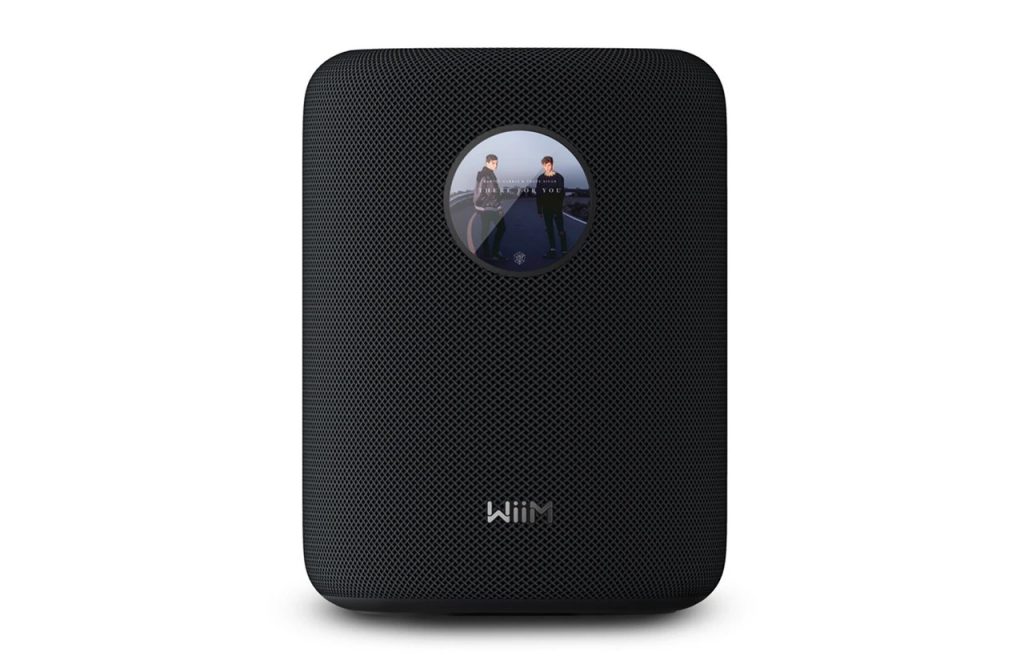
WiiM
Shown option: Black. Scores shown apply to this option.
Current
WiiM Sound Black
Model code: WIIM-SOUND-BLK
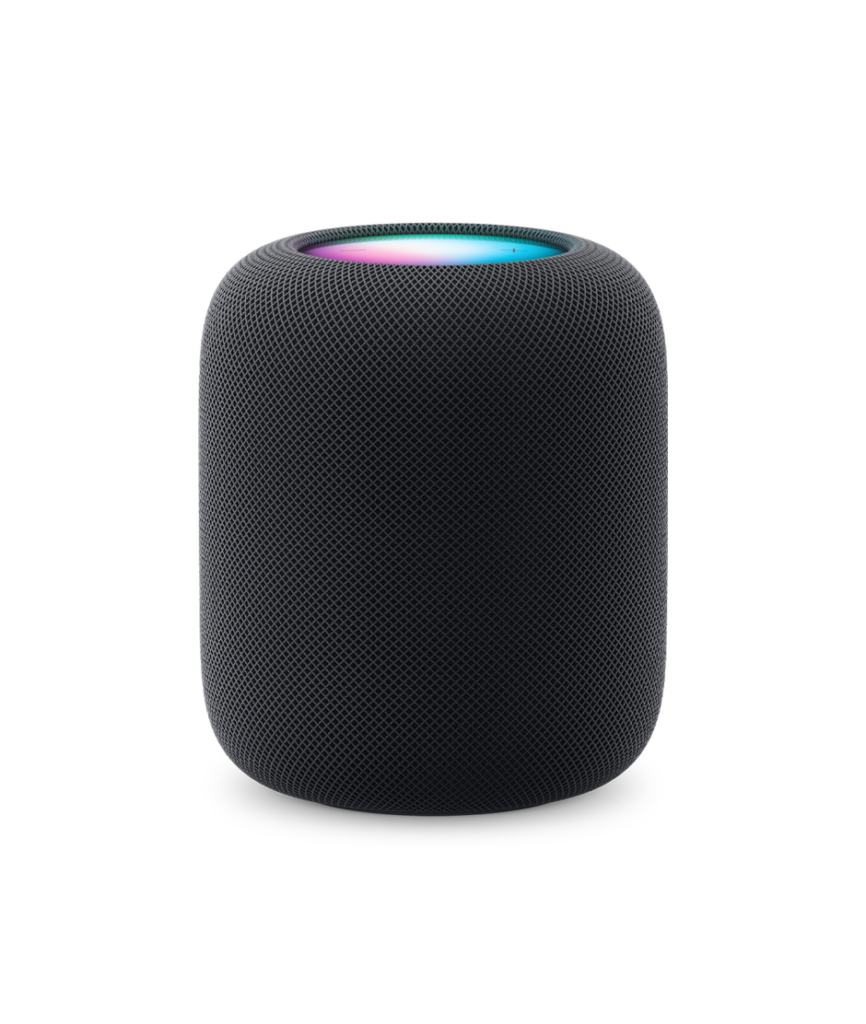
Apple
Current
Apple HomePod (2nd generation) Midnight
Model code: MDEW4B/A
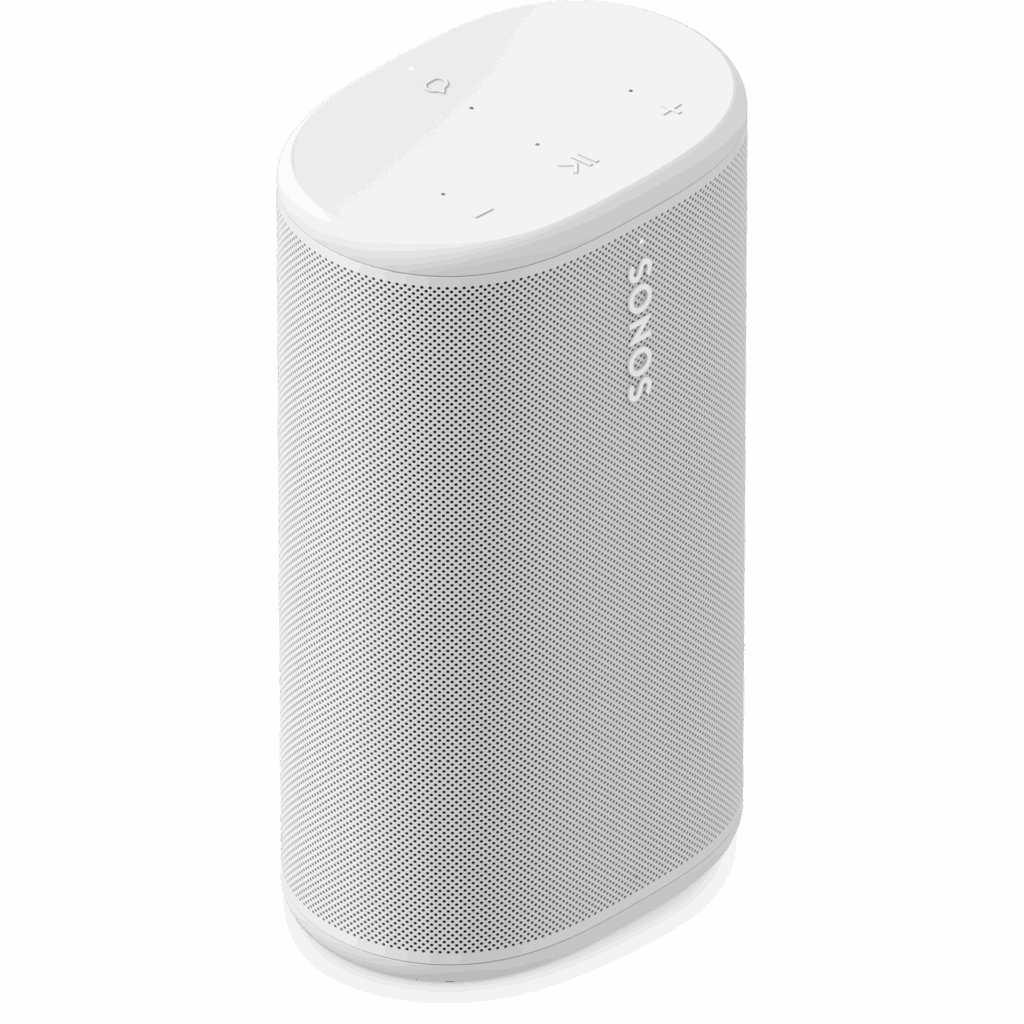
Sonos
Shown option: White. Scores shown apply to this option.
Current
Sonos Play White
Model code: PLAYPR21
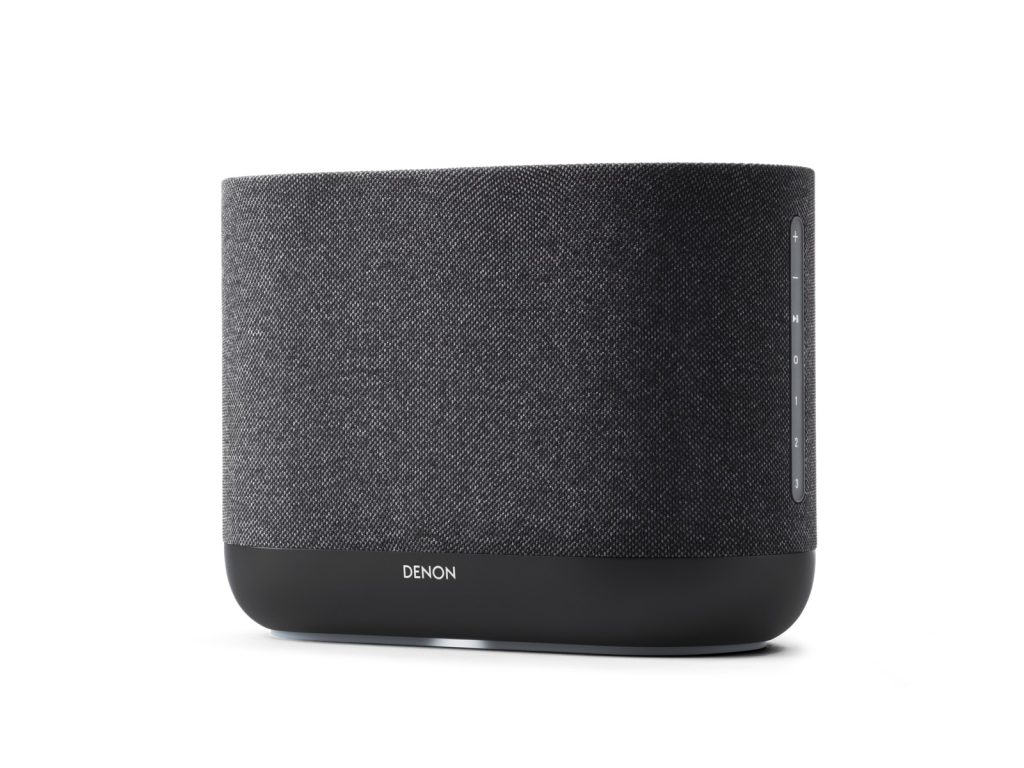
Denon
Shown option: Black. Scores shown apply to this option.
Current — Availability recheck due. Last confirmed 31 Oct 2026; review by 7 Nov 2026
Denon Home 400 Black
Model code: DENONHOME400BKEK

Sonos
Shown option: White. Scores shown apply to this option.
Current
Sonos Five White
Model code: FIVE1UK1
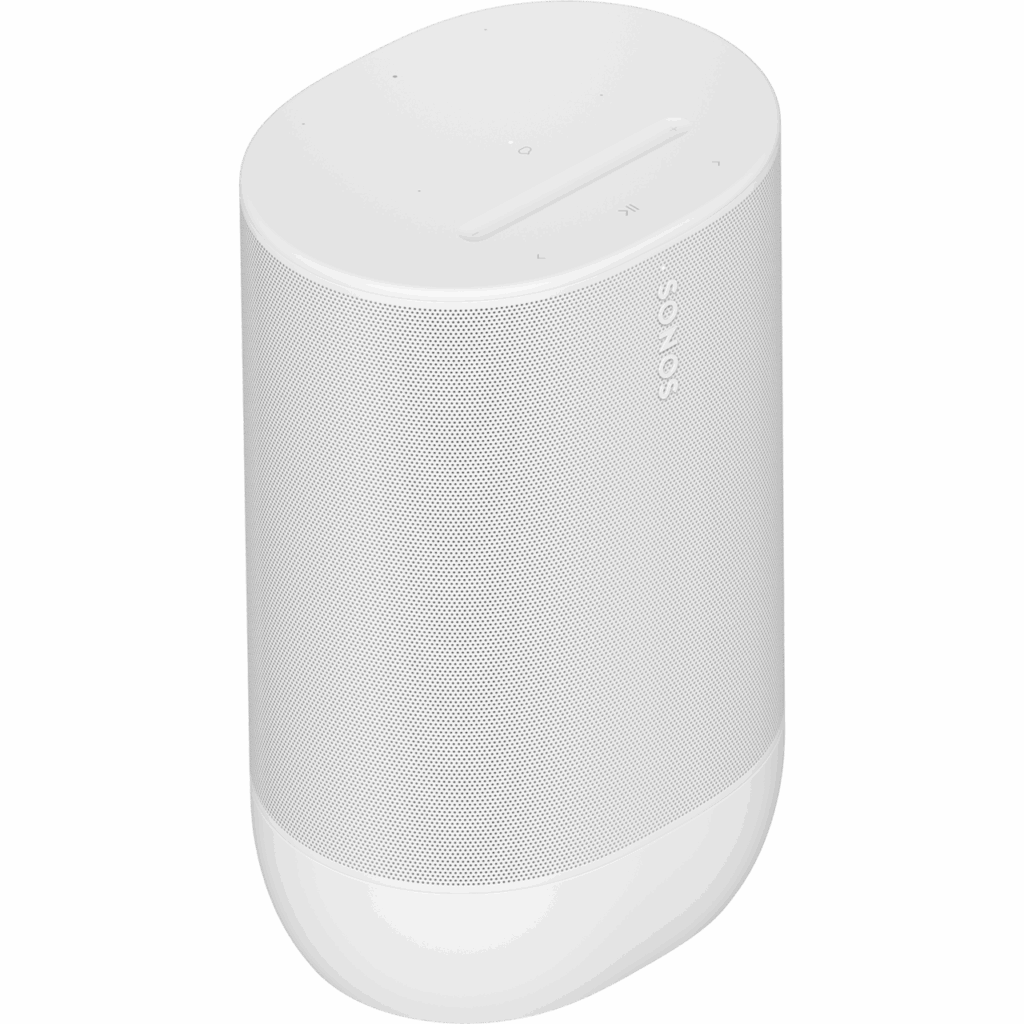
Sonos
Shown option: White. Scores shown apply to this option.
Current
Sonos Move 2 White
Model code: MOVE2UK1
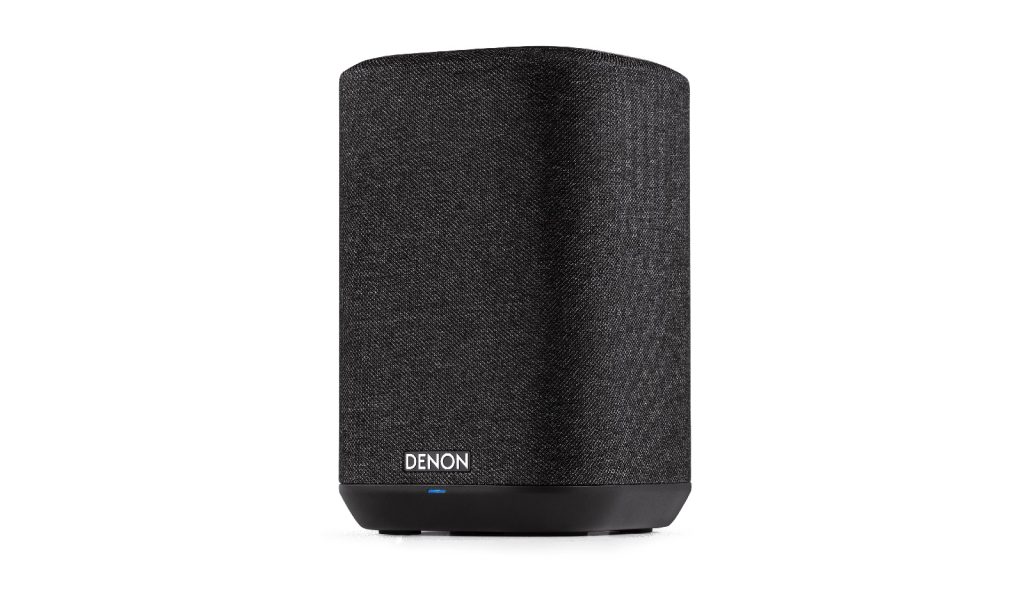
Denon
Shown option: Black. Scores shown apply to this option.
Current
Denon Home 150 Black
Model code: DENONHOME150BKE2GB
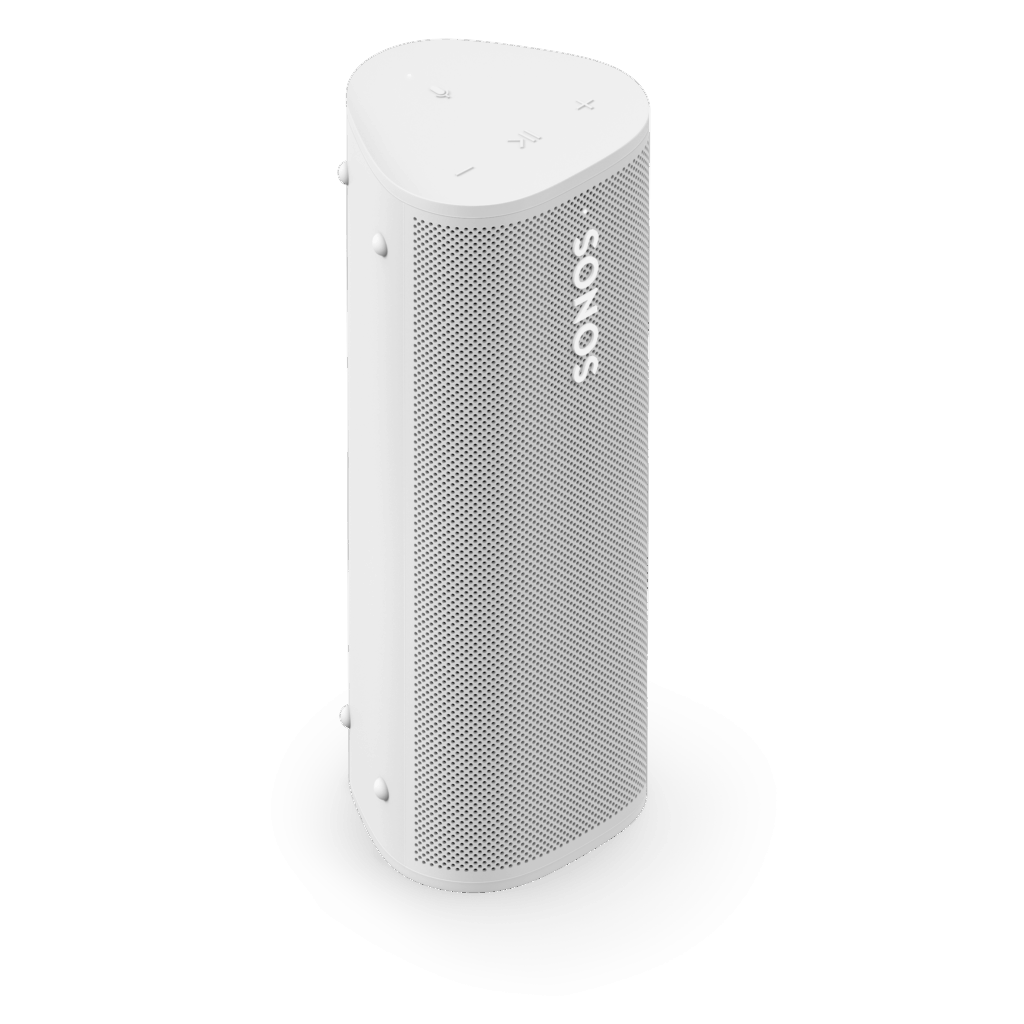
Sonos
Shown option: White. Scores shown apply to this option.
Current
Sonos Roam 2 White
Model code: ROAM2R21
Specifications, review scores and prices belong to each exact model.
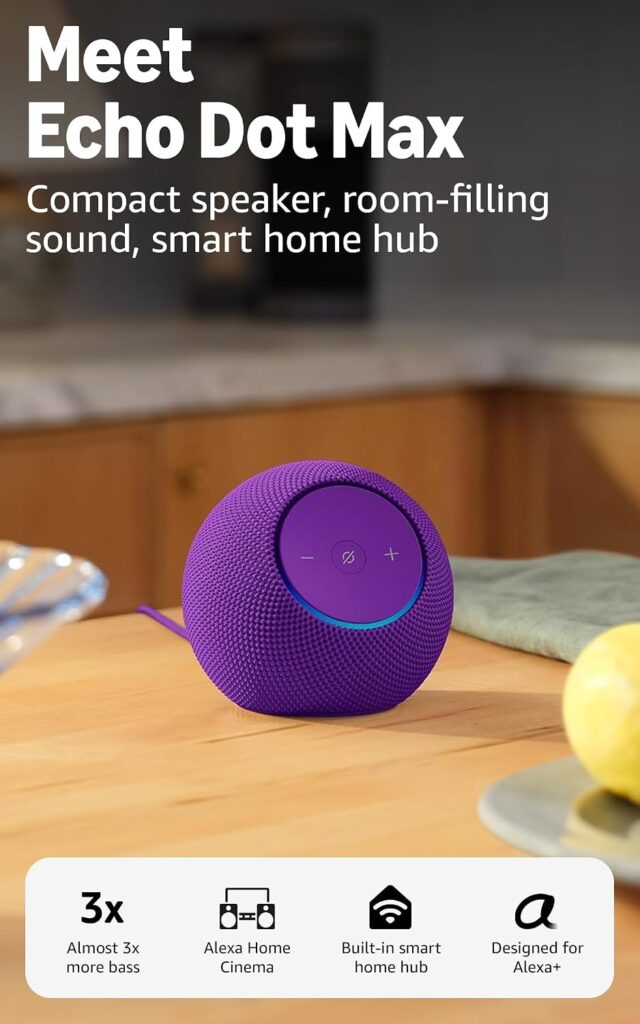
Amazon
Current
Amazon Echo Dot Max Amethyst
Model code: B0DKLNNB4Y
Select a product to check its exact model, reviewed version and available retailer offers. Matching model options are grouped together where supported; the displayed score belongs to the shown option. Individual critic reviews remain visible while a product builds towards three critics for a COR Score.
Your reading library
Understand the features and specifications you see in smart speaker reviews. Read the complete guide or explore a focused topic.
Read the complete buying guide →Back to the results ↑A smart speaker is part of an account and service ecosystem. Its value depends on the music, household profiles and connected devices it can control in your region, not the length of a…
Explore the guide →Treat microphone, voice history, household access and account recovery as core buying features.
Explore the guide →Plan groups, stereo pairs, household control and Wi-Fi coverage before expanding one speaker into every room.
Explore the guide →Match speaker output and microphone reach to room use without paying for bass or volume a space cannot use.
Explore the guide →Your six-step checklist
Find the best fit for your priorities, your setup and your budget.
Turn expert smart speaker reviews into a shortlist with these six practical checks.
List music services and smart-home devices already used at home.
Your decision Listed ecosystem needs.
Check microphone mute, privacy controls and household-account behaviour.
Your decision Agreed privacy controls.
Confirm network requirements and setup device before buying.
Your decision Confirmed setup route.
Read the manufacturer support-end and software-update information.
Your decision Checked support period.
Verify exact multiroom and stereo-pair compatibility.
Your decision Verified room grouping.
Use independent reviews for voice recognition and normal-volume sound.
Your decision Relevant voice evidence.
Ready to build your shortlist? Use these checks to narrow the results, then read the evidence for each exact model.
Make it work for you
Turn your everyday needs into a practical setup. Record these details before comparing your final shortlist.
| Requirement | What to record or check |
|---|---|
| Services and devices | Music services, smart-home products, profiles, language and region |
| Privacy controls | Mute behaviour, indicators, voice history, account access and reset |
| Network setup | Supported network, setup device, internet dependency and local playback |
| Long-term use | Updates, multiroom pairing, stereo compatibility and review evidence |
Use the exact model’s manual and manufacturer specifications to confirm measurements, connections and supported features.
Keep your priorities together. A short set of notes makes it easier to compare complete offers and discuss your requirements with a retailer or installer.
Standards and compatibility badges can be helpful, but check the exact device and feature. Group audio, voice calling, home control and speaker-pairing behaviour are often product-family specific.
Practical check Keep a practical fallback: physical controls, a Bluetooth or wired input where offered, and a way to play music if a service or home network is unavailable.
Explore this in the buying guide →Read the current support page for the music service, language, household profiles and voice features you intend to use. A compatible service may offer playback but not full library, alarm or multiroom control.
Practical check Review voice-history, microphone and guest settings before placing the device in a shared room. A mute switch is useful only if everyone can see and understand its state.
Explore this in the buying guide →Verify the exact speakers can form a stereo pair or multiroom group and whether this works across generations. A brand-level claim can hide model-specific limits.
Practical check Check what remains possible when broadband fails: local volume, alarms, Bluetooth or physical playback. This distinguishes a useful speaker from one dependent on a cloud service for every task.
Explore this in the buying guide →Compare with a purpose
Choose your main priority, then compare the evidence that matters most for your setup.
| Your main use | What to look for | What to weigh up |
|---|---|---|
| Kitchen and casual music | Voice recognition, wipe-clean placement and straightforward controls | A display adds information but introduces another screen and camera choice. |
| Multiroom listening | Compatible rooms, services and network stability | Mixing ecosystems can limit grouping and control. |
| Smart-home voice control | Existing devices, routines, privacy settings and local fallback | Voice control depends on internet, account and ongoing service support. |
Include the product, delivery, required accessories and any setup or installation. Check relevant consumables, subscriptions and replacement parts over the period you expect to own it.
Use your planning notes to identify essential functions and connections. Confirm them for the exact model and configuration, then weigh optional features against the difference in price.
Read the original critics’ findings for your priorities. Check the date and tested version, then compare the evidence alongside the COR Score and number of distinct critics.
Check the manufacturer code, generation, configuration, condition and included items. Confirm stock, delivered price, returns and warranty terms with the retailer before ordering.
Open the specifications glossary · Compare expert reviews · Check the model and offer
Independent reviews, made comparable
One consistent scale makes different publishers’ ratings easier to compare. The original review explains why a critic reached that verdict.
Read our scoring methodology →Scale conversion · example
An illustration of conversion, not a rating for a listed product.
Identify the exact product and the version reviewed. Check model codes, configuration and the included package.
Convert eligible ratings to five points, count each publisher once and give every critic equal weight.
Show the average to two decimal places after three distinct critics. Otherwise show tbd while keeping individual reviews visible.
Read the score alongside the critic count, review dates, tested version and strengths that matter to you. Linked reviews of related hardware remain separate from the selected product’s score.
Explore the catalogue
Compare the recorded models, explore different configurations and follow the available expert reviews. Use each product page for its latest evidence and retailer links.
Return to the results ↑Explore your options
Follow a manufacturer or a selection based on recorded product features.
Your questions, answered
Ten answers to help you make an informed choice.
Core functions vary by service and model. Check the product support page for the music and assistant features you need.
Many models offer a mute control, but confirm its operation and status indicator in the manual.
No. Check the exact ecosystem, region and function; “works with” labels can cover a narrower command set.
Start with your main use, practical setup and total budget. The comparison table above identifies useful features for different priorities. Use the category filters, then check exact-model specifications and the original reviews for your shortlist.
It summarises eligible independent critic ratings on a five-point scale, with one equally weighted rating per publisher. The displayed average has two decimal places. Open the original reviews to see how the findings relate to your priorities.
A public COR Score becomes available after three distinct critics. Until then, tbd indicates that review coverage is still building; available individual reviews remain visible. It is different from a zero rating.
Check the version actually reviewed. Confirmed equivalent colour, storage or accessory variants can share model-level reviews with a tested-version label. Related hardware, different generations and other distinct editions are shown separately and do not contribute to the selected product’s score.
Filters use the recorded specifications for each model or option. Choose a brand or feature, then apply your filters to narrow the results. Missing information is not treated as confirmed feature support. Open the product page to check the full specification.
Match the complete manufacturer code, configuration, condition and included items. Add delivery and necessary accessories to compare the total cost, and confirm stock, warranty and returns details with the retailer.
Check the review date, tested version and current manufacturer support. Compare the features you need, replacement parts or consumables where relevant, and the complete offer. A useful older review can still explain a model well, while availability and services may have changed.
Related categories
Compare complementary products and other ways to meet your needs.
Specifications, explained
Understand the terms, then use the buying checks to compare exact models.
12 terms
Software that responds to spoken requests through supported devices and services.
Buying check Check the services, language and household accounts you need.
Multiple microphones used together for capture or processing.
Buying check Look for call or voice-recognition tests in realistic background noise.
A control intended to disable microphone input on a device.
Buying check Read the manufacturer’s explanation of what the mute switch disables.
A service hosted remotely that a connected product uses for features or stored data.
Buying check Check subscriptions, internet requirements and support policies.
Two speakers reproduce separate left and right audio channels.
Buying check Confirm that the exact speakers support stereo pairing and the sources you use.
Playback coordinated across compatible devices in different rooms.
Buying check Check ecosystem, account, network and service compatibility.
A wireless network connection used for internet access or communication on a local network.
Buying check Check supported bands and signal quality at the intended location.
A short-range wireless connection used by compatible devices for audio or data.
Buying check Check the specific profiles and features supported at both ends.
A smart-home interoperability standard supported by some devices and controllers.
Buying check Verify the product, controller and feature combination rather than assuming every function works.
A low-power mesh-networking technology used by some smart-home devices.
Buying check Check whether the product requires a compatible Thread border router.
An action performed within the home or device without requiring a remote cloud service.
Buying check Check which functions continue if the internet connection fails.
The manufacturer’s provision of software fixes, security updates or feature changes.
Buying check Look for a published support policy for the exact model and region.
No matching term. Try an abbreviation or clear the search to browse all topics.
Technical sources and further reading · Check the exact model’s manufacturer documentation for supported features.