
The Best Smart Thermostats

Smart thermostat reviews UK: compare the best smart thermostats

Compare smart thermostats with independent expert reviews, COR Scores and exact-model specifications. Find the best fit for your needs, explore the buying advice below and check available UK retailer offers.

Show moreShow less

Choosing the best smart thermostats starts with how you will use them. Consider regular household schedule, multiple rooms, away-from-home control, then match the features and practical requirements to your shortlist.

Our UK smart thermostat reviews comparison brings together published critics’ assessments and recorded product specifications. A COR Score converts eligible ratings to five points and gives each publisher equal weight. Read the original reviews for the reasoning, tested configuration and review date; an average becomes available after three distinct critics.

Use the available category filters to explore recorded features. Open each product to check its full manufacturer code, configuration and current review coverage. Compare retailer offers for that exact version, including condition, accessories and delivery.

Below the results, explore the buying guides, work through how to choose, or use the glossary to make sense of unfamiliar specifications.

114 listed model optionsHow COR Scores workWhat we cover

27 product listingsShowing 25–27

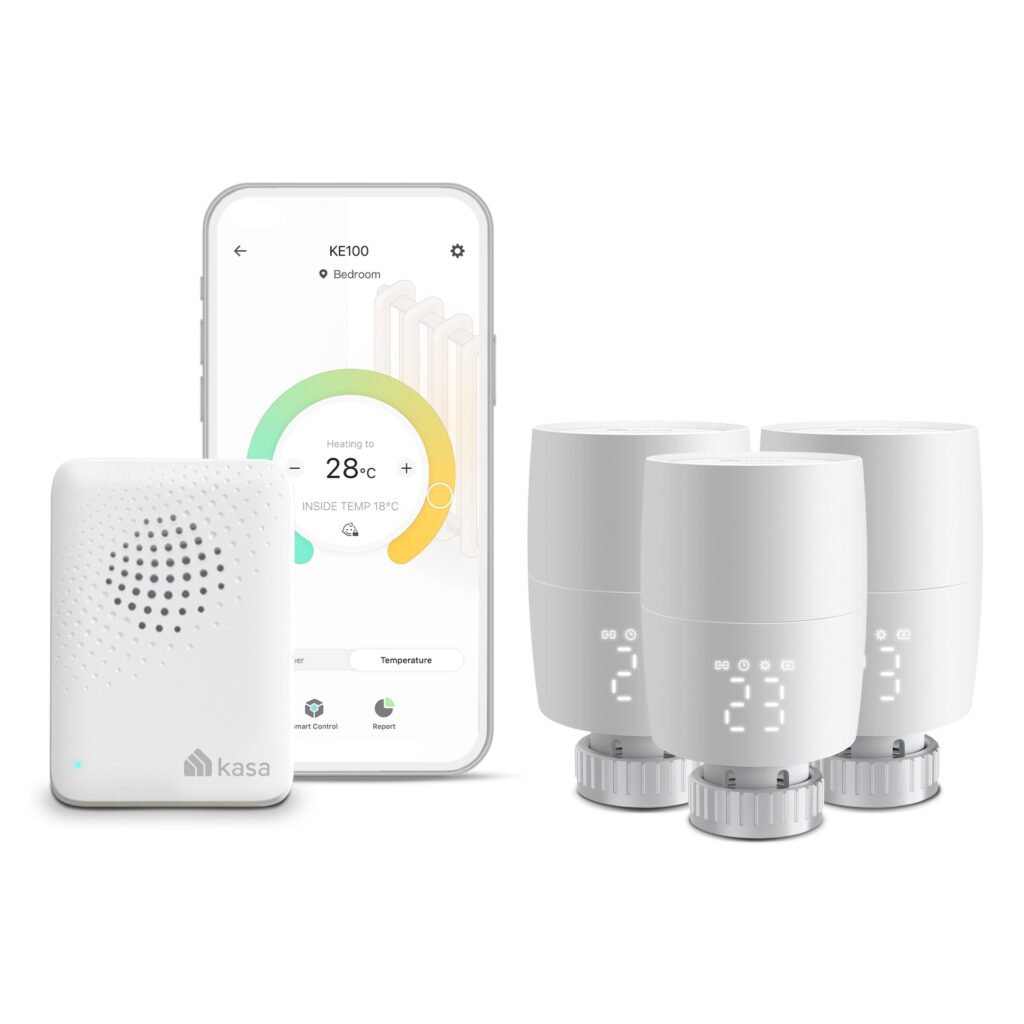
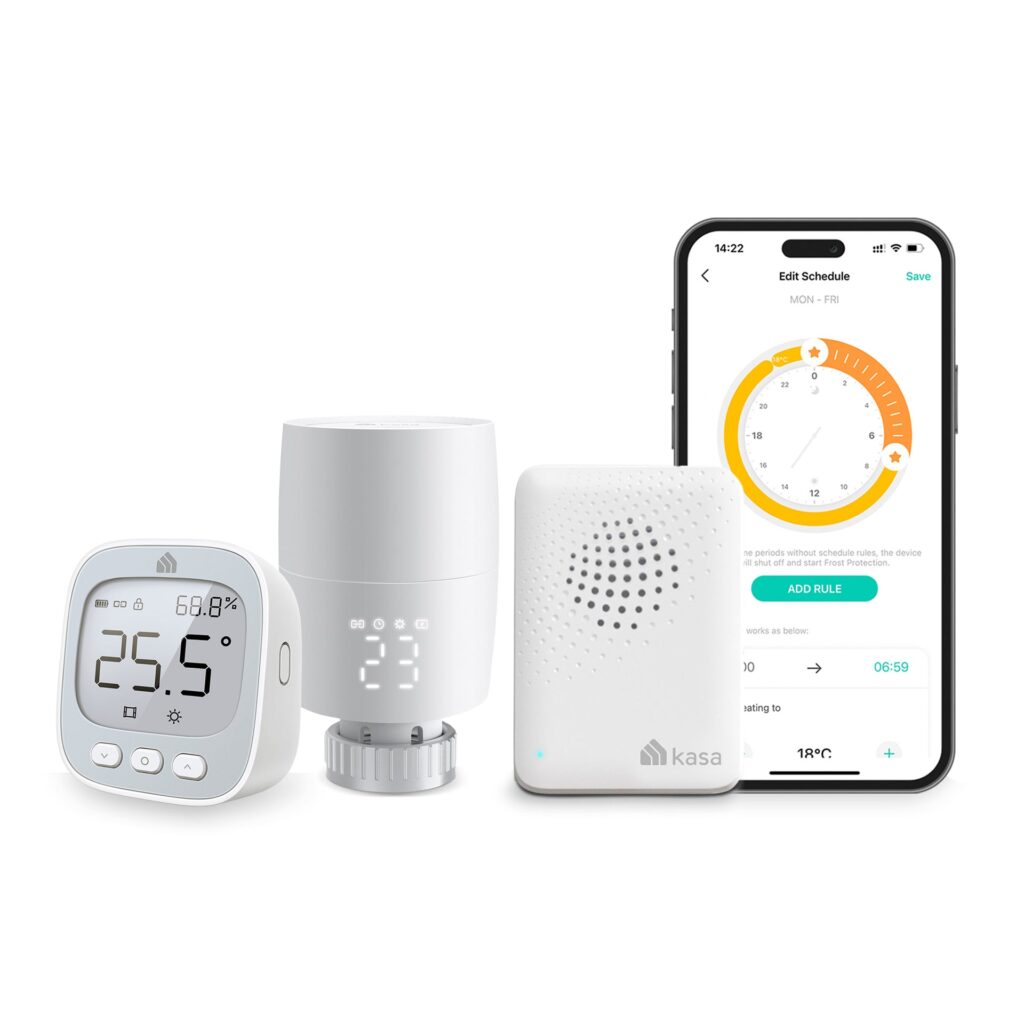
TP-Link KE100 TKIT

TP-Link

3-Kasa Smart Thermostatic Radiator Valve with Hub, Supports Kasa App, KE100 TKIT

Shown option: 3-Kasa Smart Thermostatic Radiator Valve with Hub, Supports Kasa App, KE100 TKIT. Scores shown apply to this option.

Smart thermostat
Yes
Wi-Fi
Not confirmed
Temperature control range
Not confirmed
Works with Amazon Alexa
Not confirmed

Current

TP-Link 3-Kasa Smart Thermostatic Radiator Valve with Hub, Supports Kasa App, KE100 TKIT
Model code: KE100 TKIT
7 model options — compare versions

Specifications, review scores and prices belong to each exact model.

COR ScoretbdAvailable after 3 critic reviews0 critics
TP-Link KE110

TP-Link

Room Thermostat

Smart thermostat
Yes
Wi-Fi
Yes
Temperature control range
0 - 50 °C
Works with Amazon Alexa
Yes

Current

TP-Link Room thermostat WLAN White
Model code: KE110

COR ScoretbdAvailable after 3 critic reviews0 critics

Select a product to check its exact model, reviewed version and available retailer offers. Matching model options are grouped together where supported; the displayed score belongs to the shown option. Individual critic reviews remain visible while a product builds towards three critics for a COR Score.

Your reading library

Smart thermostat buying guides

Understand the features and specifications you see in smart thermostat reviews. Read the complete guide or explore a focused topic.

Read the complete buying guide Back to the results ↑

Your six-step checklist

How to choose the right smart thermostats

Find the best fit for your priorities, your setup and your budget.

Turn expert smart thermostat reviews into a shortlist with these six practical checks.

01

Identify heating equipment

Identify boiler, heat pump, zones and existing controls before purchase.

Your decision Identified heating equipment.

02

Check heating compatibility

Check exact compatibility with heating and hot-water arrangements.

Your decision Checked exact compatibility.

03

Compare household controls

Compare physical control and app scheduling for all household members.

Your decision Compared household controls.

04

Budget installation extras

Budget for professional installation and any bridge or sensors.

Your decision Costed installation extras.

05

Read support and account terms

Read support, account, update and household-sharing terms.

Your decision Read support terms.

06

Interpret energy data carefully

Use energy data as context, not a guaranteed-saving prediction.

Your decision Interpreted energy data.

Ready to build your shortlist? Use these checks to narrow the results, then read the evidence for each exact model.

Make it work for you

Plan the heating controls

Turn your everyday needs into a practical setup. Record these details before comparing your final shortlist.

Picture it in everyday use

  1. Record the heating equipment, zones and existing controls.
  2. Have exact compatibility and installation scope confirmed before choosing a package.
  3. Check manual controls, accounts and outage behaviour alongside energy data.
Explore the complete setup guide →
Your smart thermostat planning notes
RequirementWhat to record or check
Heating systemBoiler or heat pump, zones, controls and hot-water arrangement
Installation scopeReceiver, bridge, sensors, radiator controls and professional requirements
Manual controlPhysical controls, schedules, household access and local behaviour
Connected ownershipNetwork, updates, account sharing, outages and energy-data interpretation

Use the exact model’s manual and manufacturer specifications to confirm measurements, connections and supported features.

Keep your priorities together. A short set of notes makes it easier to compare complete offers and discuss your requirements with a retailer or installer.

Running costs and support

Assess batteries in sensors, subscriptions if any, replacement parts and support for future heating-system changes. Remote temperature sensors should be placed where they represent comfort, not next to a cooker or draught.

Practical check Use energy-monitoring data carefully. A smart meter can provide consumption context, but it does not prove that a thermostat caused a particular change; weather and household behaviour also matter.

Explore this in the buying guide →

Zoning, TRVs and installer decisions

A thermostat controls the heating system it is connected to; smart radiator valves can refine room control but do not automatically create a correctly designed heating zone. Check boiler, heat pump, hot-water and existing-control compatibility before ordering.

Practical check An installer can identify wiring, receiver location, bypass requirements and whether the system needs a programmer, room sensor or separate zone control. Include commissioning and handover in the cost, rather than treating installation as an optional add-on.

Explore this in the buying guide →

Schedules versus optimisation

A clear schedule may suit predictable days better than a learning feature that repeatedly guesses wrong. Check how quickly a user can override a temperature and whether that override lasts for a set time or changes the programme.

Practical check For rooms with different occupancy, compare a room sensor or properly compatible smart radiator valve with a single hallway thermostat. The aim is comfort at the control point, not maximum automation.

Explore this in the buying guide →

Compare with a purpose

Find the right smart thermostats for the way you use them

Choose your main priority, then compare the evidence that matters most for your setup.

Your main useWhat to look forWhat to weigh up
Regular household scheduleEasy schedules, manual override and clear displayAutomation needs occasional review when routines change.
Multiple roomsZone support, radiator controls and system compatibilityMore zones add equipment, batteries and setup complexity.
Away-from-home controlReliable app, account security and sensible notificationsRemote access depends on internet and ongoing support.
  1. 01

    Compare the complete cost

    Include the product, delivery, required accessories and any setup or installation. Check relevant consumables, subscriptions and replacement parts over the period you expect to own it.

  2. 02

    Prioritise everyday features

    Use your planning notes to identify essential functions and connections. Confirm them for the exact model and configuration, then weigh optional features against the difference in price.

  3. 03

    Read beyond the average

    Read the original critics’ findings for your priorities. Check the date and tested version, then compare the evidence alongside the COR Score and number of distinct critics.

  4. 04

    Match the complete offer

    Check the manufacturer code, generation, configuration, condition and included items. Confirm stock, delivered price, returns and warranty terms with the retailer before ordering.

Independent reviews, made comparable

What does the COR Score mean?

One consistent scale makes different publishers’ ratings easier to compare. The original review explains why a critic reached that verdict.

Read our scoring methodology →

Scale conversion · example

8/ 104.00/ 5

An illustration of conversion, not a rating for a listed product.

  1. 01

    Check the match

    Identify the exact product and the version reviewed. Check model codes, configuration and the included package.

  2. 02

    Compare on one scale

    Convert eligible ratings to five points, count each publisher once and give every critic equal weight.

  3. 03

    Require three critics

    Show the average to two decimal places after three distinct critics. Otherwise show tbd while keeping individual reviews visible.

Read the score alongside the critic count, review dates, tested version and strengths that matter to you. Linked reviews of related hardware remain separate from the selected product’s score.

Explore the catalogue

A growing choice to discover

Compare the recorded models, explore different configurations and follow the available expert reviews. Use each product page for its latest evidence and retailer links.

Return to the results ↑
Listed model options
114
Options with critic ratings
15
Brands to explore
24

Explore your options

Browse brands and features

Follow a manufacturer or a selection based on recorded product features.

Your questions, answered

Smart thermostat buying FAQ

Ten answers to help you make an informed choice.

01Will a smart thermostat save money?

It can help manage schedules, but results depend on the building, system and use. Do not treat a claimed saving as guaranteed.

02Can I fit one to any boiler?

No. Compatibility varies. Confirm the exact heating system with the manufacturer guidance or qualified installer.

03Does it work without internet?

Basic local behaviour varies; remote control usually needs internet. Check the exact product documentation.

04How do I choose the best smart thermostats for my needs?

Start with your main use, practical setup and total budget. The comparison table above identifies useful features for different priorities. Use the category filters, then check exact-model specifications and the original reviews for your shortlist.

05What does the COR Score tell me?

It summarises eligible independent critic ratings on a five-point scale, with one equally weighted rating per publisher. The displayed average has two decimal places. Open the original reviews to see how the findings relate to your priorities.

06Why do some products display tbd?

A public COR Score becomes available after three distinct critics. Until then, tbd indicates that review coverage is still building; available individual reviews remain visible. It is different from a zero rating.

07Does a review cover every version or accessory bundle?

Check the version actually reviewed. Confirmed equivalent colour, storage or accessory variants can share model-level reviews with a tested-version label. Related hardware, different generations and other distinct editions are shown separately and do not contribute to the selected product’s score.

08How can I filter the smart thermostats?

Filters use the recorded specifications for each model or option. Choose a brand or feature, then apply your filters to narrow the results. Missing information is not treated as confirmed feature support. Open the product page to check the full specification.

09What should I check when comparing retailer offers?

Match the complete manufacturer code, configuration, condition and included items. Add delivery and necessary accessories to compare the total cost, and confirm stock, warranty and returns details with the retailer.

10How should I use older reviews or previous-generation models?

Check the review date, tested version and current manufacturer support. Compare the features you need, replacement parts or consumables where relevant, and the complete offer. A useful older review can still explain a model well, while availability and services may have changed.

Specifications, explained

Smart thermostat glossary

Understand the terms, then use the buying checks to compare exact models.

Heating system4 terms
Heating zone

An area of a property that can be controlled as part of a heating system.

Buying check Ask an installer which zones the existing system and proposed controls can support.

Thermostatic radiator valve / TRV

A valve that regulates flow through a radiator in response to its control setting or sensed temperature.

Buying check Check valve compatibility and how smart valves coordinate with the heating controls.

Relay control

An electrical switching method used by some heating controls and other devices.

Buying check Compatibility and installation should be assessed for the exact system by a competent installer.

Modulating heating control

A control arrangement that can request changes in heating output rather than only switching demand on or off.

Buying check Ask the heating manufacturer or installer which protocols the system supports.

Controls and comfort4 terms
Schedule

Stored times and actions used to operate a device or control a setting.

Buying check Check whether schedules run locally and how manual overrides behave.

Remote temperature sensor

A sensor that supplies temperature information from a location separate from the main controller.

Buying check Check how readings are used and follow the placement guidance.

Geofencing

A feature that uses a device’s reported location relative to a defined area to trigger actions.

Buying check Check permissions, household support and what happens when location data is unavailable.

Hot-water control

A thermostat or controller’s ability to manage supported hot-water heating functions.

Buying check Check the heating-system type and whether separate hot-water control is needed.

Connected use4 terms
Smart-home hub

A controller that connects or coordinates compatible smart-home devices.

Buying check Check the exact protocols and functions supported, including local operation.

Wi-Fi

A wireless network connection used for internet access or communication on a local network.

Buying check Check supported bands and signal quality at the intended location.

Local control

An action performed within the home or device without requiring a remote cloud service.

Buying check Check which functions continue if the internet connection fails.

Software update support

The manufacturer’s provision of software fixes, security updates or feature changes.

Buying check Look for a published support policy for the exact model and region.

Technical sources and further reading · Check the exact model’s manufacturer documentation for supported features.