
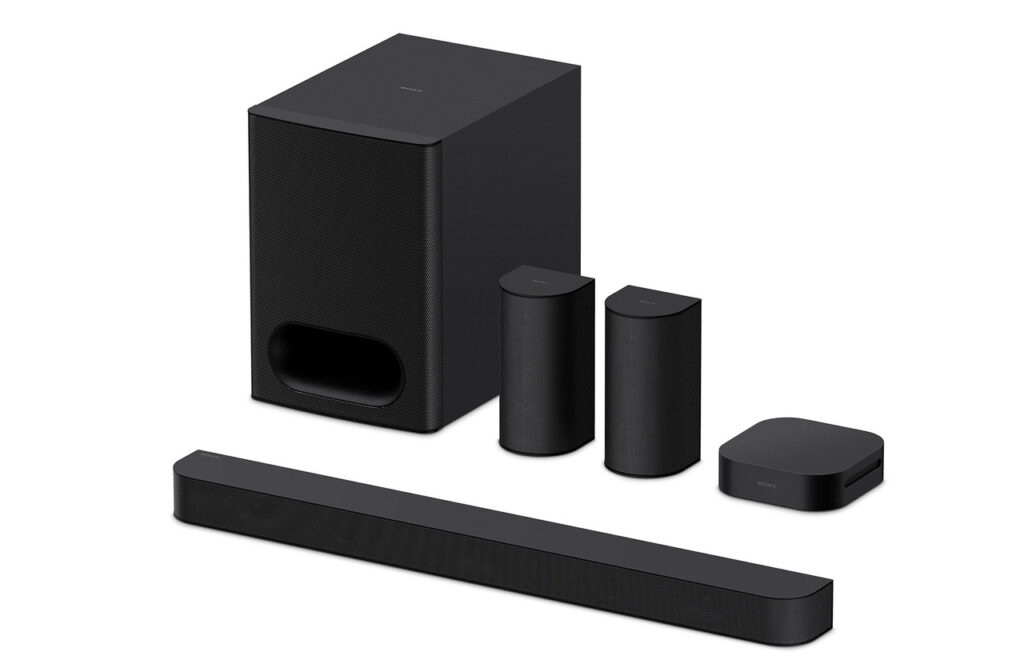
Sony
BRAVIA Theatre System 6 HT-S60
- Audio output channels
- 5.1
- RMS rated power
- Not confirmed
- Bluetooth
- Not confirmed
- Subwoofer included
- Yes
Current
Sony BRAVIA Theatre System 6 HT-S60 Black
Retailer package reference: SONY-HTS60
Compare surround sound systems with independent expert reviews, COR Scores and exact-model specifications. Find the best fit for your needs, explore the buying advice below and check available UK retailer offers.
Choosing the best surround sound systems starts with how you will use them. Consider dedicated film area, living-room upgrade, music and TV together, then match the features and practical requirements to your shortlist.
Our UK surround sound system reviews comparison brings together published critics’ assessments and recorded product specifications. A COR Score converts eligible ratings to five points and gives each publisher equal weight. Read the original reviews for the reasoning, tested configuration and review date; an average becomes available after three distinct critics.
Use the available category filters to explore recorded features. Open each product to check its full manufacturer code, configuration and current review coverage. Compare retailer offers for that exact version, including condition, accessories and delivery.
Below the results, explore the buying guides, work through how to choose, or use the glossary to make sense of unfamiliar specifications.
22 product listingsShowing 1–12
Sony
Current
Sony BRAVIA Theatre System 6 HT-S60 Black
Retailer package reference: SONY-HTS60
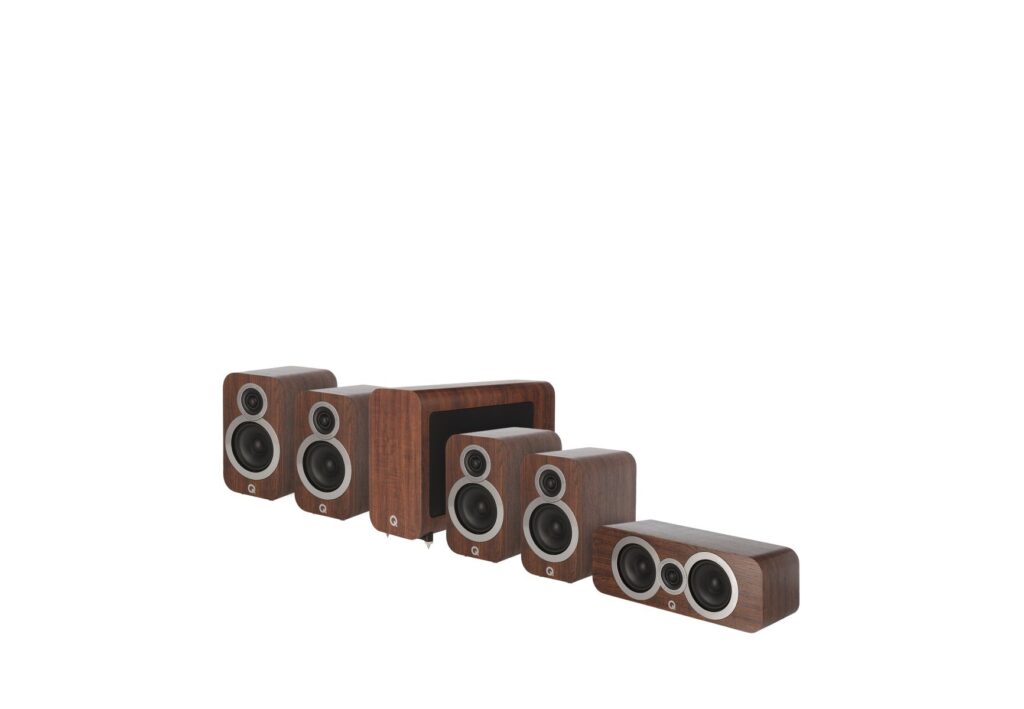
Q Acoustics
Shown option: English Walnut. Scores shown apply to this option.
Current
Q Acoustics 3010i 5.1 English Walnut
Manufacturer code: QA3612
Specifications, review scores and prices belong to each exact model.
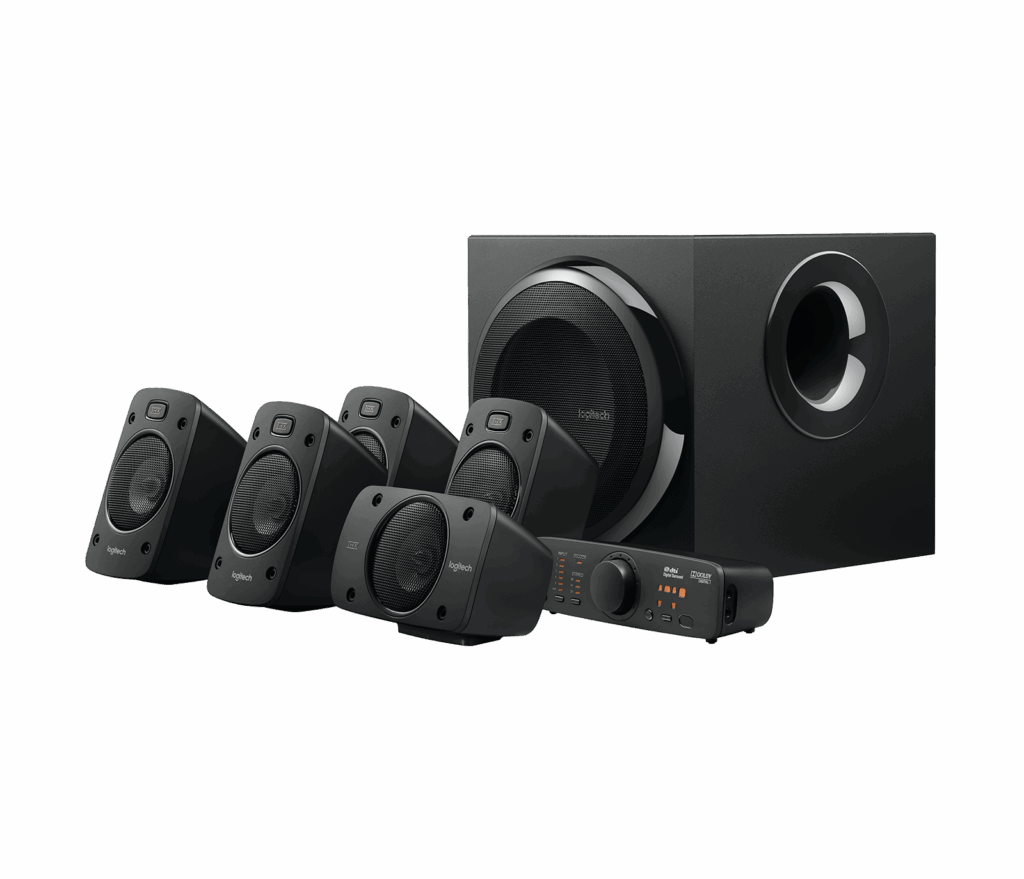
Logitech
Current
Logitech Z906 Black
Manufacturer code: 980-000469
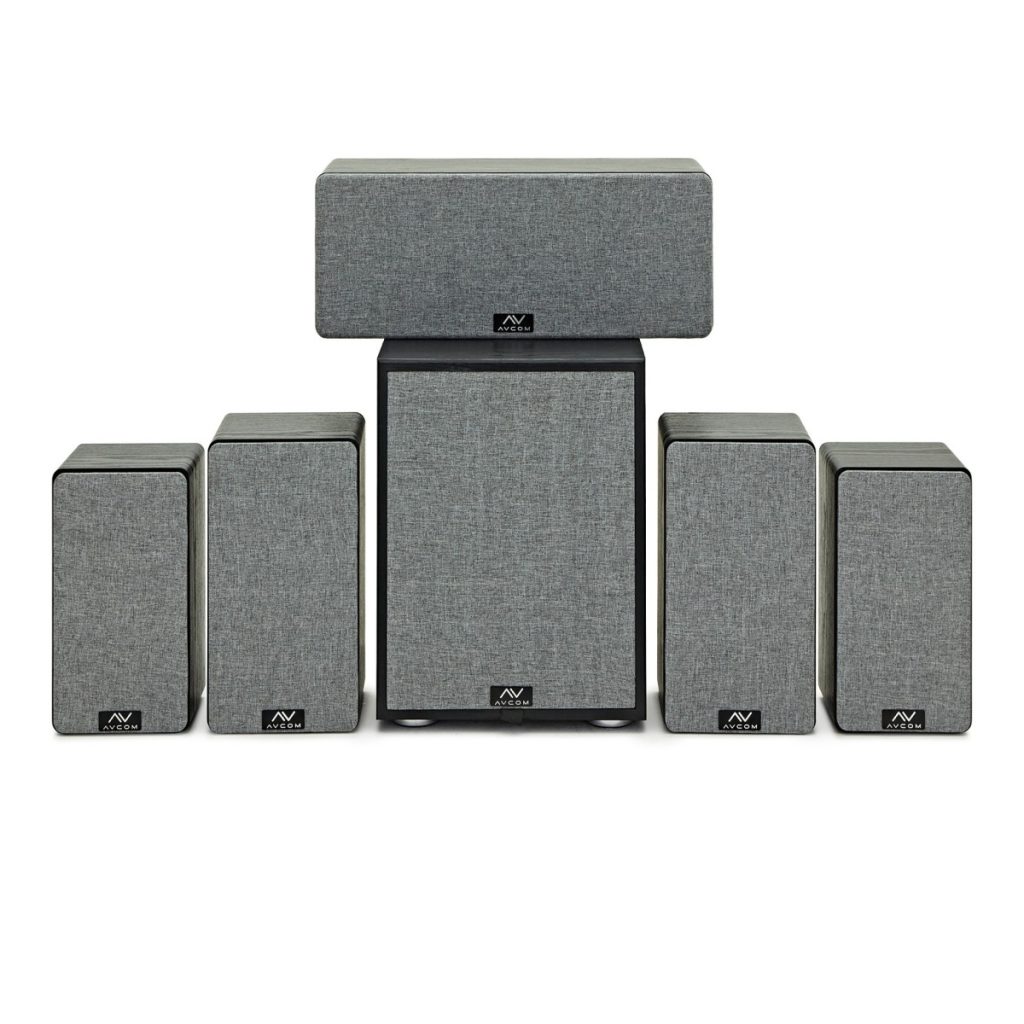
AVCOM
Shown option: Black. Scores shown apply to this option.
Current
AVCOM 5.1 Speaker Bundle Black
Retailer package reference: 347492
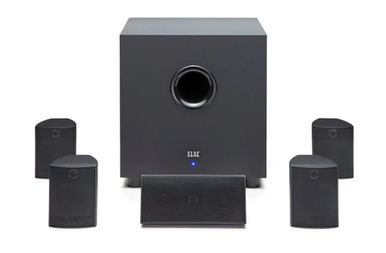
ELAC
Current
ELAC Cinema 5.2 Black
Retailer package reference: ELAC-CINEMA-BLK
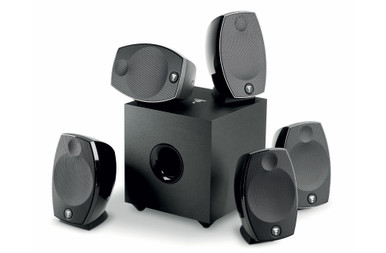
Focal
Current
Focal Sib Evo 5.1 Gloss Black
Retailer package reference: FOCA-SIB-EVO-5.1-BLK
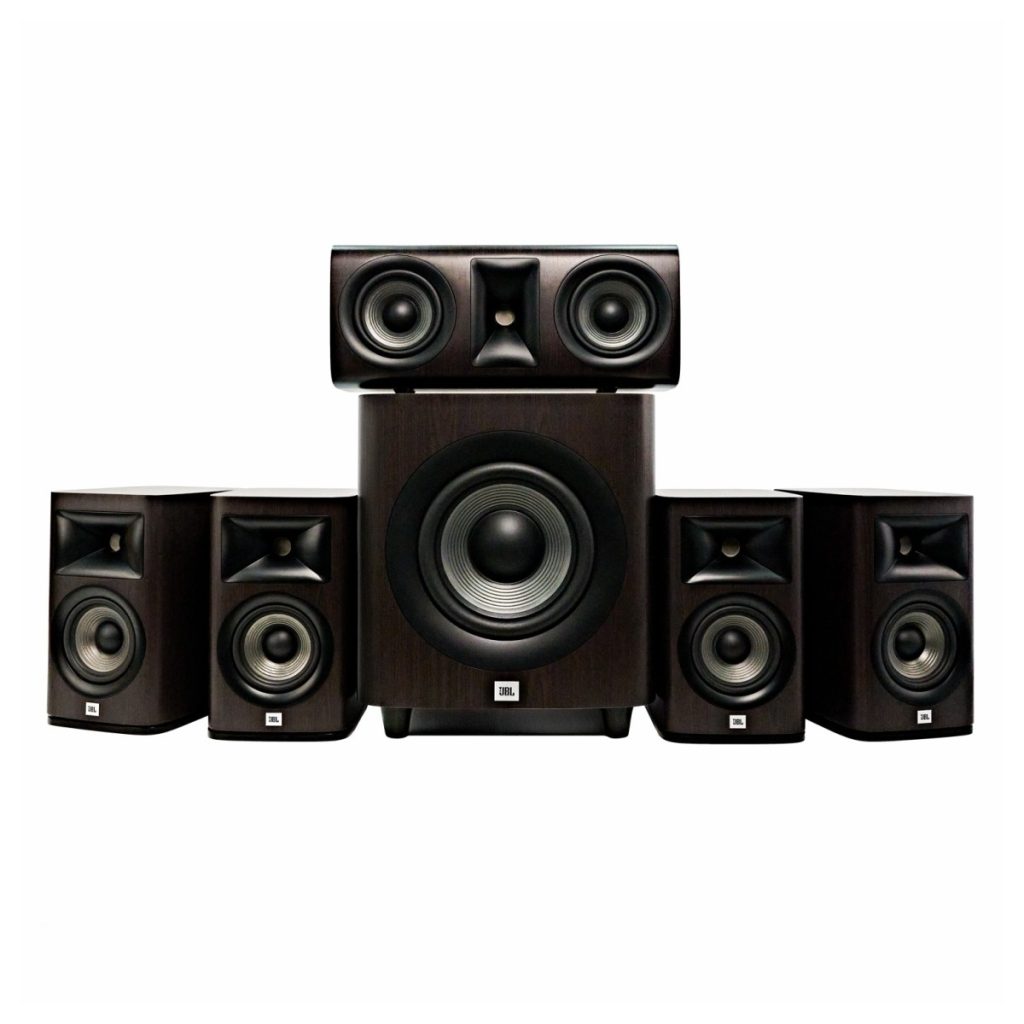
JBL
Current
JBL Studio 620 5.1 Dark Wood
Retailer package reference: 280842
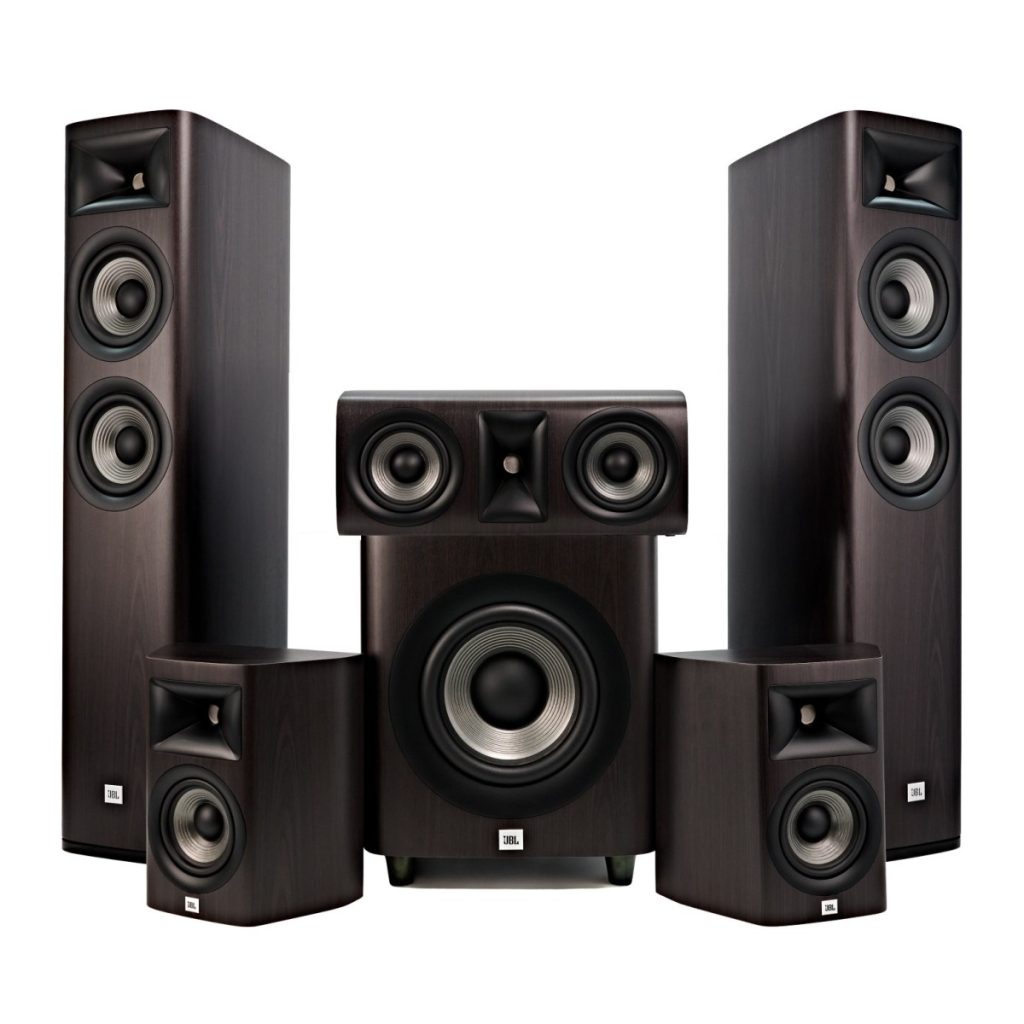
JBL
Current
JBL Studio 680 5.1 Dark Wood
Retailer package reference: 356919
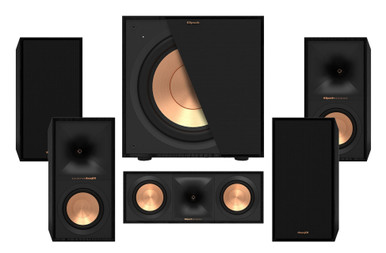
Klipsch
Current
Klipsch Reference 50 5.1 Black
Retailer package reference: PAH021150
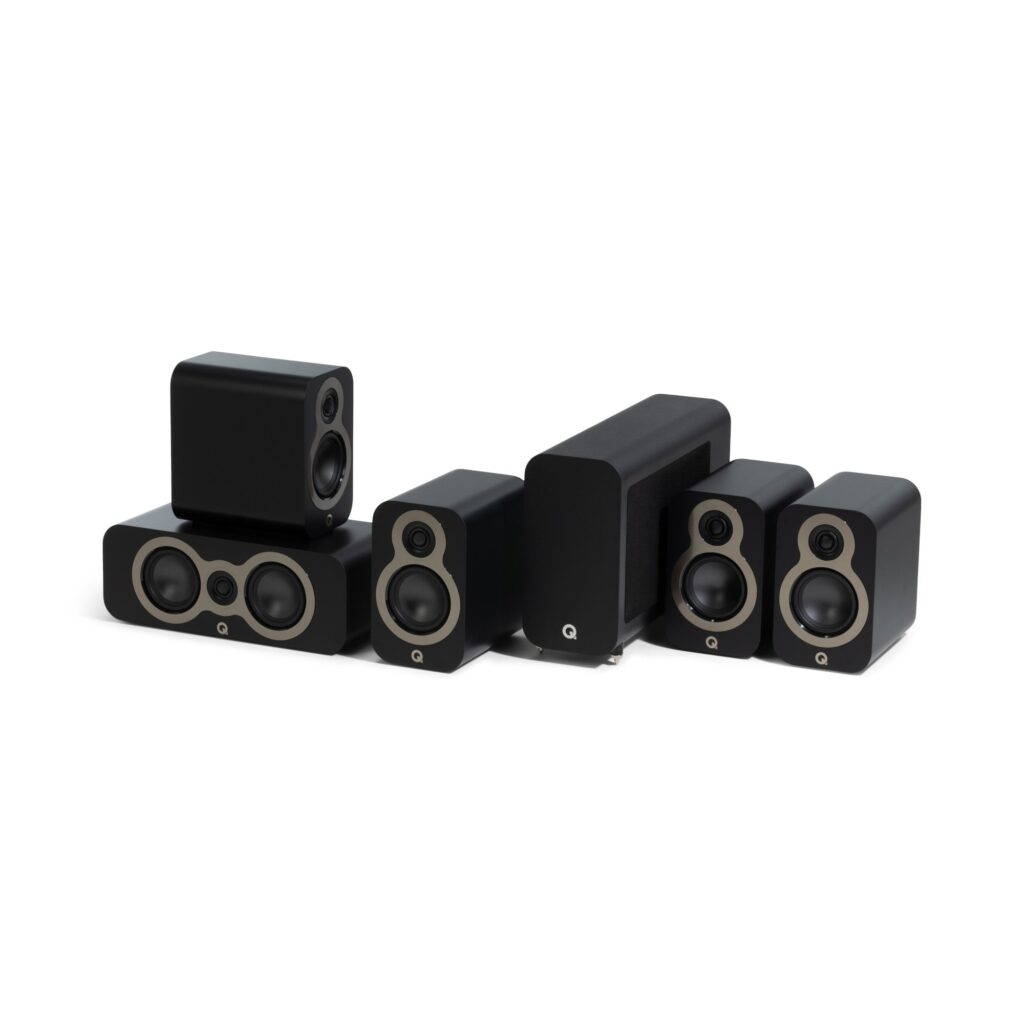
Q Acoustics
Shown option: Satin Black. Scores shown apply to this option.
Current
Q Acoustics 3010c 5.1 with 3060S Satin Black
Manufacturer code: QA3371
Specifications, review scores and prices belong to each exact model.
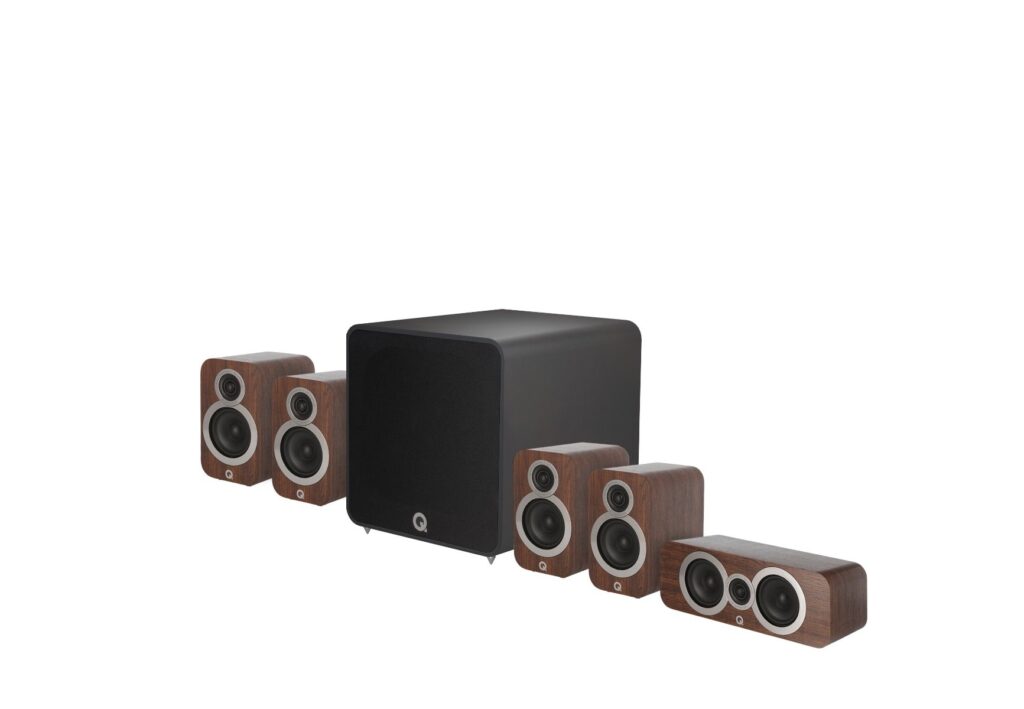
Q Acoustics
Shown option: English Walnut. Scores shown apply to this option.
Current
Q Acoustics 3010i Plus 5.1 English Walnut
Manufacturer code: QA3712
Specifications, review scores and prices belong to each exact model.
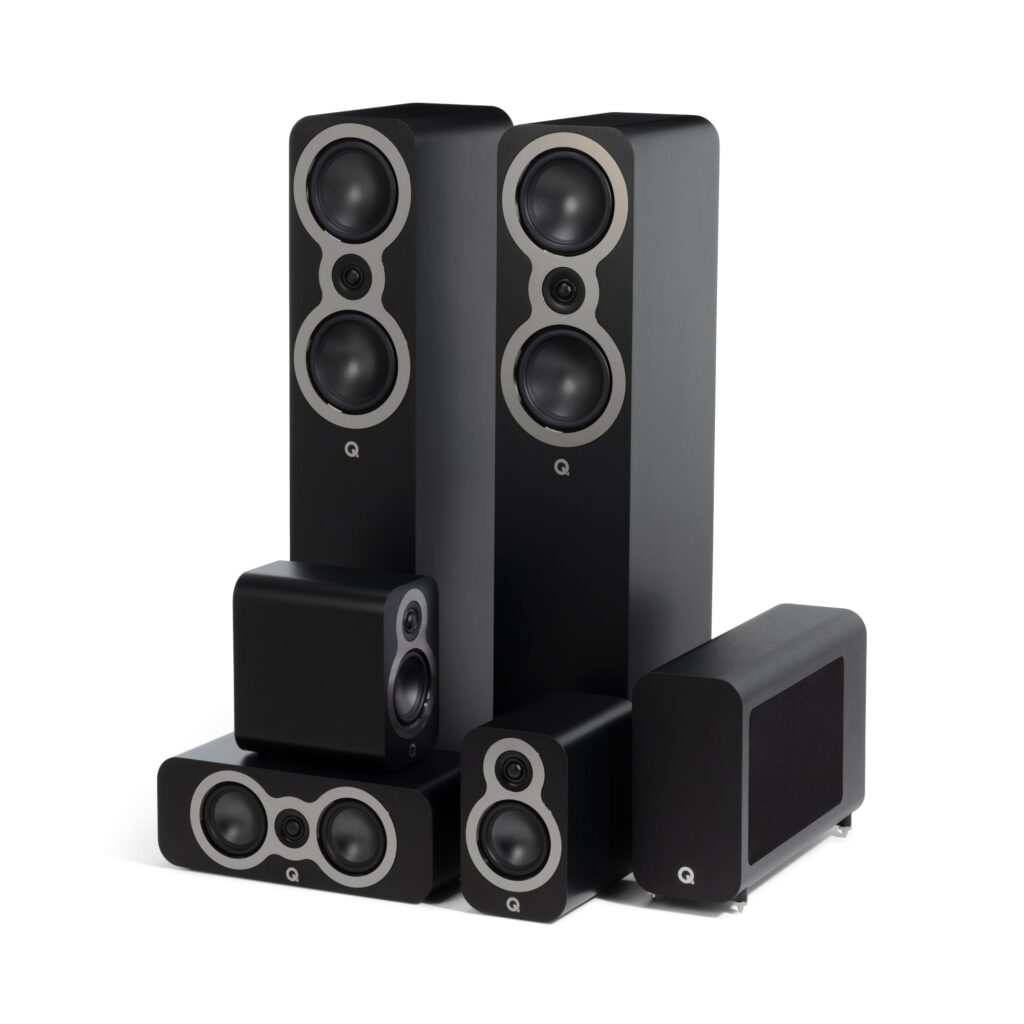
Q Acoustics
Shown option: Satin Black. Scores shown apply to this option.
Current
Q Acoustics 3050c 5.1 with 3060S Satin Black
Manufacturer code: QA3373
Specifications, review scores and prices belong to each exact model.
Select a product to check its exact model, reviewed version and available retailer offers. Matching model options are grouped together where supported; the displayed score belongs to the shown option. Individual critic reviews remain visible while a product builds towards three critics for a COR Score.
More ways to enjoy surround sound
These complete kits include physical surround speakers. Explore their existing product pages for the supplied components, expert reviews and available prices.
Your reading library
Understand the features and specifications you see in surround sound system reviews. Read the complete guide or explore a focused topic.
Read the complete buying guide →Back to the results ↑Labels such as 5.1 and 7.1.4 describe channel roles, not the quality of the result. A well-positioned smaller system can be more convincing than extra speakers placed wherever a cable happens to reach.
Explore the guide →Buy channels for a speaker layout the room can support now or through a specific planned upgrade, not for an abstract maximum.
Explore the guide →Choose a matched package for simplicity or individual speakers for room-specific flexibility, while keeping the front stage coherent.
Explore the guide →Use automatic calibration as measured setup assistance, then inspect distances, levels and crossover results.
Explore the guide →Your six-step checklist
Find the best fit for your priorities, your setup and your budget.
Turn expert surround sound system reviews into a shortlist with these six practical checks.
Sketch seats, doors, display and proposed speaker positions.
Your decision Mapped listening layout.
Count HDMI sources, display outputs and required video features.
Your decision Listed source requirements.
Measure speaker and subwoofer locations, including power sockets.
Your decision Measured equipment placement.
Read the receiver and television compatibility notes together.
Your decision Checked receiver compatibility.
Budget for stands, cables, mounting and professional installation where required.
Your decision Costed complete installation.
Check availability of replacement remotes, speakers and firmware support.
Your decision Planned long-term support.
Ready to build your shortlist? Use these checks to narrow the results, then read the evidence for each exact model.
Make it work for you
Turn your everyday needs into a practical setup. Record these details before comparing your final shortlist.
| Requirement | What to record or check |
|---|---|
| Listening layout | Seats, display, speaker positions, doors and obstructions |
| Source chain | HDMI sources, display outputs, formats and receiver capabilities |
| Installation space | Speaker, subwoofer and receiver locations, sockets and mounting |
| Ownership plan | Stands, cables, installation, spare parts and firmware support |
Use the exact model’s manual and manufacturer specifications to confirm measurements, connections and supported features.
Keep your priorities together. A short set of notes makes it easier to compare complete offers and discuss your requirements with a retailer or installer.
Plan cables before decorating and use a qualified installer for any work involving mains electricity, structural mounting or concealed wiring. Label both ends of each cable. A neat route is easier to fault-find and safer around children and pets.
Practical check Try the daily routine: television, streaming app, console and music. HDMI control can simplify it, but it can also introduce quirks. Keep a simple fallback input and document settings before firmware updates.
Explore this in the buying guide →Place the front left, centre and right speakers around the display before adding surrounds. A centre speaker should not be buried in a cabinet, and surrounds should relate to the seat rather than simply occupy the furthest wall.
Practical check Automatic calibration measures a starting point. Recheck channel levels, crossover and dialogue with familiar content, particularly after moving furniture. It cannot solve a speaker blocked by a sofa or a subwoofer placed inside a closed unit.
Explore this in the buying guide →Check receiver decoding, HDMI pass-through and source settings against the disc player, console and television rather than treating a logo as end-to-end support.
Practical check Follow receiver limits for speaker impedance and ventilation. Mixing speakers is possible only when their electrical and tonal match remains suitable at the listening level you use.
Explore this in the buying guide →Compare with a purpose
Choose your main priority, then compare the evidence that matters most for your setup.
| Your main use | What to look for | What to weigh up |
|---|---|---|
| Dedicated film area | Speaker positions, receiver inputs and bass management | More speakers require more wiring, space and calibration. |
| Living-room upgrade | Compact speakers, simple control and a realistic cable plan | Wireless surrounds still need power and may use proprietary links. |
| Music and TV together | Stereo quality, dialogue clarity and source switching | A cinema-focused package may not suit close music listening. |
Include the product, delivery, required accessories and any setup or installation. Check relevant consumables, subscriptions and replacement parts over the period you expect to own it.
Use your planning notes to identify essential functions and connections. Confirm them for the exact model and configuration, then weigh optional features against the difference in price.
Read the original critics’ findings for your priorities. Check the date and tested version, then compare the evidence alongside the COR Score and number of distinct critics.
Check the manufacturer code, generation, configuration, condition and included items. Confirm stock, delivered price, returns and warranty terms with the retailer before ordering.
Open the specifications glossary · Compare expert reviews · Check the model and offer
Independent reviews, made comparable
One consistent scale makes different publishers’ ratings easier to compare. The original review explains why a critic reached that verdict.
Read our scoring methodology →Scale conversion · example
An illustration of conversion, not a rating for a listed product.
Identify the exact product and the version reviewed. Check model codes, configuration and the included package.
Convert eligible ratings to five points, count each publisher once and give every critic equal weight.
Show the average to two decimal places after three distinct critics. Otherwise show tbd while keeping individual reviews visible.
Read the score alongside the critic count, review dates, tested version and strengths that matter to you. Linked reviews of related hardware remain separate from the selected product’s score.
Explore the catalogue
Compare the recorded models, explore different configurations and follow the available expert reviews. Use each product page for its latest evidence and retailer links.
Return to the results ↑Explore your options
Follow a manufacturer or a selection based on recorded product features.
Your questions, answered
Ten answers to help you make an informed choice.
They may reduce signal cabling, but often still require mains power and a compatible transmitter or receiver. Verify the exact system.
No. Speaker placement, room, calibration and control at normal volume matter as much as feature count or stated power.
Use a qualified installer for structural work and anything involving mains electricity. Plan routes and safety before work begins.
Start with your main use, practical setup and total budget. The comparison table above identifies useful features for different priorities. Use the category filters, then check exact-model specifications and the original reviews for your shortlist.
It summarises eligible independent critic ratings on a five-point scale, with one equally weighted rating per publisher. The displayed average has two decimal places. Open the original reviews to see how the findings relate to your priorities.
A public COR Score becomes available after three distinct critics. Until then, tbd indicates that review coverage is still building; available individual reviews remain visible. It is different from a zero rating.
Check the version actually reviewed. Confirmed equivalent colour, storage or accessory variants can share model-level reviews with a tested-version label. Related hardware, different generations and other distinct editions are shown separately and do not contribute to the selected product’s score.
Filters use the recorded specifications for each model or option. Choose a brand or feature, then apply your filters to narrow the results. Missing information is not treated as confirmed feature support. Open the product page to check the full specification.
Match the complete manufacturer code, configuration, condition and included items. Add delivery and necessary accessories to compare the total cost, and confirm stock, warranty and returns details with the retailer.
Check the review date, tested version and current manufacturer support. Compare the features you need, replacement parts or consumables where relevant, and the complete offer. A useful older review can still explain a model well, while availability and services may have changed.
Related categories
Compare complementary products and other ways to meet your needs.
Specifications, explained
Understand the terms, then use the buying checks to compare exact models.
12 terms
Separate audio signals or speaker positions in a sound system, often described by a numbered configuration.
Buying check Check which physical speakers are included and which channels are simulated.
A loudspeaker that requires a suitable external amplifier.
Buying check Check amplifier compatibility, speaker wiring and the complete system cost.
A speaker designed for low bass, sometimes supplied separately from the main speakers.
Buying check Check inclusion, floor space, controls and compatibility with the system.
Filtering that divides frequency ranges between speaker drivers or between speakers and a subwoofer.
Buying check Read the setup guidance and check the available adjustment controls.
The electrical load a speaker presents to an amplifier; the load varies with frequency.
Buying check Use the amplifier and speaker manufacturers’ pairing guidance.
An indication of acoustic output for a specified input under stated conditions.
Buying check Compare measurement conditions and read listening tests alongside the figure.
A system that measures a room and adjusts audio settings such as levels, timing or equalisation.
Buying check Check the supplied microphone and supported speaker layout.
Two speakers reproduce separate left and right audio channels.
Buying check Confirm that the exact speakers support stereo pairing and the sources you use.
Enhanced Audio Return Channel carries compatible audio from a television to a soundbar or receiver through HDMI.
Buying check Confirm support at both ends and the formats passed by the TV.
An audio format that can describe sounds in three-dimensional space, including height information.
Buying check Read how the exact speaker arrangement creates height effects in your room.
A digital audio connection that carries a limited set of audio formats through an optical cable.
Buying check Match the source output to the formats accepted by the receiving device.
A digital-to-analogue converter turns a digital audio signal into an analogue signal.
Buying check Check supported input connections and the sources you actually use.
No matching term. Try an abbreviation or clear the search to browse all topics.
Technical sources and further reading · Check the exact model’s manufacturer documentation for supported features.