
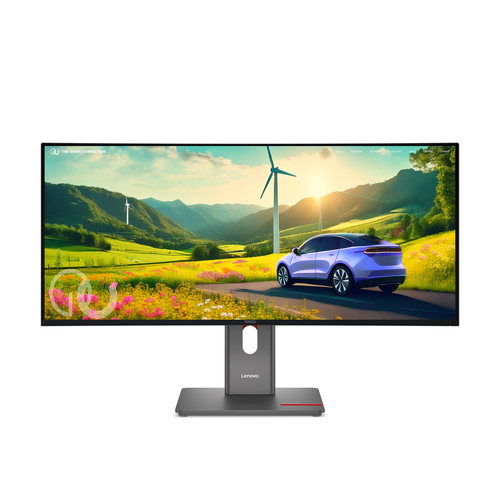
Lenovo
ThinkVision P34WD-40 Monitor
- Display diagonal
- 86.4 cm (34")
- Display resolution
- 3440 x 1440 pixels
- Panel type
- IPS
- Maximum refresh rate
- 120 Hz
Lenovo ThinkVision P34WD-40 Monitor
Model code: 64ADGAR1EU
Computers & tablets · Count on Reviews
Clear product details. Expert scores as coverage grows.
Compare monitor reviews by screen size, resolution, panel type and refresh rate. Explore exact model specifications and available critic scores for work, gaming and general use.
730 productsShowing 379–396
Lenovo
Lenovo ThinkVision P34WD-40 Monitor
Model code: 64ADGAR1EU
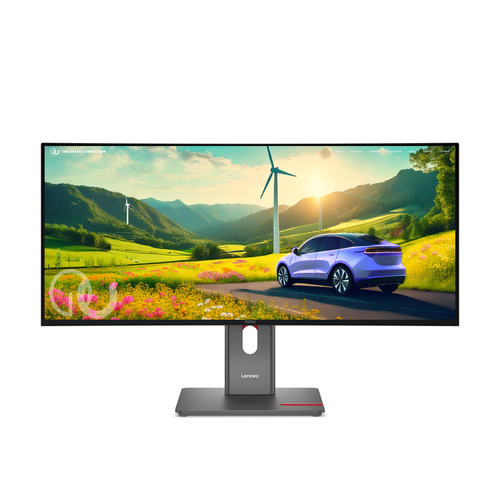
Lenovo
Lenovo ThinkVision P34WD-40 Monitor
Model code: 64ADGAT1EU
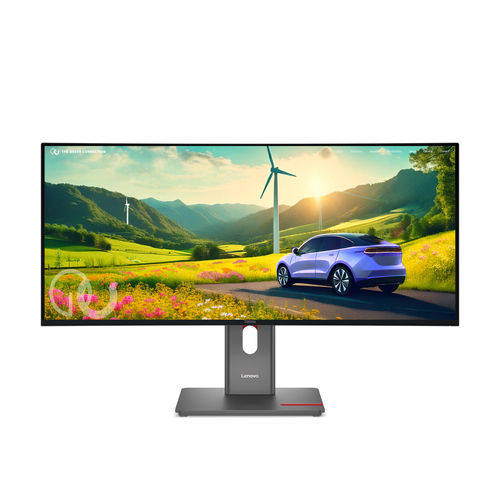
Lenovo
Lenovo ThinkVision P34WD-40 Monitor
Model code: 64ADGAT1UK
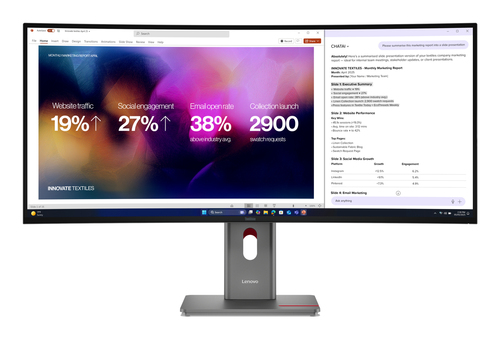
Lenovo
Lenovo ThinkVision P40WD-40 Monitor
Model code: 64B4GAT1EU
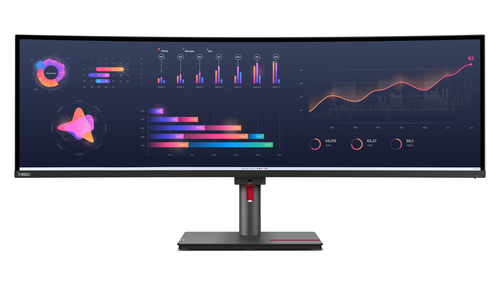
Lenovo
Lenovo ThinkVision P49w-30 Monitor
Model code: 63DBRAT1EU
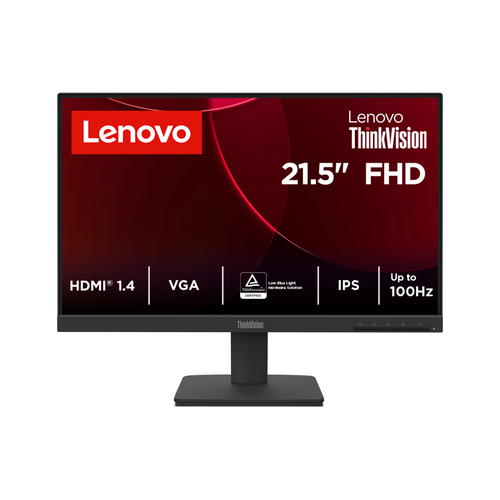
Lenovo
Lenovo ThinkVision S22-4e Monitor
Model code: 64CBKAT6EU
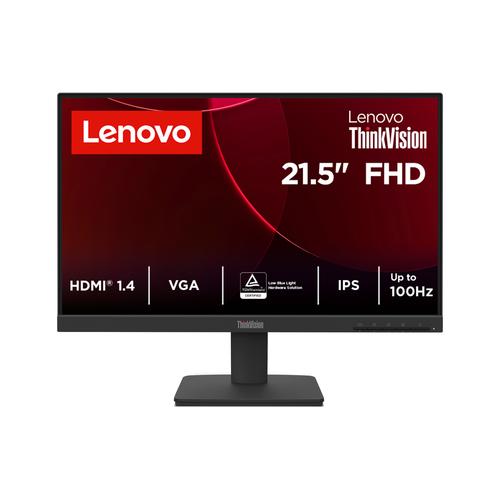
Lenovo
Lenovo ThinkVision S22-4e Monitor
Model code: 64CBKAT6UK
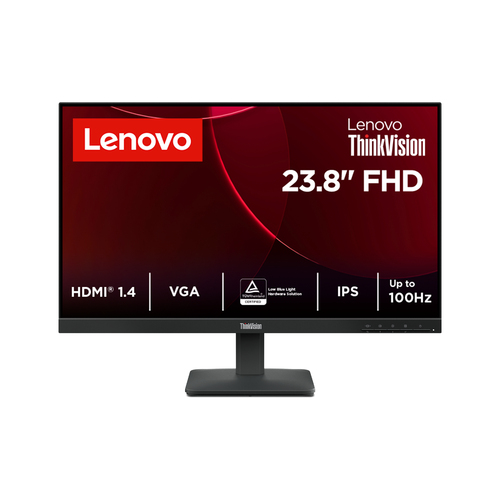
Lenovo
Lenovo ThinkVision S24-4e Monitor
Model code: 64B5KAT1EU
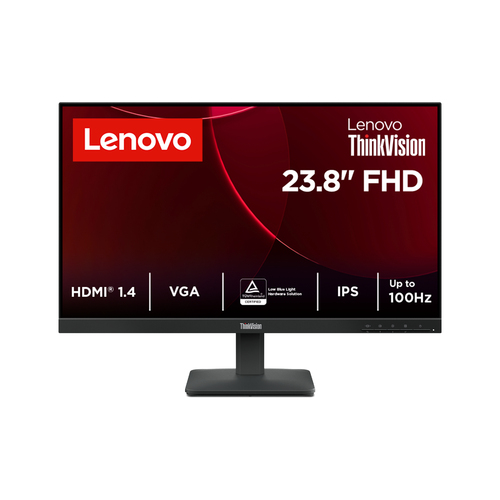
Lenovo
Lenovo ThinkVision S24-4e Monitor
Model code: 64B5KAT1UK
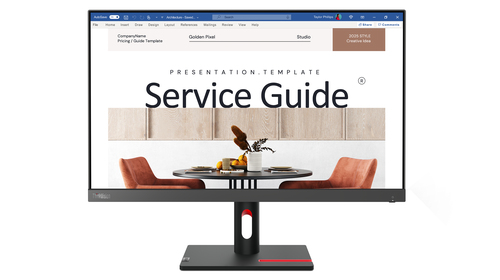
Lenovo
Lenovo ThinkVision S24i-30 computer monitor 60.5 cm (23.8") 1920 x 1080 pixels Full HD LED Black
Model code: 63DEKAT3EU
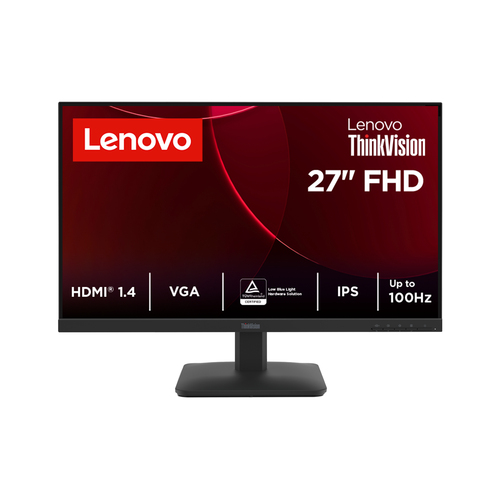
Lenovo
Lenovo ThinkVision S27-4e Monitor
Model code: 64BEKAT1EU
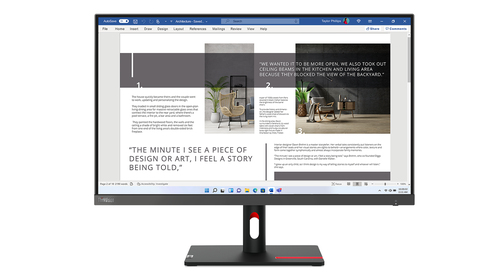
Lenovo
Lenovo ThinkVision S27i-30 computer monitor 68.6 cm (27") 1920 x 1080 pixels Full HD LED Grey
Model code: 63DFKAT4EU
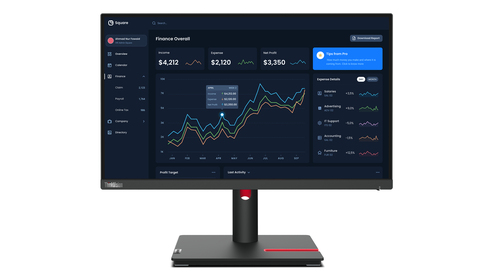
Lenovo
Lenovo ThinkVision T22i-30 Monitor
Model code: 63B0MAT6EU
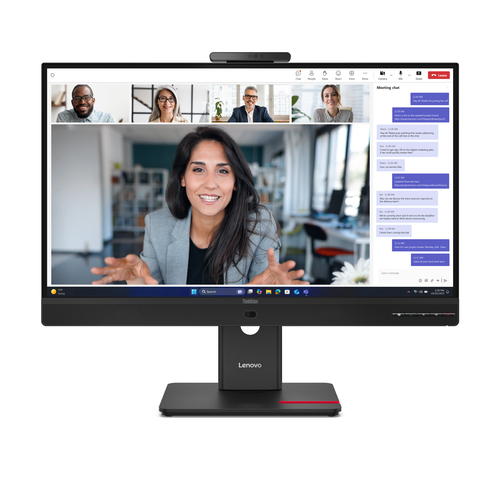
Lenovo
Lenovo ThinkVision T24-4v Monitor
Model code: 64B6MAT1EU
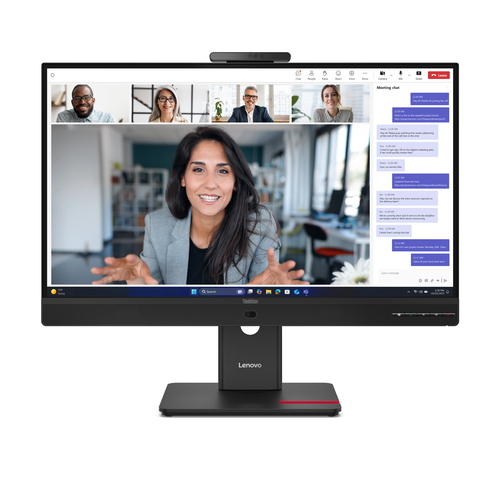
Lenovo
Lenovo ThinkVision T24-4v Monitor
Model code: 64B6MAT1UK
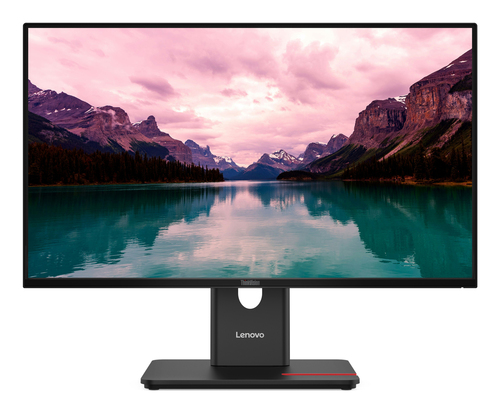
Lenovo
Lenovo ThinkVision T24-40 Monitor
Model code: 64A4MATXEU
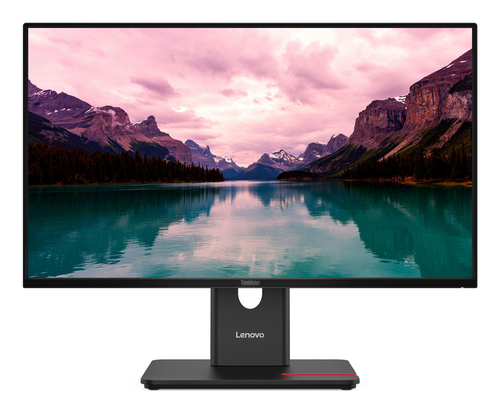
Lenovo
Lenovo ThinkVision T24-40 Monitor
Model code: 64A4MATXUK
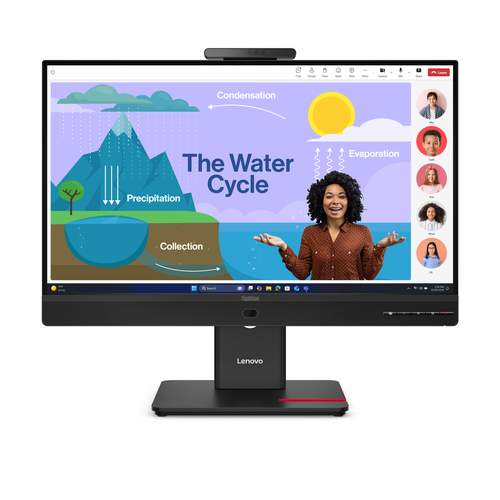
Lenovo
Lenovo ThinkVision T24D-4v Monitor
Model code: 64B7UAT1EU
Coverage is growing and is not exhaustive. UK listing means that the source catalogue includes Great Britain for the exact manufacturer code; it does not confirm current retailer stock. Unrated products have no imported critic score.
Consider screen dimensions, resolution and the available desk space together. Check stand adjustment, mounting options and the viewing distance that suits the setup.
Use refresh rate and panel specifications as starting points. Expert tests can explain response, colour and HDR performance beyond the feature labels.
Check whether the computer and cables support the required resolution and refresh rate through the chosen input. Confirm any USB-C charging or hub functions separately.
Read the original expert reviews for the tested model and use the COR Score as a summary of included ratings. Compare the exact edition, package, delivery and current availability when checking retailer offers.
Explore related reviews: Laptops · Desktop PCs · Tablets · Printers.