
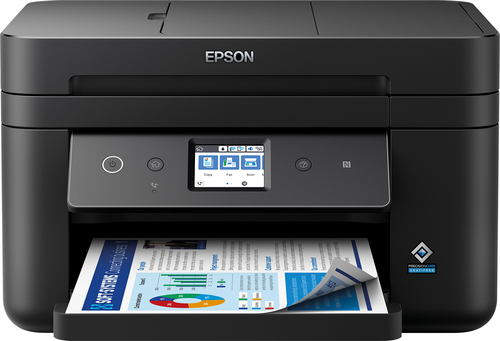
Epson
WorkForce WF-2885DWF
Shown option: Black. Scores shown apply to this option.
- Print technology
- Inkjet
- Colour printing
- Yes
- Duplex printing
- Yes
- Wi-Fi
- Yes
Epson WorkForce WF-2885DWF Inkjet A4 4800 x 1200 DPI 33 ppm Wi-Fi
Model code: C11CG28407
Computers & tablets · Count on Reviews
Clear product details. Expert scores as coverage grows.
Explore printer reviews and compare print technology, colour, duplex and connectivity features. Check the exact model and consumables alongside available expert ratings and current retailer matches.
3631 product listingsShowing 2143–2160
Epson
Shown option: Black. Scores shown apply to this option.
Epson WorkForce WF-2885DWF Inkjet A4 4800 x 1200 DPI 33 ppm Wi-Fi
Model code: C11CG28407
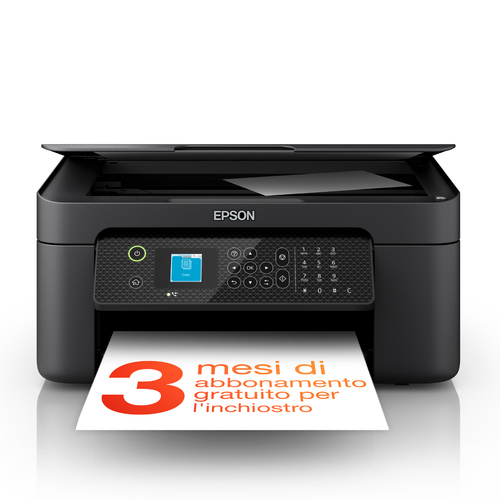
Epson
Shown option: Black. Scores shown apply to this option.
Epson WorkForce WF-2910DWF Inkjet A4 5760 x 1440 DPI 33 ppm Wi-Fi
Model code: C11CK64401
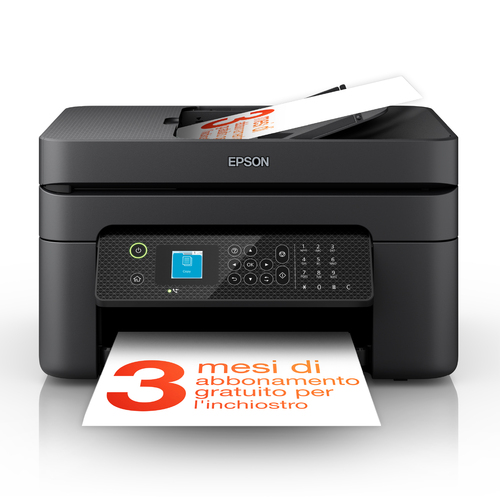
Epson
Shown option: Black. Scores shown apply to this option.
Epson WorkForce WF-2930DWF Inkjet A4 5760 x 1440 DPI 33 ppm Wi-Fi
Model code: C11CK63401
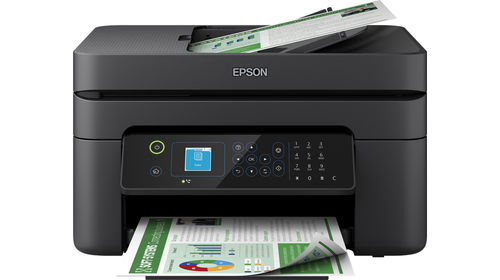
Epson
Shown option: Black. Scores shown apply to this option.
Epson WorkForce WF-2935DWF Inkjet A4 5760 x 1440 DPI 33 ppm Wi-Fi
Model code: C11CK63402
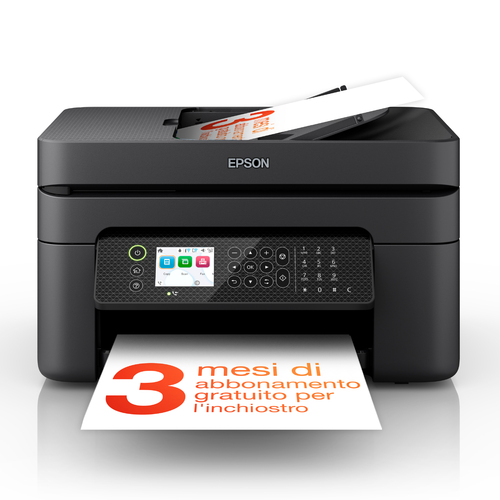
Epson
Shown option: Black. Scores shown apply to this option.
Epson WorkForce WF-2950DWF Inkjet A4 5760 x 1440 DPI 33 ppm Wi-Fi
Model code: C11CK62401
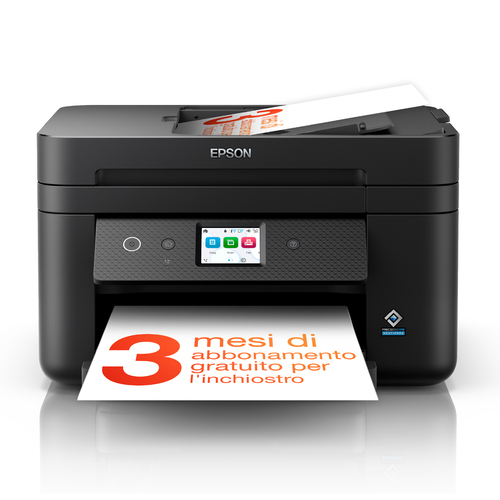
Epson
Shown option: Black. Scores shown apply to this option.
Epson WorkForce WF-2960DWF Inkjet A4 4800 x 1200 DPI 33 ppm Wi-Fi
Model code: C11CK60401
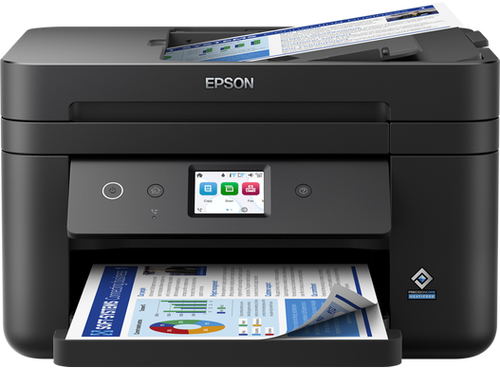
Epson
Epson WorkForce WF-2965DWF Inkjet A4 4800 x 1200 DPI 33 ppm Wi-Fi
Model code: C11CK60402
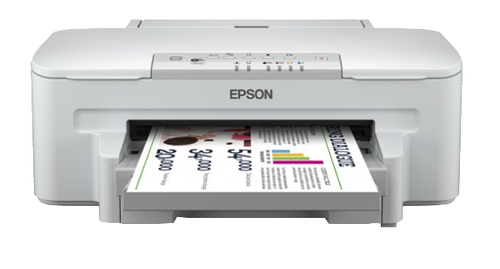
Epson
Shown option: Grey. Scores shown apply to this option.
Epson WorkForce WF-3010DW
Model code: C11CC34301
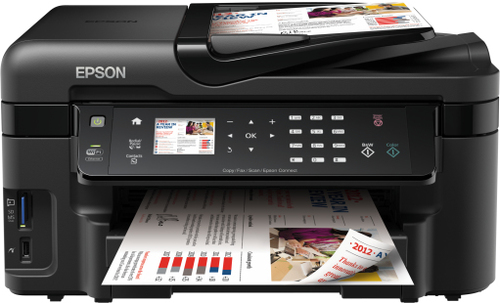
Epson
Epson WorkForce WF-3520DWF Inkjet A4 5760 x 1440 DPI 38 ppm Wi-Fi
Model code: C11CC33301
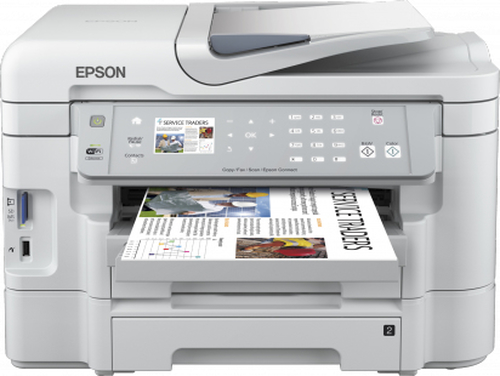
Epson
Epson WorkForce WF-3530DTWF Inkjet A4 5760 x 1440 DPI 38 ppm Wi-Fi
Model code: C11CC32301
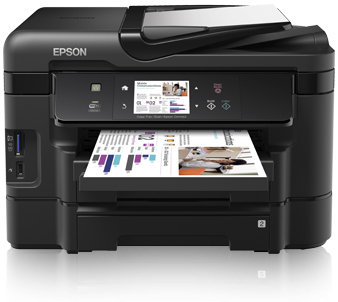
Epson
Shown option: Black. Scores shown apply to this option.
Epson WorkForce WF-3540DTWF Inkjet A4 5760 x 1440 DPI 38 ppm Wi-Fi
Model code: C11CC31301
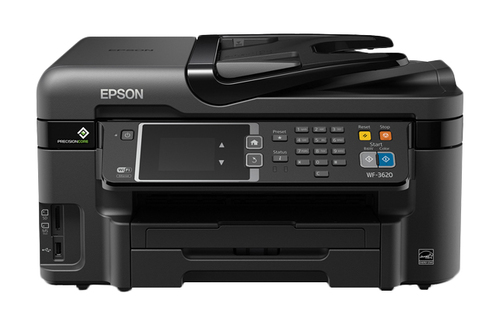
Epson
Epson WorkForce WF-3620 Inkjet A4 4800 x 2400 DPI 19 ppm Wi-Fi
Model code: WF3620-BUN
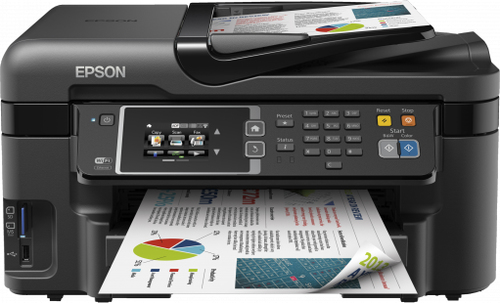
Epson
Shown option: Black. Scores shown apply to this option.
Epson WorkForce WF-3620DWF Inkjet A4 4800 x 2400 DPI 19 ppm Wi-Fi
Model code: C11CD19301
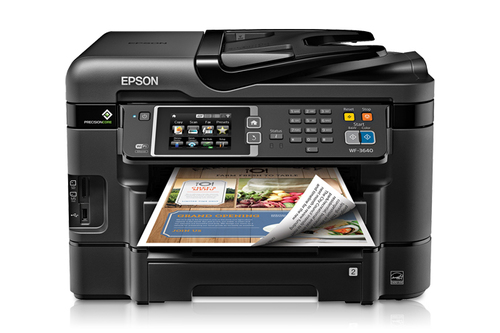
Epson
Epson WorkForce WF-3640 Inkjet A4 4800 x 2400 DPI 19 ppm Wi-Fi
Model code: WF3640-BUN
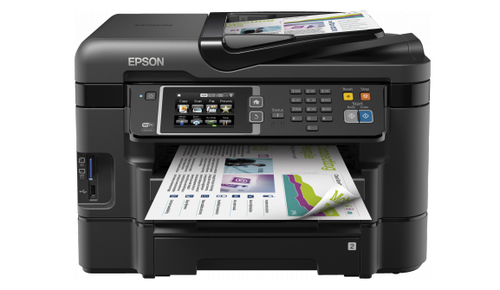
Epson
Shown option: Black. Scores shown apply to this option.
Epson WorkForce WF-3640DTWF Inkjet A4 4800 x 2400 DPI 33 ppm Wi-Fi
Model code: C11CD16301
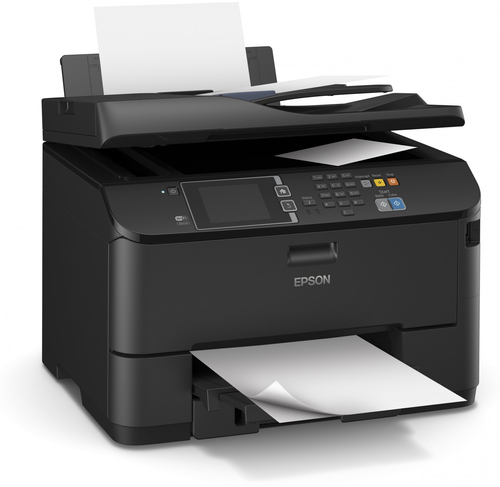
Epson
Epson WorkForce WF-4630DWF Inkjet A4 4800 x 1200 DPI 34 ppm Wi-Fi
Model code: C11CD10301
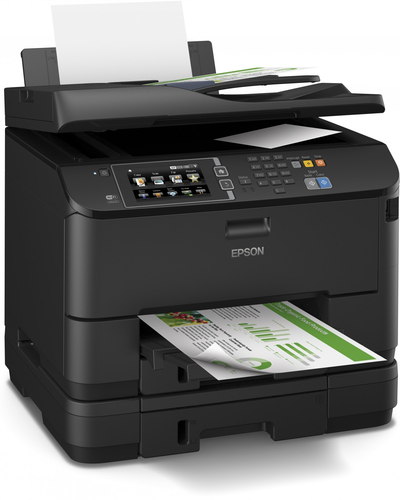
Epson
Epson WorkForce WF-4640DTWF Inkjet A4 4800 x 1200 DPI 34 ppm Wi-Fi
Model code: C11CD11301
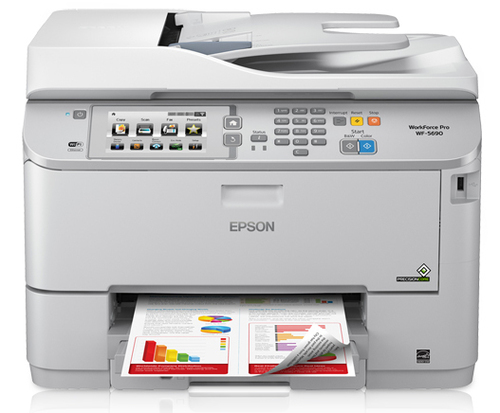
Epson
Epson WorkForce WF-5690DWF Inkjet A4 4800 x 1200 DPI 34 ppm Wi-Fi
Model code: C11CD14301
Model options with the same product name are grouped together. Filters apply to individual options; only matching options appear. Coverage is growing and is not exhaustive. UK listing means that the source catalogue includes Great Britain for the exact manufacturer code; it does not confirm current retailer stock. A COR Score is tbd until 3 critic reviews are available. Individual imported critic ratings remain visible on product pages.
Consider the mix of documents and images, print volume and paper sizes. Check whether colour output is required before comparing the available technologies.
Confirm scanner, document feeder and duplex functions separately. Automatic double-sided printing does not establish double-sided scanning capability.
Check compatible ink or toner, stated yields and any subscription conditions. Match the connection and software support to the devices that will use the printer.
Read the original expert reviews for the tested model and use the COR Score as a summary of included ratings. Compare the exact edition, package, delivery and current availability when checking retailer offers.
Explore related reviews: Laptops · Desktop PCs · Tablets · Monitors.
Build a better shortlist
Printers are defined as much by consumables, paper handling and support software as by print speed. Begin with the documents or images you print each month, whether you need scanning and whether colour is essential. Check replacement cartridge or toner availability and the real running cost for your pattern.
| Your priority | What to compare | Trade-off to consider |
|---|---|---|
| Occasional home documents | Reliable wake-up, scanner, low maintenance and straightforward setup | Low purchase cost can conceal expensive consumables. |
| School and home office | Duplex printing, mobile use, paper capacity and scanning | A multifunction machine takes more desk space. |
| Photos and crafts | Paper support, colour workflow and replaceable inks | Photo-quality printing can be slow and media-specific. |
Read the full printers buying guide for explanations, a checklist and technical sources.
No. They are standardised comparison figures; actual yield depends on coverage, jobs and maintenance.
It can be safe when the printer and network are kept updated and secured. Use manufacturer setup guidance and protect the network.
No. Check the specification for both features.
The highest-score sort uses the average of at least three distinct critics, with each publisher counted once. Products below that threshold display tbd. These are ratings from the included reviews, not proof that every product in the market has been tested or that the highest score is best for every use.
Coverage depends on available publisher reviews, verified product matches and retailer feeds. Missing information is shown as unavailable; it is not a negative review or a zero price. Open a product to check its current evidence.