
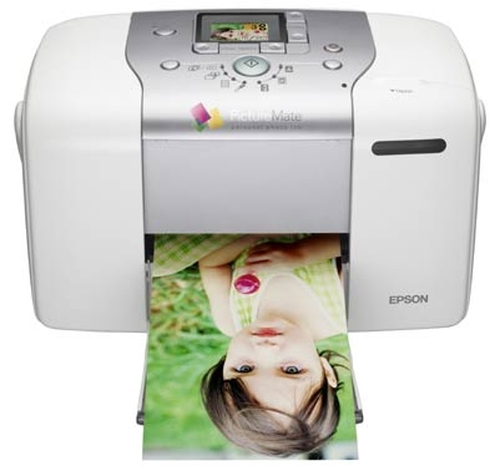
Epson
PictureMate 100
- Print technology
- Inkjet
- Colour printing
- Not confirmed
- Duplex printing
- Not confirmed
- Wi-Fi
- Not confirmed
Epson PictureMate 100
Model code: C11C602003
Computers & tablets · Count on Reviews
Clear product details. Expert scores as coverage grows.
Explore printer reviews and compare print technology, colour, duplex and connectivity features. Check the exact model and consumables alongside available expert ratings and current retailer matches.
1919 productsShowing 883–900
Epson
Epson PictureMate 100
Model code: C11C602003
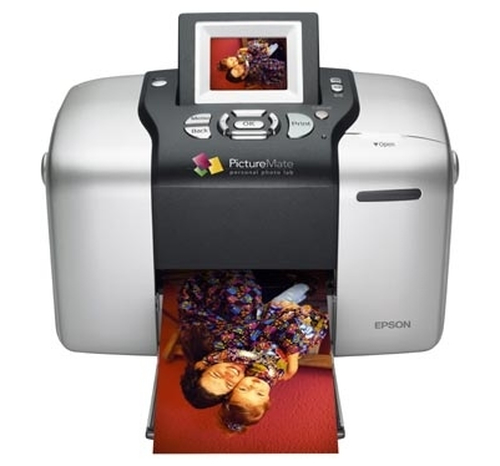
Epson
Epson PictureMate 500
Model code: C11C618006
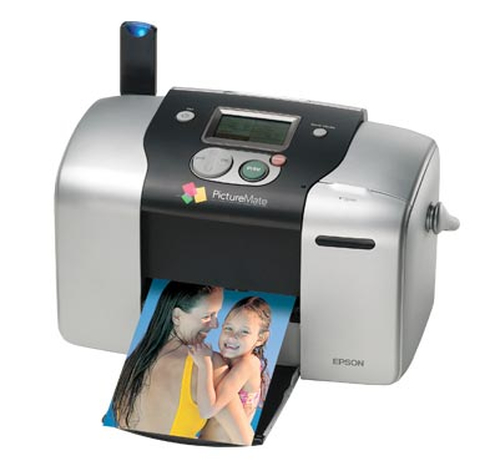
Epson
Epson PictureMate Mobile Phone Edition
Model code: C11C556017B9
Epson
Epson PictureMate PM260
Model code: C11C694301
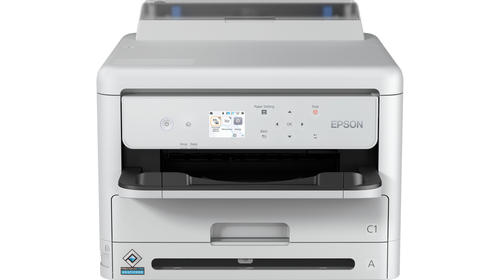
Epson
Epson Pro WF-M5399DW inkjet printer 1200 x 2400 DPI A4 Wi-Fi
Model code: C11CK77401
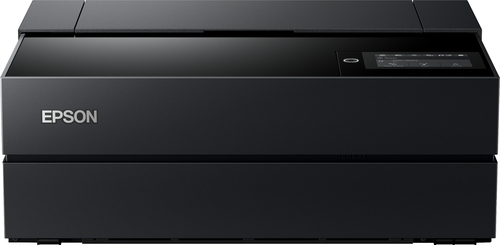
Epson
Epson SureColor SC-P700 photo printer Inkjet 5760 x 1440 DPI Wi-Fi
Model code: C11CH38401

Epson
Epson SureColor SC-P900 photo printer Inkjet 5760 x 1440 DPI Wi-Fi
Model code: C11CH37401
Epson
Epson Stylus C44+
Model code: C11C539221
Epson
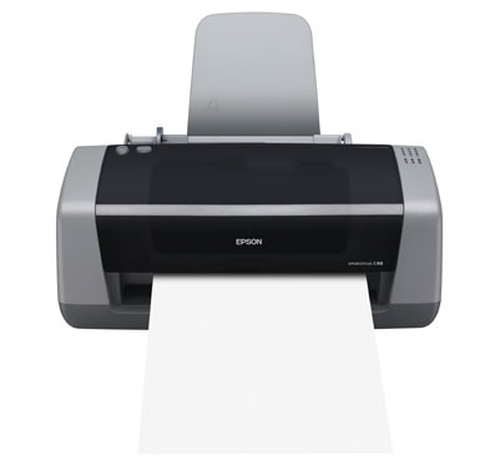
Epson Stylus C46
Model code: C11C575001
Epson
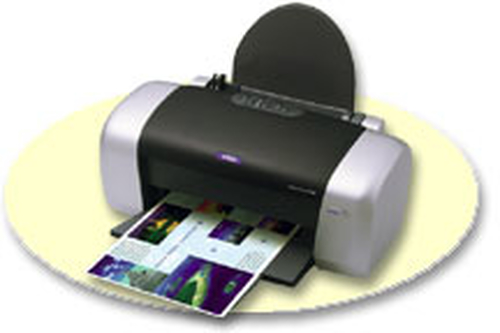
Epson Stylus C48
Model code: C11C575701CB
Epson
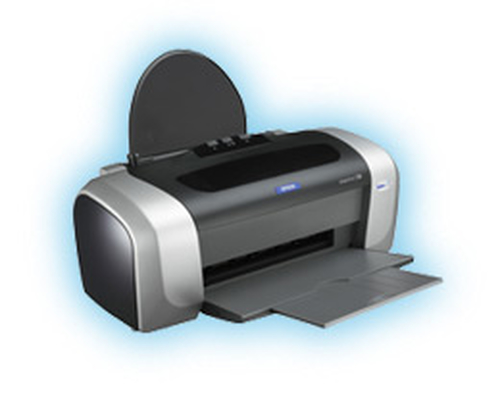
Epson Stylus C64
Model code: C11C528051
Epson
Epson Stylus C66
Model code: C11C573001
Epson
Epson Stylus Color 680 inkjet printer Colour 2880 x 720 DPI A4
Model code: C383031
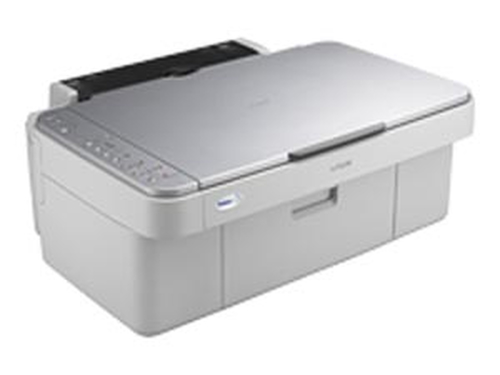
Epson
Epson Stylus CX3650 A4 5760 x 1440 DPI 15 ppm
Model code: C11C577041
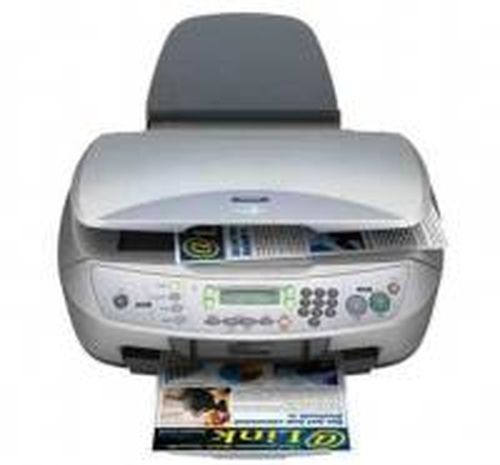
Epson
Epson Stylus CX6600 A4 22 ppm
Model code: C11C578033
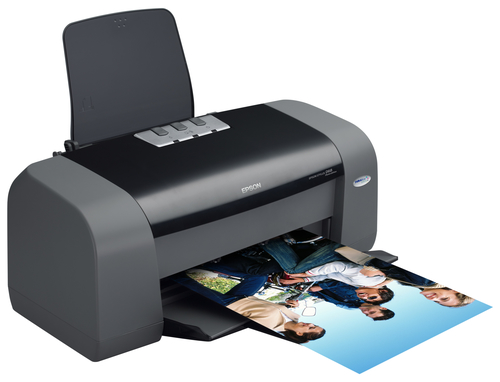
Epson
Epson Stylus D68 Photo Edition
Model code: C11C616021CB
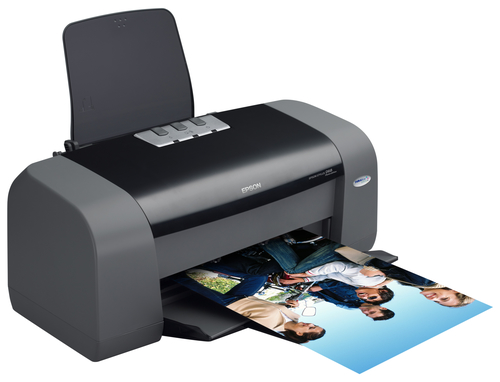
Epson
Epson Stylus D68 Photo Edition inkjet printer Colour 5760 x 1440 DPI A4
Model code: C11C616021CC
Epson
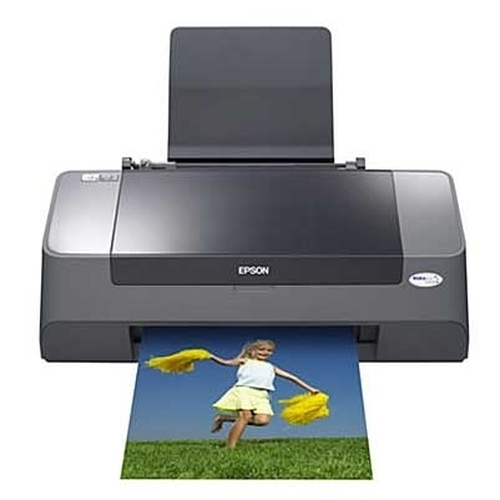
Epson Stylus D78 inkjet printer Colour A4
Model code: C11C664003
Coverage is growing and is not exhaustive. UK listing means that the source catalogue includes Great Britain for the exact manufacturer code; it does not confirm current retailer stock. A COR Score is tbd until 3 critic reviews are available. Individual imported critic ratings remain visible on product pages.
Consider the mix of documents and images, print volume and paper sizes. Check whether colour output is required before comparing the available technologies.
Confirm scanner, document feeder and duplex functions separately. Automatic double-sided printing does not establish double-sided scanning capability.
Check compatible ink or toner, stated yields and any subscription conditions. Match the connection and software support to the devices that will use the printer.
Read the original expert reviews for the tested model and use the COR Score as a summary of included ratings. Compare the exact edition, package, delivery and current availability when checking retailer offers.
Explore related reviews: Laptops · Desktop PCs · Tablets · Monitors.