
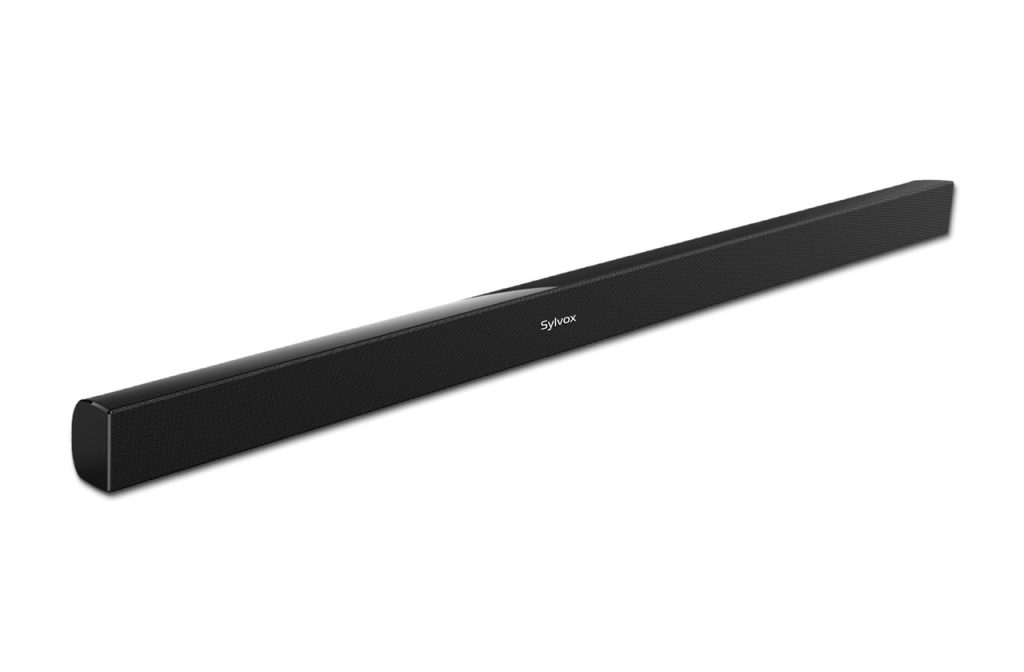
Sylvox
EFL S2
- Channels
- 2.0
- Dolby Atmos
- Unknown
- HDMI eARC
- Unknown
- Subwoofer included
- Unknown
Availability: Current
Exact package: EFL S2
Sylvox EFL S2
Model code: EFL S2
Compare soundbars with independent expert reviews, COR Scores and exact-model specifications. Find the best fit for your needs, explore the buying advice below and check available UK retailer offers.
Choosing the best soundbars starts with how you will use them. Consider clearer everyday television, film sound, small flat or shared wall, then match the features and practical requirements to your shortlist.
Our UK soundbar reviews comparison brings together published critics’ assessments and recorded product specifications. A COR Score converts eligible ratings to five points and gives each publisher equal weight. Read the original reviews for the reasoning, tested configuration and review date; an average becomes available after three distinct critics.
Use the available category filters to explore recorded features. Open each product to check its full manufacturer code, configuration and current review coverage. Compare retailer offers for that exact version, including condition, accessories and delivery.
Below the results, explore the buying guides, work through how to choose, or use the glossary to make sense of unfamiliar specifications.
218 product listingsShowing 205–216
Sylvox
Availability: Current
Exact package: EFL S2
Sylvox EFL S2
Model code: EFL S2
Sylvox
Availability: Current
Exact package: EFL S3
Sylvox EFL S3
Model code: EFL S3
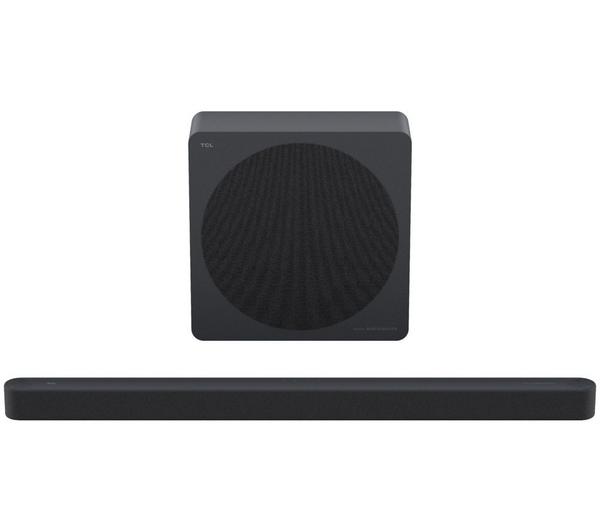
TCL
Availability: Current
Exact package: A65K-UK · Finish: Black
TCL A65K Black
Model code: A65K-UK
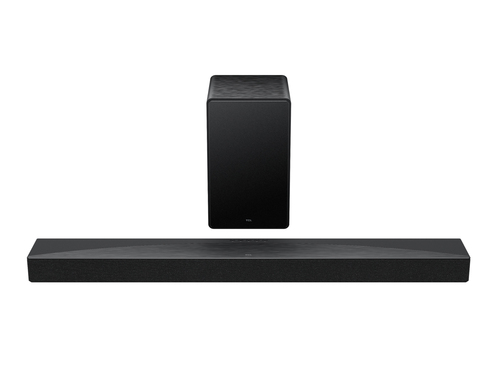
TCL
Availability: Current
Exact package: Q65HK · Finish: Dark Titanium
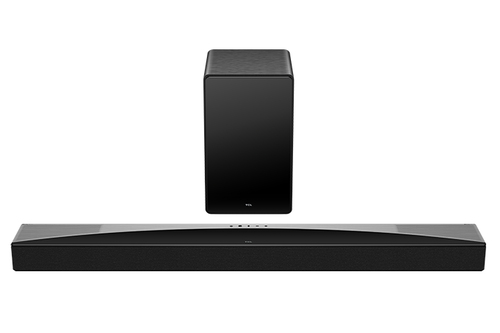
TCL Q Q65HK soundbar speaker Black, Titanium 5.1 channels 290 W
Model code: Q65HK
TCL
Availability: Current
Exact package: Q75HK · Finish: Dark titanium
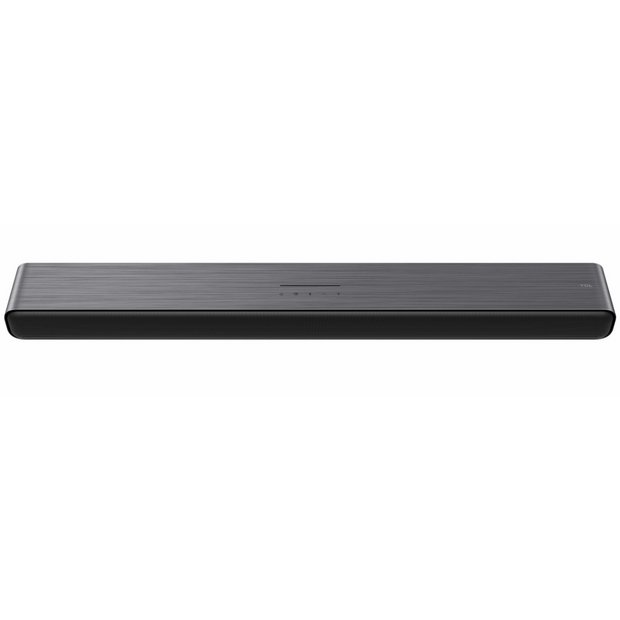
TCL Q75H Q Class 5.1.2 Channel Sound Bar with Dolby Atmos, Ray Danz Technology, and Wireless Subwoofwer
Model code: Q75HK
TCL
Availability: Current
Exact package: S45HK
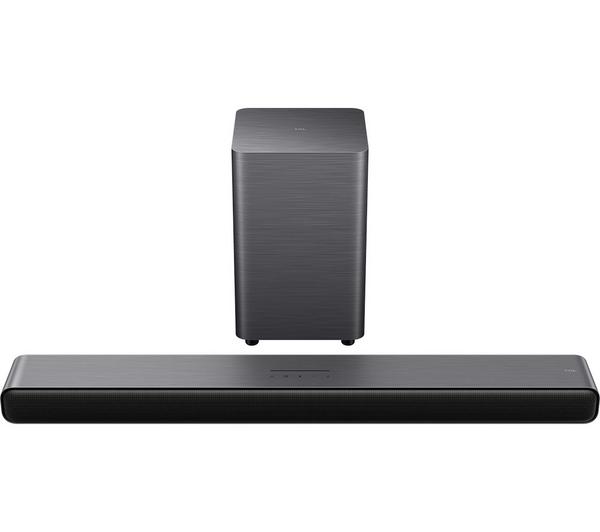
TCL S45HK
Model code: S45HK
TCL
Availability: Current
Exact package: S55HK · Finish: Dark Titanium
TCL S55HK Dark Titanium
Model code: S55HK

TCL
Availability: Current
Exact package: S60K-UK · Finish: Black
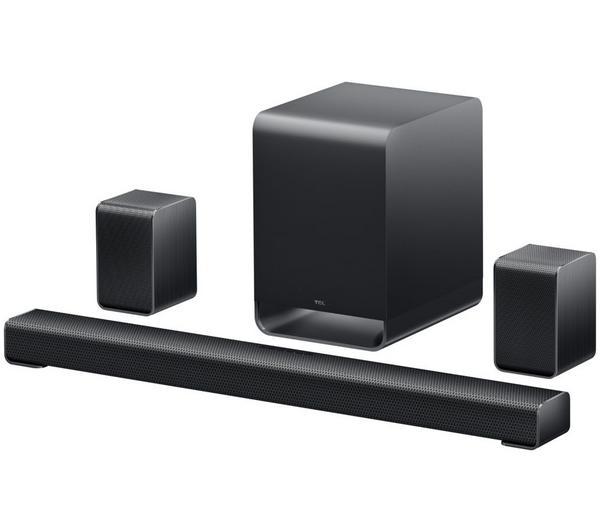
TCL S60K Black
Model code: S60K-UK
TCL
Availability: Current
Exact package: S65K-UK · Finish: Black
TCL S65K Black
Model code: S65K-UK
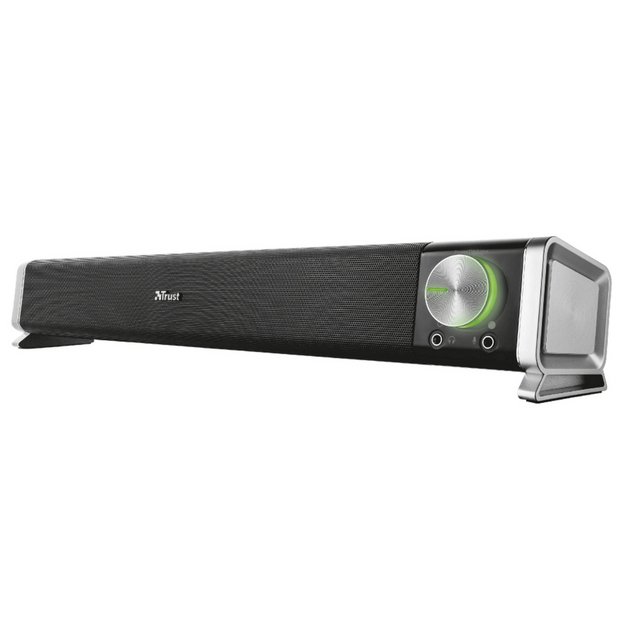
Trust
Availability: Current
Exact package: 21046
Trust Asto
Model code: 21046
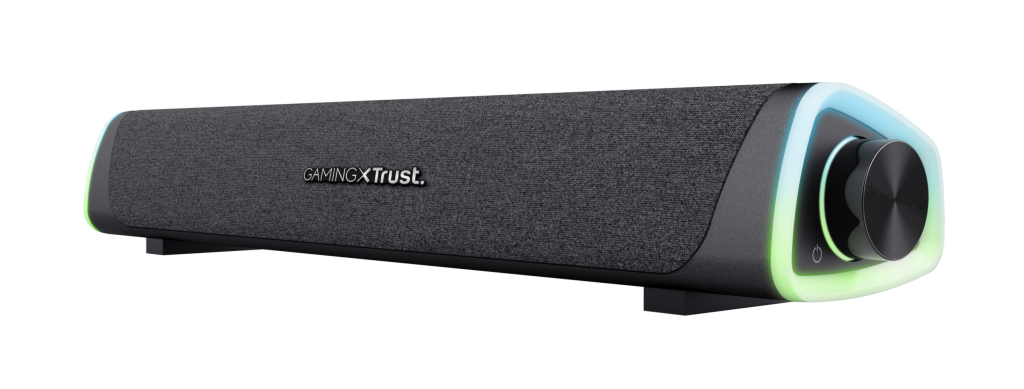
Trust
Availability: Current
Exact package: 24482
Trust GXT 620 Axon
Model code: 24482
WiiM
Availability: Current
Exact package: Bar
WiiM Bar
Model code: Bar
Select a product to check its exact model, reviewed version and available retailer offers. Matching model options are grouped together where supported; the displayed score belongs to the shown option. Individual critic reviews remain visible while a product builds towards three critics for a COR Score.
Your reading library
Understand the features and specifications you see in soundbar reviews. Read the complete guide or explore a focused topic.
Read the complete buying guide →Back to the results ↑A soundbar has to fit the room before its audio features matter. Measure the television stand, check the screen’s lower edge and decide where a subwoofer or rear speakers could actually go.
Explore the guide →Choose the connection by the audio formats, control behaviour and sockets supported by both the exact television and soundbar.
Explore the guide →Decide from desired bass, room placement, neighbours and listening level rather than package size alone.
Explore the guide →Separate format decoding from the speaker geometry and room conditions that create a sense of height.
Explore the guide →Your six-step checklist
Find the best fit for your priorities, your setup and your budget.
Turn expert soundbar reviews into a shortlist with these six practical checks.
Measure the bar height and width against the TV stand.
Your decision Measured TV fit.
Identify the TV HDMI port labelled ARC or eARC and read both manuals.
Your decision Confirmed audio connection.
Decide whether separate rear speakers or a subwoofer are realistic in the room.
Your decision Practical room arrangement.
Check that included parts match the advertised system configuration.
Your decision Matched system package.
Read reviews for dialogue, low-volume use and room-dependent effects.
Your decision Relevant dialogue evidence.
Confirm app, network and update requirements before buying.
Your decision Known support requirements.
Ready to build your shortlist? Use these checks to narrow the results, then read the evidence for each exact model.
Make it work for you
Turn your everyday needs into a practical setup. Record these details before comparing your final shortlist.
| Requirement | What to record or check |
|---|---|
| TV fit | Stand width, bar height, screen clearance and remote-sensor access |
| Connection path | TV socket, ARC or eARC support, cable route and audio formats |
| Room additions | Positions, sockets and included status for subwoofer or rear speakers |
| Daily control | Dialogue settings, lip-sync controls, remote, app and updates |
Use the exact model’s manual and manufacturer specifications to confirm measurements, connections and supported features.
Keep your priorities together. A short set of notes makes it easier to compare complete offers and discuss your requirements with a retailer or installer.
Check whether rear speakers are included or optional, whether a wired Ethernet connection is possible and how firmware updates are delivered. A system that needs an account or app for setup should be evaluated as a service as well as a speaker.
Practical check Keep original packaging and note the exact model before ordering add-ons. Wireless rear kits and replacement remotes may be family-specific, and an old product page is not evidence that an accessory remains available.
Explore this in the buying guide →Use a familiar drama or news programme at the volume used after a late evening. Listen for clear speech without pushing effects or bass too high. A quoted centre channel does not guarantee intelligible dialogue in every room.
Practical check If a bar has voice enhancement, night mode or separate centre level, check whether those controls are available from the remote and retained when inputs change. The useful option is the one a household can adjust without opening an app.
Explore this in the buying guide →Test power, volume and input changes with the television remote. HDMI control can simplify this, but it can also wake the wrong device or select an unexpected input after an update.
Practical check Check lip-sync with speech, not just music. Delay settings exist on many products, yet persistent mismatch can indicate a connection or format path that should be resolved before the return window ends.
Explore this in the buying guide →Compare with a purpose
Choose your main priority, then compare the evidence that matters most for your setup.
| Your main use | What to look for | What to weigh up |
|---|---|---|
| Clearer everyday television | Dialogue intelligibility, simple remote control and low-volume balance | A compact bar saves space but may not add much bass. |
| Film sound | Centre-channel performance, subwoofer placement and supported audio formats | Virtual height effects depend heavily on the room. |
| Small flat or shared wall | Width, depth, mounting and neighbour-friendly bass control | A separate subwoofer can be harder to place quietly. |
Include the product, delivery, required accessories and any setup or installation. Check relevant consumables, subscriptions and replacement parts over the period you expect to own it.
Use your planning notes to identify essential functions and connections. Confirm them for the exact model and configuration, then weigh optional features against the difference in price.
Read the original critics’ findings for your priorities. Check the date and tested version, then compare the evidence alongside the COR Score and number of distinct critics.
Check the manufacturer code, generation, configuration, condition and included items. Confirm stock, delivered price, returns and warranty terms with the retailer before ordering.
Open the specifications glossary · Compare expert reviews · Check the model and offer
Independent reviews, made comparable
One consistent scale makes different publishers’ ratings easier to compare. The original review explains why a critic reached that verdict.
Read our scoring methodology →Scale conversion · example
An illustration of conversion, not a rating for a listed product.
Identify the exact product and the version reviewed. Check model codes, configuration and the included package.
Convert eligible ratings to five points, count each publisher once and give every critic equal weight.
Show the average to two decimal places after three distinct critics. Otherwise show tbd while keeping individual reviews visible.
Read the score alongside the critic count, review dates, tested version and strengths that matter to you. Linked reviews of related hardware remain separate from the selected product’s score.
Explore the catalogue
Compare the recorded models, explore different configurations and follow the available expert reviews. Use each product page for its latest evidence and retailer links.
Return to the results ↑Explore your options
Follow a manufacturer or a selection based on recorded product features.
Your questions, answered
Ten answers to help you make an informed choice.
It depends on the formats and devices you use. eARC can support higher-capability return audio when both products support it, but check the manuals rather than relying on the label.
No. Placement, room acoustics, dialogue tuning and the programme matter. A well-reviewed simpler bar can be more satisfying than a poorly fitted larger system.
Only if the maker documents compatibility for that exact model family. Check the part number and current support page.
Start with your main use, practical setup and total budget. The comparison table above identifies useful features for different priorities. Use the category filters, then check exact-model specifications and the original reviews for your shortlist.
It summarises eligible independent critic ratings on a five-point scale, with one equally weighted rating per publisher. The displayed average has two decimal places. Open the original reviews to see how the findings relate to your priorities.
A public COR Score becomes available after three distinct critics. Until then, tbd indicates that review coverage is still building; available individual reviews remain visible. It is different from a zero rating.
Check the version actually reviewed. Confirmed equivalent colour, storage or accessory variants can share model-level reviews with a tested-version label. Related hardware, different generations and other distinct editions are shown separately and do not contribute to the selected product’s score.
Filters use the recorded specifications for each model or option. Choose a brand or feature, then apply your filters to narrow the results. Missing information is not treated as confirmed feature support. Open the product page to check the full specification.
Match the complete manufacturer code, configuration, condition and included items. Add delivery and necessary accessories to compare the total cost, and confirm stock, warranty and returns details with the retailer.
Check the review date, tested version and current manufacturer support. Compare the features you need, replacement parts or consumables where relevant, and the complete offer. A useful older review can still explain a model well, while availability and services may have changed.
Related categories
Compare complementary products and other ways to meet your needs.
Specifications, explained
Understand the terms, then use the buying checks to compare exact models.
12 terms
Separate audio signals or speaker positions in a sound system, often described by a numbered configuration.
Buying check Check which physical speakers are included and which channels are simulated.
An audio format that can describe sounds in three-dimensional space, including height information.
Buying check Read how the exact speaker arrangement creates height effects in your room.
A speaker designed for low bass, sometimes supplied separately from the main speakers.
Buying check Check inclusion, floor space, controls and compatibility with the system.
A system that measures a room and adjusts audio settings such as levels, timing or equalisation.
Buying check Check the supplied microphone and supported speaker layout.
Enhanced Audio Return Channel carries compatible audio from a television to a soundbar or receiver through HDMI.
Buying check Confirm support at both ends and the formats passed by the TV.
Audio Return Channel sends audio from a TV to a compatible audio system over HDMI.
Buying check Check the labelled sockets and the formats supported by both devices.
A digital audio connection that carries a limited set of audio formats through an optical cable.
Buying check Match the source output to the formats accepted by the receiving device.
The delay between an input or event and its audible or visible result.
Buying check Look for tests that match gaming, video, calls or other intended use.
A wireless network connection used for internet access or communication on a local network.
Buying check Check supported bands and signal quality at the intended location.
A short-range wireless connection used by compatible devices for audio or data.
Buying check Check the specific profiles and features supported at both ends.
Playback coordinated across compatible devices in different rooms.
Buying check Check ecosystem, account, network and service compatibility.
A method of encoding and decoding an audio signal for transmission or storage.
Buying check The source and receiving device must support the intended codec.
No matching term. Try an abbreviation or clear the search to browse all topics.
Technical sources and further reading · Check the exact model’s manufacturer documentation for supported features.