
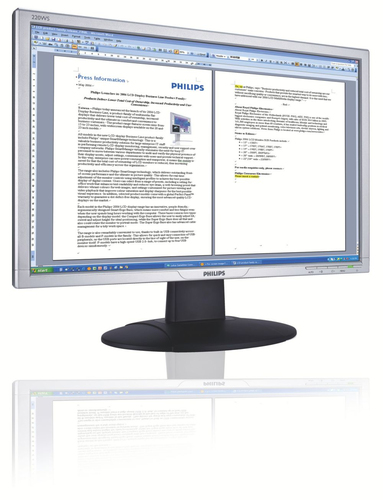
Philips
LCD widescreen monitor 220WS8FS/00
- Display diagonal
- 55.9 cm (22")
- Display resolution
- 1680 x 1050 pixels
- Panel type
- Not confirmed
- Maximum refresh rate
- Not confirmed
Philips LCD widescreen monitor 220WS8FS/00
Model code: 220WS8FS/00
Computers & tablets · Count on Reviews
Clear product details. Expert scores as coverage grows.
Compare monitor reviews by screen size, resolution, panel type and refresh rate. Explore exact model specifications and available critic scores for work, gaming and general use.
6706 product listingsShowing 5617–5634
Philips
Philips LCD widescreen monitor 220WS8FS/00
Model code: 220WS8FS/00

Philips
Philips LCD widescreen monitor 220WS8FS/05
Model code: 220WS8FS/05

Philips
Philips LCD widescreen monitor 220XW8FB/05
Model code: 220XW8FB/05
Philips
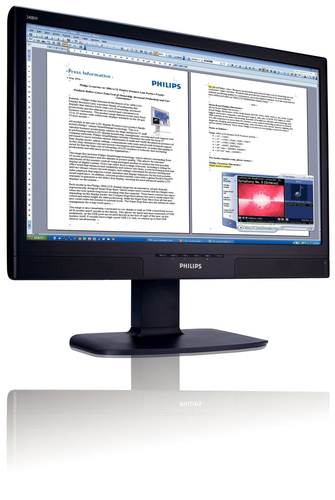
Philips LCD widescreen monitor 240BW8EB/05
Model code: 240BW8EB/05
Philips
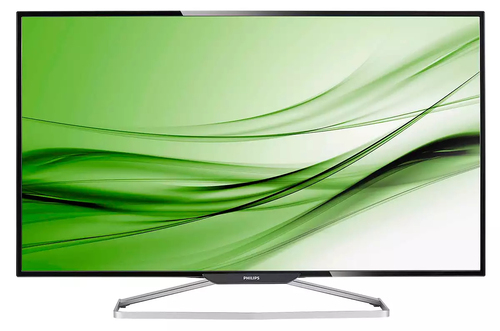
Philips Brilliance LED-backlit LCD Display BDM4065UC/00
Model code: BDM4065UC/00
Philips
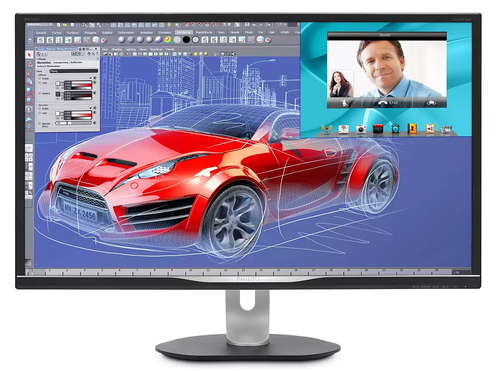
Philips BDM Line LED-backlit LCD Display with MultiView BDM3270QP/00
Model code: BDM3270QP/00
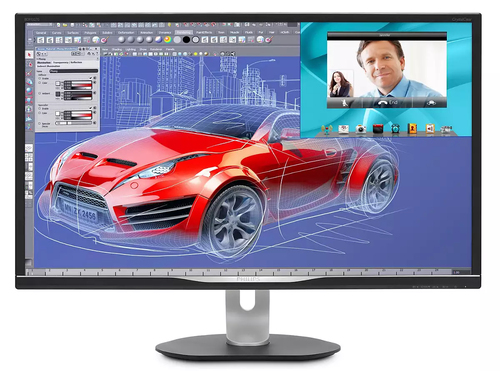
Philips
Philips Brilliance LED-backlit LCD Display with MultiView BDM3270QP2/00
Model code: BDM3270QP2/00
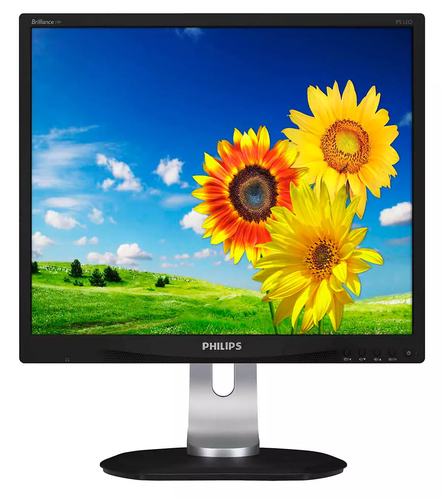
Philips
Philips P Line LED-backlit LCD monitor 19P4QYEB/00
Model code: 19P4QYEB/00
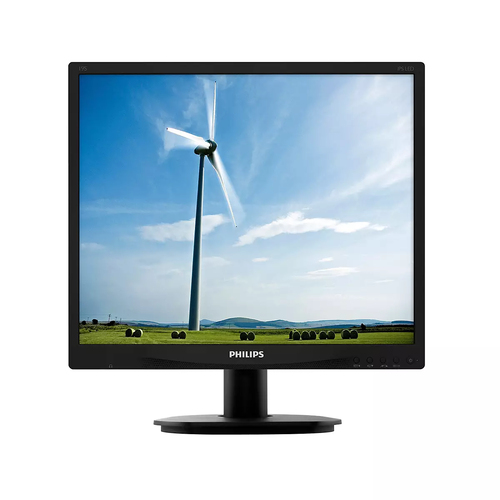
Philips
Philips S Line LED-backlit LCD monitor 19S4QAB/00
Model code: 19S4QAB/00
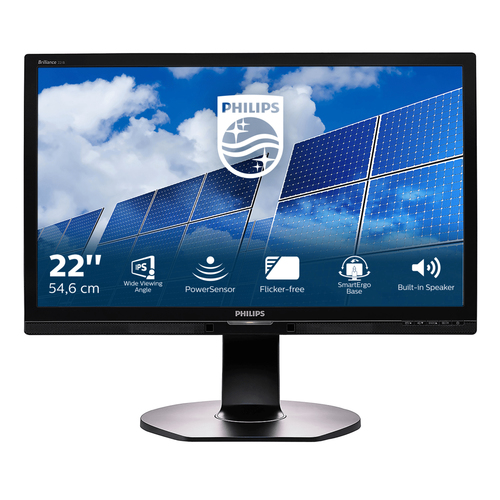
Philips
Philips Brilliance LED-backlit LCD monitor 221B6QPYEB/00
Model code: 221B6QPYEB/00
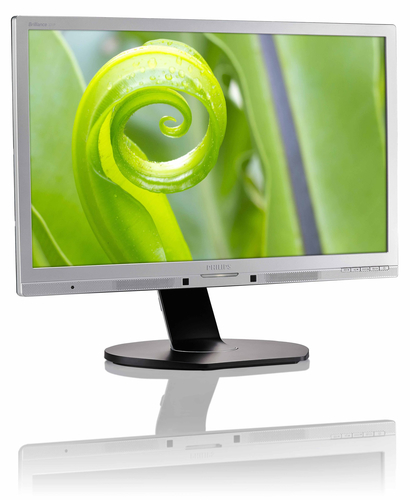
Philips
Philips Brilliance LED-backlit LCD monitor 221P6QPYES/00
Model code: 221P6QPYES/00
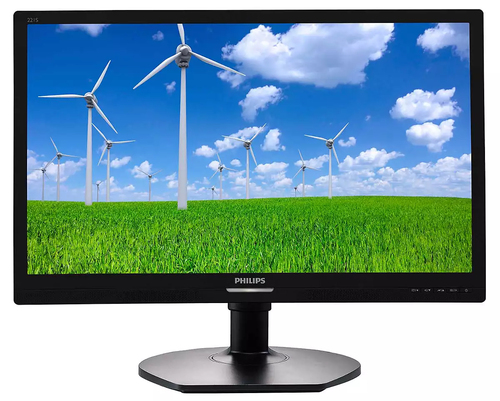
Philips
Philips Brilliance LED-backlit LCD monitor 221S6QMB/00
Model code: 221S6QMB/00
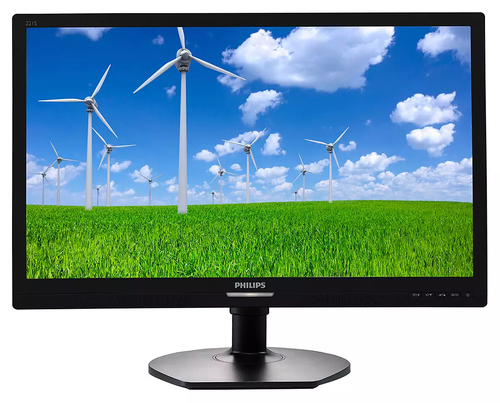
Philips
Philips Brilliance LED-backlit LCD monitor 221S6QYMB/00
Model code: 221S6QYMB/00
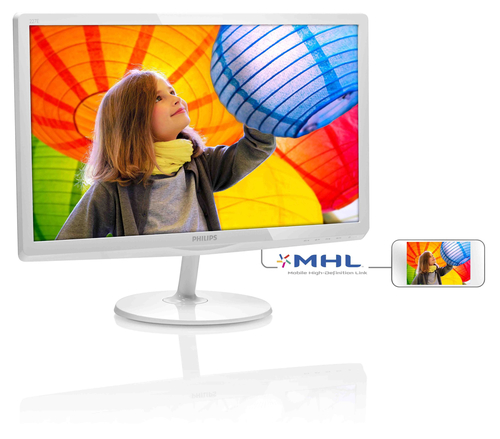
Philips
Philips LED-backlit LCD monitor 227E6QDSW/00
Model code: 227E6QDSW/00
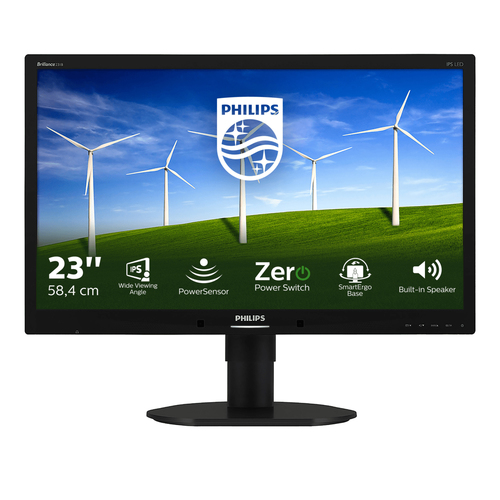
Philips
Philips B Line LED-backlit LCD monitor 231B4QPYCB/00
Model code: 231B4QPYCB/00
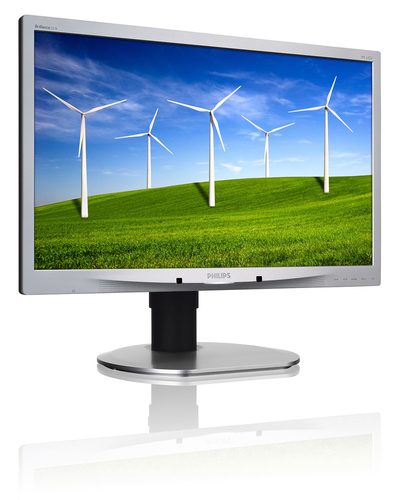
Philips
Philips Brilliance LED-backlit LCD monitor 231B4QPYCS/00
Model code: 231B4QPYCS/00
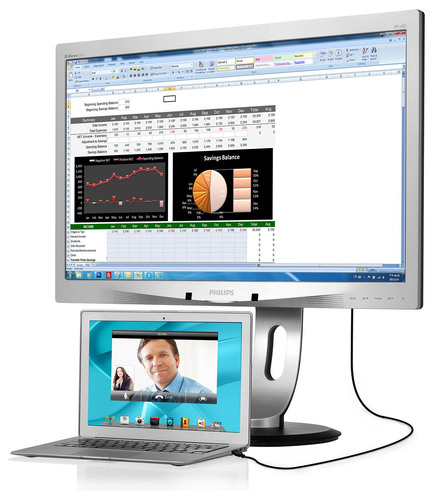
Philips
Philips Brilliance LED-backlit LCD monitor 231P4QUPES/00
Model code: 231P4QUPES/00
Philips
Philips Brilliance LED-backlit LCD monitor 231S4QCB/00
Model code: 231S4QCB/00
Model options with the same product name are grouped together. Filters apply to individual options; only matching options appear. Coverage is growing and is not exhaustive. UK listing means that the source catalogue includes Great Britain for the exact manufacturer code; it does not confirm current retailer stock. A COR Score is tbd until 3 critic reviews are available. Individual imported critic ratings remain visible on product pages.
Consider screen dimensions, resolution and the available desk space together. Check stand adjustment, mounting options and the viewing distance that suits the setup.
Use refresh rate and panel specifications as starting points. Expert tests can explain response, colour and HDR performance beyond the feature labels.
Check whether the computer and cables support the required resolution and refresh rate through the chosen input. Confirm any USB-C charging or hub functions separately.
Read the original expert reviews for the tested model and use the COR Score as a summary of included ratings. Compare the exact edition, package, delivery and current availability when checking retailer offers.
Explore related reviews: Laptops · Desktop PCs · Tablets · Printers.
Build a better shortlist
A monitor is part of a working position, not just a panel. Choose size, resolution, stand adjustment and connections around the desk and computer you already have. Reviews are vital for brightness, uniformity, text clarity and motion behaviour because a label rarely tells the whole story.
| Your priority | What to compare | Trade-off to consider |
|---|---|---|
| Office and writing | Text scaling, height adjustment, connections and glare | Higher resolution may require scaling on a smaller screen. |
| Photo and design | Colour workflow, uniformity, calibration options and viewing environment | A wide gamut can be inaccurate without suitable colour management. |
| Games and fast motion | Refresh support, response behaviour and adaptive-sync compatibility | A high refresh rate needs an appropriate computer and connection. |
Read the full monitors buying guide for explanations, a checklist and technical sources.
It can make movement feel smoother, but benefits depend on the computer, connection and the activity.
Not necessarily. Check the laptop port supports the required display mode and charging level.
It depends on size, desk distance and use. Try it for text and multi-window work, not only video.
The highest-score sort uses the average of at least three distinct critics, with each publisher counted once. Products below that threshold display tbd. These are ratings from the included reviews, not proof that every product in the market has been tested or that the highest score is best for every use.
Coverage depends on available publisher reviews, verified product matches and retailer feeds. Missing information is shown as unavailable; it is not a negative review or a zero price. Open a product to check its current evidence.