
Count on Reviews · Product research
JVC monitors reviews

Compare JVC monitors using the exact model, recorded specifications and available critic reviews. Product names can cover several editions: open the model page before comparing a retailer’s price.
7 model groups in this selection. Colours or packages may be grouped; open a product for its options and available reviews.
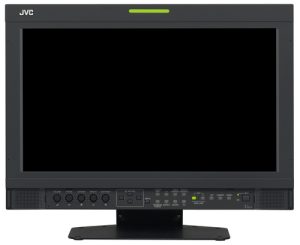
JVC DT-V17G1Z
Monitors
Reviews, specifications and offers →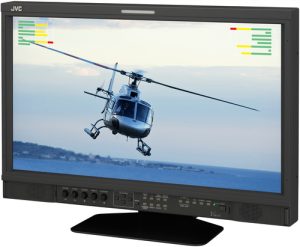
JVC DT-V21G11Z
Monitors
Reviews, specifications and offers →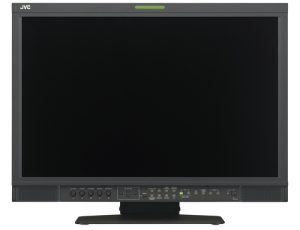
JVC DT-V24G11Z
Monitors
Reviews, specifications and offers →
JVC DT-X71C
Monitors
Reviews, specifications and offers →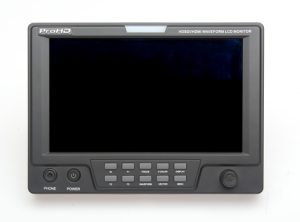
JVC DT-X71F
Monitors
Reviews, specifications and offers →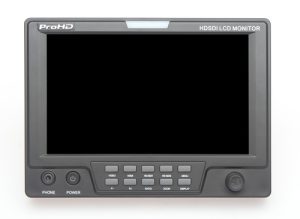
JVC DT-X71H
Monitors
Reviews, specifications and offers →
JVC GM-F470S
Monitors
Reviews, specifications and offers →Compare the right JVC model
Begin with the full manufacturer code and intended use. Generations, sizes, processors, connectivity and bundles can differ even when the product names look similar. Check which version the critic reviewed, and use the specification table for the version you are buying.
A recognised brand does not guarantee that every model performs alike. Compare the individual reviews and their limitations, then check stock, delivery and final price at your chosen seller.
Continue your research
29 September 2026
IPS, VA and OLED monitors: choosing a panel type
A practical guide to monitor panel type, including the specifications, setup constraints and trade-offs that change the right choice.
29 September 2026
USB-C monitors as laptop docks
A practical guide to USB-C monitor docking, including the specifications, setup constraints and trade-offs that change the right choice.
29 September 2026
Monitor refresh rates: 60Hz, 120Hz, 144Hz and beyond
A practical guide to monitor refresh rate, including the specifications, setup constraints and trade-offs that change the right choice.
29 September 2026
Monitor resolution and size: finding a comfortable match
Pair resolution with screen size, desk distance and operating-system scaling to balance sharp text with usable workspace.