
TCP
Smart Energy Monitor WiFi Plug (UK)
- Plug type
- Type G (UK)
- Wireless technology
- Wi-Fi
- Energy monitoring
- Yes
- Maximum current
- 13 A
- Quantity per pack
- 1
Current
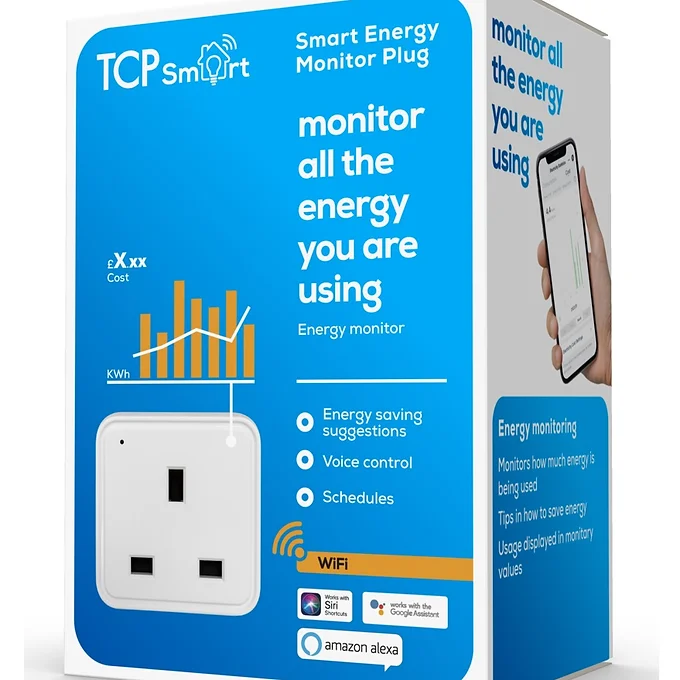
TCP Smart Energy Monitor WiFi Plug (UK)
Manufacturer product reference: HJAY1068
Compare smart plugs with independent expert reviews, COR Scores and exact-model specifications. Find the best fit for your needs, explore the buying advice below and check available UK retailer offers.
Choosing the best smart plugs starts with how you will use them. Consider lighting schedules, energy awareness, away control, then match the features and practical requirements to your shortlist.
Our UK smart plug reviews comparison brings together published critics’ assessments and recorded product specifications. A COR Score converts eligible ratings to five points and gives each publisher equal weight. Read the original reviews for the reasoning, tested configuration and review date; an average becomes available after three distinct critics.
Use the available category filters to explore recorded features. Open each product to check its full manufacturer code, configuration and current review coverage. Compare retailer offers for that exact version, including condition, accessories and delivery.
Below the results, explore the buying guides, work through how to choose, or use the glossary to make sense of unfamiliar specifications.
17 product listingsShowing 13–17
TCP
Current
TCP Smart Energy Monitor WiFi Plug (UK)
Manufacturer product reference: HJAY1068
TP-Link
Current
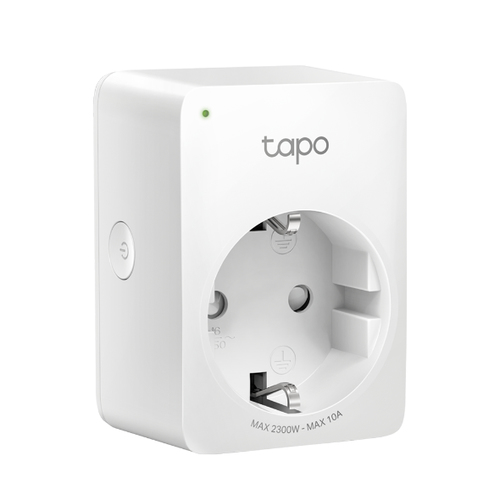
TP-Link Tapo P100 smart plug 2990 W Home, Office
Model code: P100
TP-Link
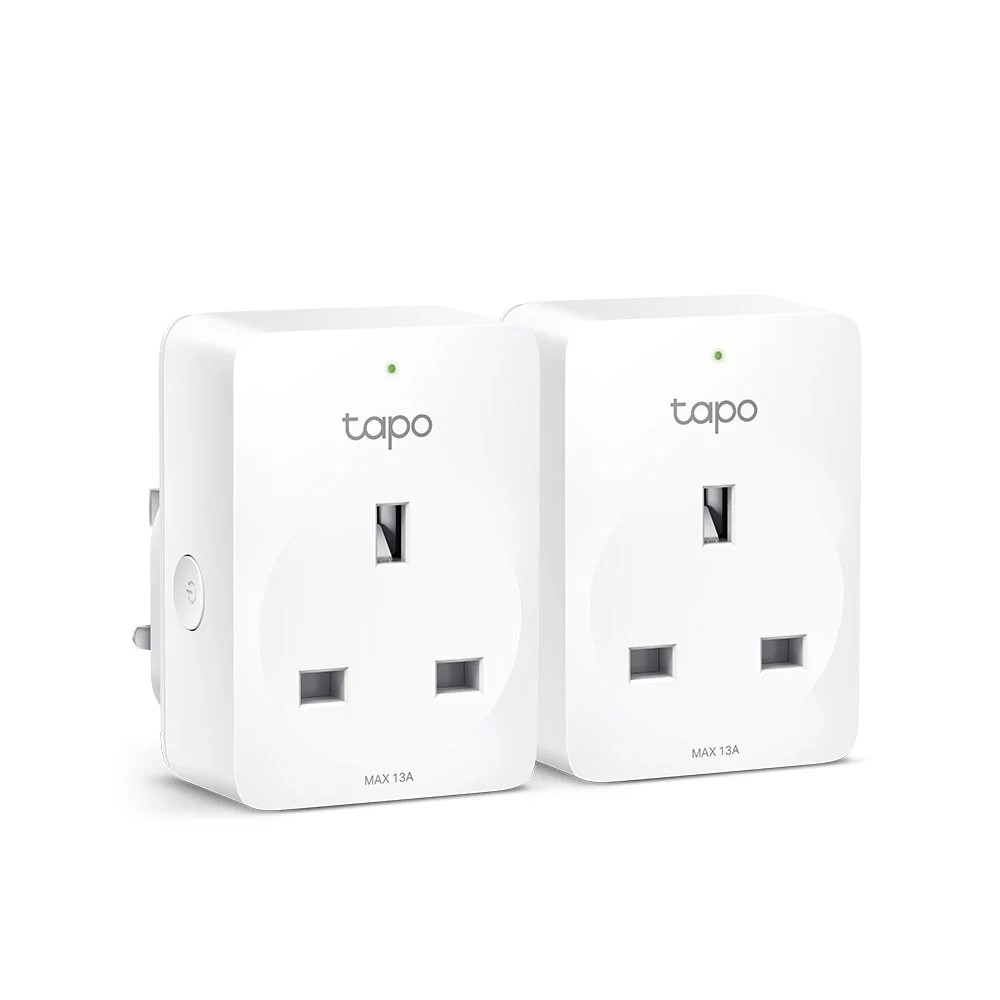
Shown option: Tapo P100 2-pack (UK). Scores shown apply to this option.
Current
TP-Link Tapo P100 2-pack (UK)
Manufacturer product reference: Tapo P100(2-pack)
Specifications, review scores and prices belong to each exact model.
TP-Link
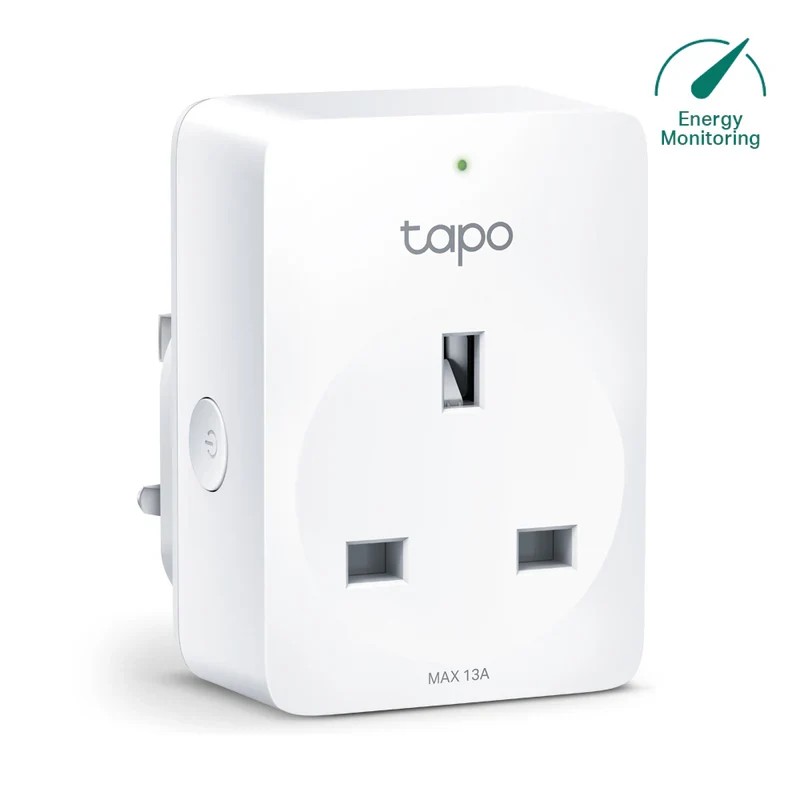
Shown option: Tapo P110 (UK). Scores shown apply to this option.
Current
TP-Link Tapo P110 (UK)
Manufacturer product reference: Tapo P110
Specifications, review scores and prices belong to each exact model.
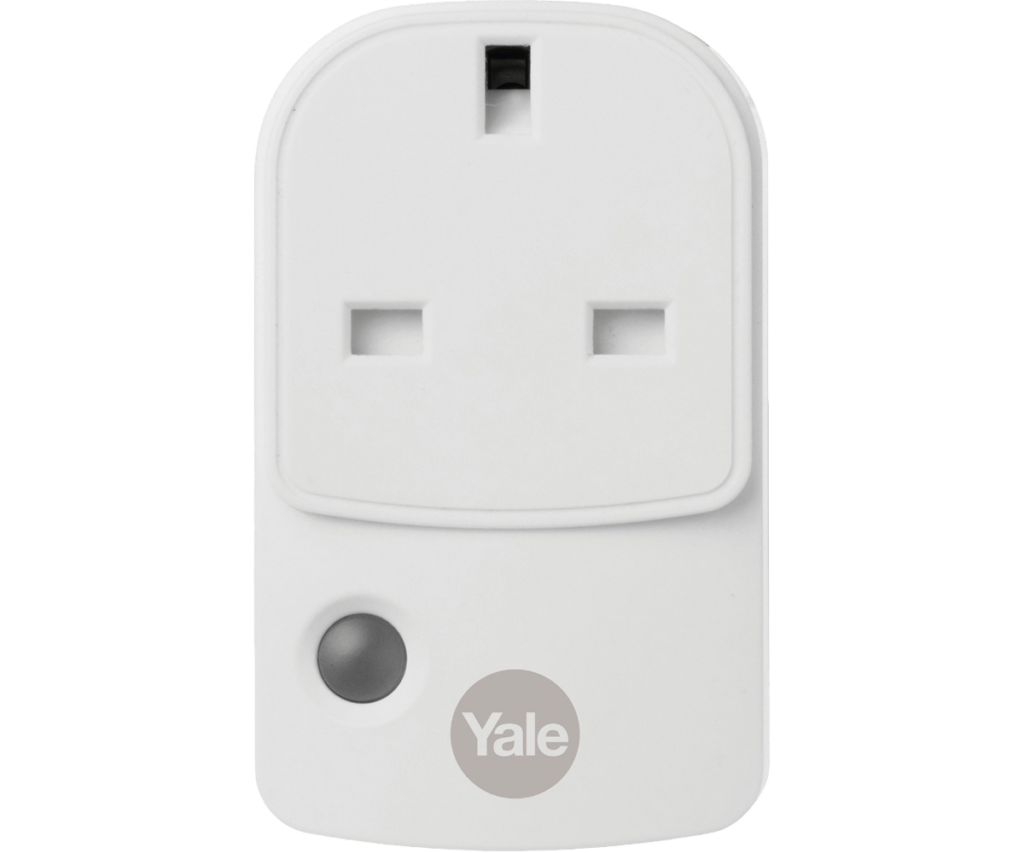
Yale
Current
Yale Sync Smart Plug (UK)
Manufacturer model code: AC-PS
Select a product to check its exact model, reviewed version and available retailer offers. Matching model options are grouped together where supported; the displayed score belongs to the shown option. Individual critic reviews remain visible while a product builds towards three critics for a COR Score.
Your reading library
Understand the features and specifications you see in smart plug reviews. Read the complete guide or explore a focused topic.
Read the complete buying guide →Back to the results ↑A smart plug is a switch with a rated electrical limit. It does not make an unsuitable appliance safe, and remote power is useful only when the appliance can be left connected and…
Explore the guide →Use smart-plug readings for suitable household loads while recognising accuracy, sampling and appliance limitations.
Explore the guide →Choose around household control, automation, account security and fallback button before buying a multipack.
Explore the guide →Use automation only for suitable loads and understand where schedules run, how time changes are handled and how to override them.
Explore the guide →Your six-step checklist
Find the best fit for your priorities, your setup and your budget.
Turn expert smart plug reviews into a shortlist with these six practical checks.
Compare maximum plug load with the appliance rating and instructions.
Your decision Matched load ratings.
Check physical fit, ventilation and suitable indoor or outdoor rating.
Your decision Checked socket clearance.
Decide whether the appliance is appropriate for unattended scheduling.
Your decision Assessed unattended suitability.
Confirm local button, after-power-cut behaviour and app requirements.
Your decision Confirmed recovery behaviour.
Read energy-monitoring units and cost assumptions before interpreting results.
Your decision Interpreted energy readings.
Check security updates, support end date and account removal process.
Your decision Reviewed security support.
Ready to build your shortlist? Use these checks to narrow the results, then read the evidence for each exact model.
Make it work for you
Turn your everyday needs into a practical setup. Record these details before comparing your final shortlist.
| Requirement | What to record or check |
|---|---|
| Electrical suitability | Maximum load, appliance instructions, socket fit and environment |
| Unattended use | Restart behaviour, local override and safe scheduling suitability |
| Recovery behaviour | After-power-cut state, app, network and integrations |
| Ownership data | Energy units, tariff assumptions, updates and account removal |
Use the exact model’s manual and manufacturer specifications to confirm measurements, connections and supported features.
Keep your priorities together. A short set of notes makes it easier to compare complete offers and discuss your requirements with a retailer or installer.
Voice-assistant and automation compatibility can make a plug convenient, but check exact regions and features. A badge does not prove every routine, power-reading or local control option will work with your setup.
Practical check Retain the manual, check replacement or warranty route and recycle electronic equipment responsibly. If a plug becomes hot, damaged, unreliable or smells unusual, stop using it and seek appropriate advice.
Explore this in the buying guide →Check the appliance instructions as well as the plug current rating. Heaters, pumps, white goods and equipment that must not restart unattended need particular caution; remote switching is not a substitute for supervision or appliance safety controls.
Practical check Avoid overloading extension leads or daisy-chaining adaptors. A plug that measures energy does not reduce the heat created by an overloaded connection, so keep the socket and cable arrangement within the stated ratings.
Explore this in the buying guide →Check whether the plug reports watts, kWh, cost or only an estimate. Cost screens need the correct tariff and may not represent time-of-use rates, standing charges or the whole household bill.
Practical check Use a measured pattern to decide whether a switch-off routine is worthwhile. A small standby load can be informative without justifying an unsafe remote-control use case.
Explore this in the buying guide →Compare with a purpose
Choose your main priority, then compare the evidence that matters most for your setup.
| Your main use | What to look for | What to weigh up |
|---|---|---|
| Lighting schedules | Reliable timer, physical button and sensible placement | A plug adds bulk and may block adjacent sockets. |
| Energy awareness | Accurate monitoring, clear history and export options | A reading shows one appliance, not the whole household bill. |
| Away control | Secure account, manual fallback and appropriate appliance type | Remote switching is unsuitable for some appliances. |
Include the product, delivery, required accessories and any setup or installation. Check relevant consumables, subscriptions and replacement parts over the period you expect to own it.
Use your planning notes to identify essential functions and connections. Confirm them for the exact model and configuration, then weigh optional features against the difference in price.
Read the original critics’ findings for your priorities. Check the date and tested version, then compare the evidence alongside the COR Score and number of distinct critics.
Check the manufacturer code, generation, configuration, condition and included items. Confirm stock, delivered price, returns and warranty terms with the retailer before ordering.
Open the specifications glossary · Compare expert reviews · Check the model and offer
Independent reviews, made comparable
One consistent scale makes different publishers’ ratings easier to compare. The original review explains why a critic reached that verdict.
Read our scoring methodology →Scale conversion · example
An illustration of conversion, not a rating for a listed product.
Identify the exact product and the version reviewed. Check model codes, configuration and the included package.
Convert eligible ratings to five points, count each publisher once and give every critic equal weight.
Show the average to two decimal places after three distinct critics. Otherwise show tbd while keeping individual reviews visible.
Read the score alongside the critic count, review dates, tested version and strengths that matter to you. Linked reviews of related hardware remain separate from the selected product’s score.
Explore the catalogue
Compare the recorded models, explore different configurations and follow the available expert reviews. Use each product page for its latest evidence and retailer links.
Return to the results ↑Explore your options
Follow a manufacturer or a selection based on recorded product features.
Your questions, answered
Ten answers to help you make an informed choice.
It can help schedule suitable loads and reveal usage, but savings depend on the appliance and how you use it.
No. Check appliance and plug instructions and do not use remote switching for unsuitable or unsafe loads.
Some use Wi-Fi and others a hub. Check the exact product, including what works during an internet outage.
Start with your main use, practical setup and total budget. The comparison table above identifies useful features for different priorities. Use the category filters, then check exact-model specifications and the original reviews for your shortlist.
It summarises eligible independent critic ratings on a five-point scale, with one equally weighted rating per publisher. The displayed average has two decimal places. Open the original reviews to see how the findings relate to your priorities.
A public COR Score becomes available after three distinct critics. Until then, tbd indicates that review coverage is still building; available individual reviews remain visible. It is different from a zero rating.
Check the version actually reviewed. Confirmed equivalent colour, storage or accessory variants can share model-level reviews with a tested-version label. Related hardware, different generations and other distinct editions are shown separately and do not contribute to the selected product’s score.
Filters use the recorded specifications for each model or option. Choose a brand or feature, then apply your filters to narrow the results. Missing information is not treated as confirmed feature support. Open the product page to check the full specification.
Match the complete manufacturer code, configuration, condition and included items. Add delivery and necessary accessories to compare the total cost, and confirm stock, warranty and returns details with the retailer.
Check the review date, tested version and current manufacturer support. Compare the features you need, replacement parts or consumables where relevant, and the complete offer. A useful older review can still explain a model well, while availability and services may have changed.
Related categories
Compare complementary products and other ways to meet your needs.
Specifications, explained
Understand the terms, then use the buying checks to compare exact models.
12 terms
The power or current demanded by connected equipment under operating conditions.
Buying check Check the plug’s permitted appliance types and ratings against the appliance instructions.
A brief current demand that can exceed normal running current when equipment starts.
Buying check Check suitability for the appliance type; a running-power figure alone may be insufficient.
A load in which electrical energy is largely converted to heat, with suitability depending on the equipment.
Buying check Follow the smart plug and appliance manufacturers’ use restrictions.
The maximum electrical load a smart plug is specified to switch, subject to its documented appliance and use restrictions.
Buying check Check both the plug and appliance instructions. A wattage below the headline maximum does not by itself establish suitability.
Stored times and actions used to operate a device or control a setting.
Buying check Check whether schedules run locally and how manual overrides behave.
A feature that changes device behaviour according to a chosen absence setting or rule.
Buying check Check how it is triggered and which appliances are suitable for automated switching.
A controller that connects or coordinates compatible smart-home devices.
Buying check Check the exact protocols and functions supported, including local operation.
A smart-home interoperability standard supported by some devices and controllers.
Buying check Verify the product, controller and feature combination rather than assuming every function works.
Measurement or estimation of electricity use by a connected product.
Buying check Check measurement accuracy, units and whether reported figures are instantaneous or cumulative.
A unit of energy used to express electricity consumption over time.
Buying check Use your actual tariff and recorded usage when estimating cost.
An action performed within the home or device without requiring a remote cloud service.
Buying check Check which functions continue if the internet connection fails.
The manufacturer’s provision of software fixes, security updates or feature changes.
Buying check Look for a published support policy for the exact model and region.
No matching term. Try an abbreviation or clear the search to browse all topics.
Technical sources and further reading · Check the exact model’s manufacturer documentation for supported features.