
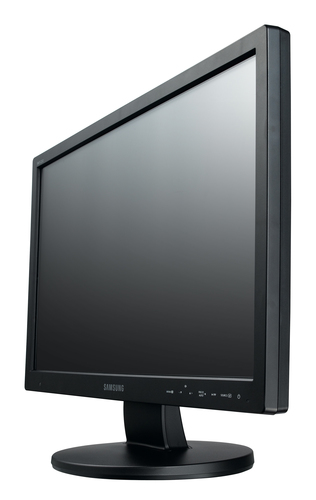
Samsung
SMT-1934
- Display diagonal
- 48.3 cm (19")
- Display resolution
- 1280 x 1024 pixels
- Panel type
- Not confirmed
- Maximum refresh rate
- Not confirmed
Samsung SMT-1934 computer monitor 48.3 cm (19") 1280 x 1024 pixels HD Black
Model code: SMT-1934
Computers & tablets · Count on Reviews
Compare monitors with independent expert reviews, COR Scores and exact-model specifications. Find the best fit for your needs, explore the buying advice below and check available UK retailer offers.
Choosing the best monitors starts with how you will use them. Consider office and writing, photo and design, games and fast motion, then match the features and practical requirements to your shortlist.
Our UK monitor reviews comparison brings together published critics’ assessments and recorded product specifications. A COR Score converts eligible ratings to five points and gives each publisher equal weight. Read the original reviews for the reasoning, tested configuration and review date; an average becomes available after three distinct critics.
Use the available category filters to explore recorded features. Open each product to check its full manufacturer code, configuration and current review coverage. Compare retailer offers for that exact version, including condition, accessories and delivery.
Below the results, explore the buying guides, work through how to choose, or use the glossary to make sense of unfamiliar specifications.
6706 product listingsShowing 6319–6336
Samsung
Samsung SMT-1934 computer monitor 48.3 cm (19") 1280 x 1024 pixels HD Black
Model code: SMT-1934
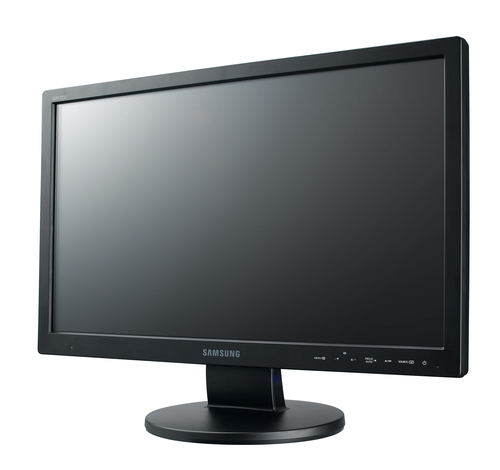
Samsung
Samsung SMT-2232 computer monitor 54.6 cm (21.5") 1920 x 1080 pixels Full HD LED Black
Model code: SMT-2232
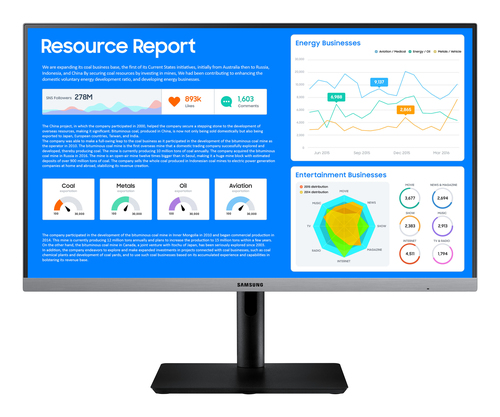
Samsung
Samsung SR65 computer monitor 61 cm (24") 1920 x 1080 pixels Full HD LED Black
Model code: LS24R650FDUXXU
Samsung
Samsung SyncMaster 173T 17" LCD computer monitor 43.2 cm (17") 1280 x 1024 pixels Black
Model code: NB17BSPSV
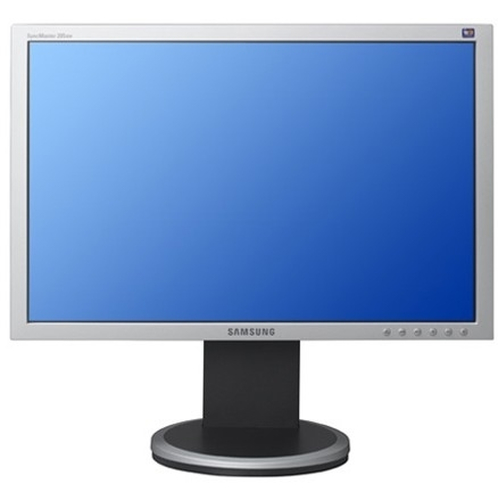
Samsung
Samsung SyncMaster 205BW computer monitor 50.8 cm (20") 1680 x 1050 pixels Silver
Model code: LS20HAWCSQ
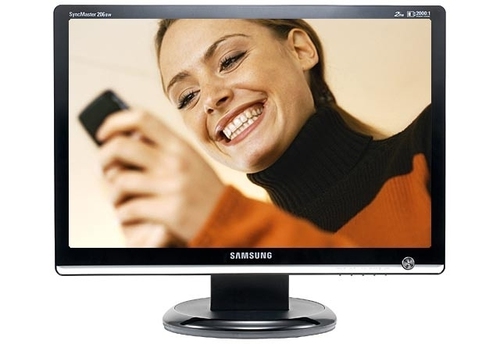
Samsung
Samsung SyncMaster 206BW computer monitor 50.8 cm (20") 1680 x 1050 pixels Black
Model code: LS20MEWSFV
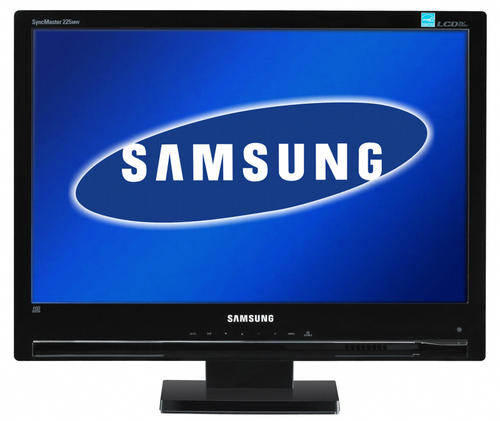
Samsung
Samsung SyncMaster 225MW computer monitor 55.9 cm (22") 1680 x 1050 pixels HD Black
Model code: LS22CRASB
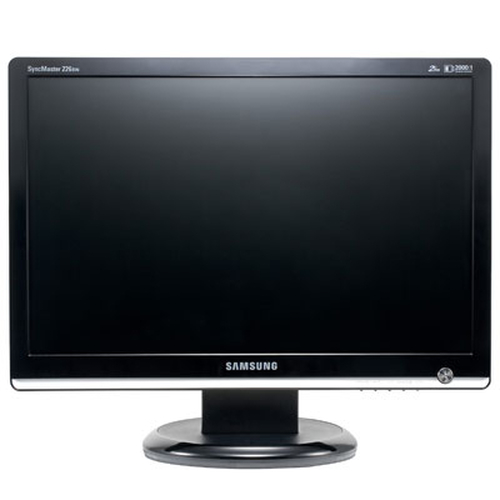
Samsung
Samsung SyncMaster 226BW computer monitor 55.9 cm (22") 1680 x 1050 pixels Black
Model code: LS22MEWSFV
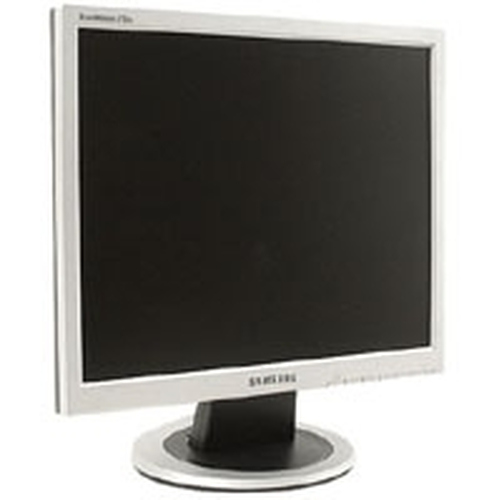
Samsung
Shown option: 43.2 cm (17") · Silver. Scores shown apply to this option.
Samsung SyncMaster 713N 17" TFT computer monitor 43.2 cm (17") 1280 x 1024 pixels Silver
Model code: MJ17CSKS
Specifications, review scores and prices belong to each exact model.
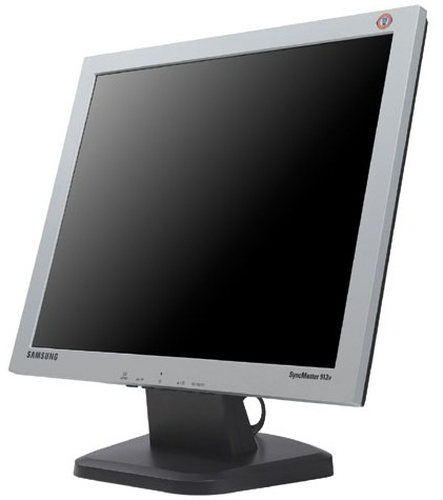
Samsung
Samsung SyncMaster 913V computer monitor 48.3 cm (19") 1280 x 1024 pixels Silver
Model code: GS19ESSS
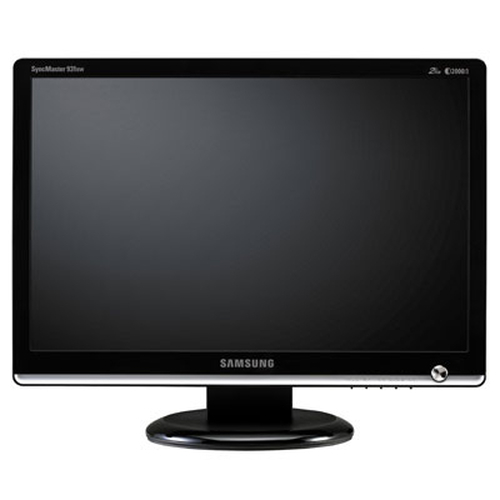
Samsung
Samsung SyncMaster 931BW computer monitor 48.3 cm (19") 1440 x 900 pixels Black
Model code: LS19MEWSFV
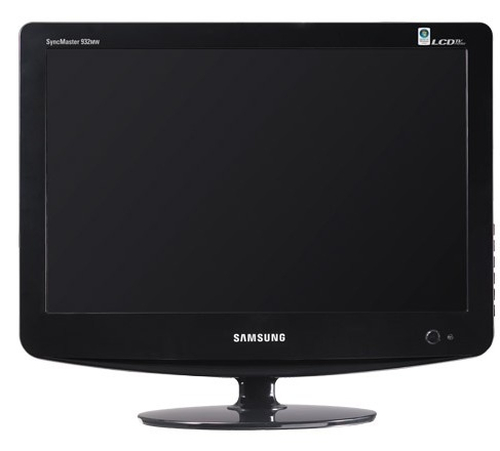
Samsung
Samsung SyncMaster 932MW computer monitor 48.3 cm (19") 1440 x 900 pixels Black
Model code: LS19PMASF
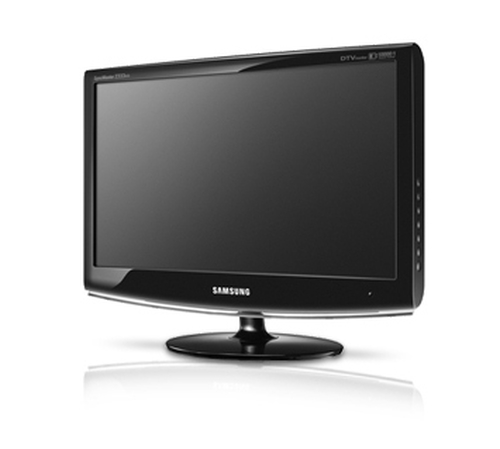
Samsung
Samsung SyncMaster 933HD computer monitor 47 cm (18.5") 1360 x 768 pixels Black
Model code: LS19CFVKF/XE
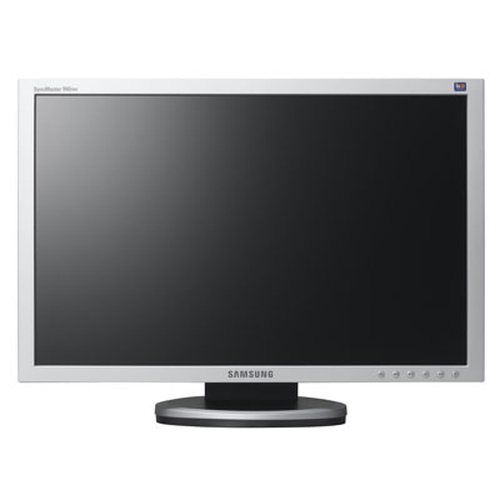
Samsung
Samsung SyncMaster 940NW computer monitor 48.3 cm (19") 1440 x 900 pixels
Model code: LS19HANSSB
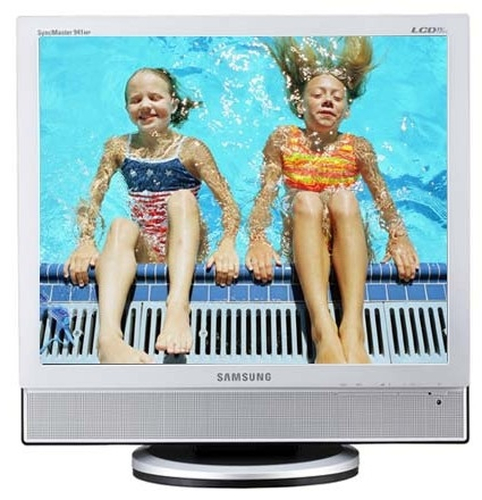
Samsung
Samsung SyncMaster 941MP computer monitor 48.3 cm (19") 1280 x 1024 pixels Silver
Model code: LS19DOASS
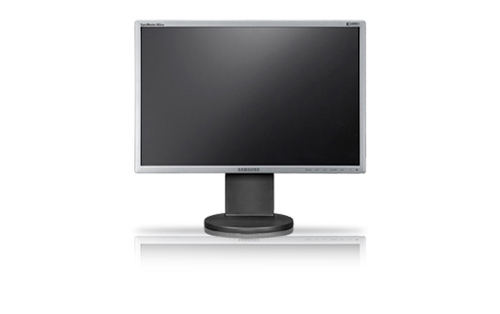
Samsung
Samsung SyncMaster 943BW computer monitor 48.3 cm (19") 1440 x 900 pixels Silver
Model code: LS19MYKESQ
Samsung
Samsung SyncMaster 953BW 19" computer monitor 48.3 cm (19") 1440 x 900 pixels Black
Model code: LS19AQWKFV
Samsung
Samsung SyncMaster 2232BW computer monitor 55.9 cm (22") 1680 x 1050 pixels Black
Model code: LS22PEBSFV
Model options with the same product name are grouped together. Filters apply to individual options; only matching options appear. Coverage is growing and is not exhaustive. UK listing means that the source catalogue includes Great Britain for the exact manufacturer code; it does not confirm current retailer stock. A COR Score is tbd until 3 critic reviews are available. Individual imported critic ratings remain visible on product pages.
Your reading library
Understand the features and specifications you see in monitor reviews. Read the complete guide or explore a focused topic.
Read the complete buying guide →Back to the results ↑Resolution counts pixels; screen size determines how densely they are packed. The same resolution can look spacious on one diagonal and coarse on another, so compare the combination rather than either number alone.
Explore the guide →Choose refresh rate from actual frame rate, motion needs, connection limits and image-quality priorities.
Explore the guide →Choose panel behaviour around text, contrast, motion, viewing position and static desktop use.
Explore the guide →Check charging power, video mode, hub bandwidth, network and downstream ports as one system.
Explore the guide →Your six-step checklist
Find the best fit for your priorities, your setup and your budget.
Turn expert monitor reviews into a shortlist with these six practical checks.
Measure desk depth, viewing distance and arm clearance.
Check computer output, monitor input, cable and dock as one chain.
Choose a stand or arm with the adjustment you actually need.
Use independent tests for brightness, uniformity, text and motion.
Confirm USB-C charging and display limits if using one-cable docking.
Read dead-pixel, warranty and firmware-support terms.
Ready to build your shortlist? Use these checks to narrow the results, then read the evidence for each exact model.
Compare with a purpose
Choose your main priority, then compare the evidence that matters most for your setup.
| Your main use | What to look for | What to weigh up |
|---|---|---|
| Office and writing | Text scaling, height adjustment, connections and glare | Higher resolution may require scaling on a smaller screen. |
| Photo and design | Colour workflow, uniformity, calibration options and viewing environment | A wide gamut can be inaccurate without suitable colour management. |
| Games and fast motion | Refresh support, response behaviour and adaptive-sync compatibility | A high refresh rate needs an appropriate computer and connection. |
Make it work for you
Look beyond the headline specification and consider how the product will fit into your routine.
For games, match refresh rate and adaptive-sync support to the graphics hardware and cable path. Review input lag, response at different refresh rates and overdrive behaviour rather than relying on a maximum headline.
Explore this in the buying guide →Screen size and resolution set pixel density, which affects text size and sharpness at a fixed desk distance. Try the intended operating-system scaling: too much scaling reduces usable workspace, while too little can make text tiring to read.
Explore this in the buying guide →A one-cable monitor may carry display data, USB peripherals and charging, but its power delivery and data bandwidth are specified limits. Confirm computer, monitor, dock mode and cable all support the desired resolution and peripherals together.
Explore this in the buying guide →Independent reviews, made comparable
One consistent scale makes different publishers’ ratings easier to compare. The original review explains why a critic reached that verdict.
Read our scoring methodology →Scale conversion · example
An illustration of conversion, not a rating for a listed product.
Identify the exact product and the version reviewed. Check model codes, configuration and the included package.
Convert eligible ratings to five points, count each publisher once and give every critic equal weight.
Show the average to two decimal places after three distinct critics. Otherwise show tbd while keeping individual reviews visible.
Read the score alongside the critic count, review dates, tested version and strengths that matter to you. Linked reviews of related hardware remain separate from the selected product’s score.
Explore the catalogue
Compare the recorded models, explore different configurations and follow the available expert reviews. Use each product page for its latest evidence and retailer links.
Return to the results ↑Explore your options
Follow a manufacturer or a selection based on recorded product features.
Your questions, answered
Ten answers to help you make an informed choice.
It can make movement feel smoother, but benefits depend on the computer, connection and the activity.
Not necessarily. Check the laptop port supports the required display mode and charging level.
It depends on size, desk distance and use. Try it for text and multi-window work, not only video.
Start with your main use, practical setup and total budget. The comparison table above identifies useful features for different priorities. Use the category filters, then check exact-model specifications and the original reviews for your shortlist.
It summarises eligible independent critic ratings on a five-point scale, with one equally weighted rating per publisher. The displayed average has two decimal places. Open the original reviews to see how the findings relate to your priorities.
A public COR Score becomes available after three distinct critics. Until then, tbd indicates that review coverage is still building; available individual reviews remain visible. It is different from a zero rating.
Check the version actually reviewed. Confirmed equivalent colour, storage or accessory variants can share model-level reviews with a tested-version label. Related hardware, different generations and other distinct editions are shown separately and do not contribute to the selected product’s score.
Filters use the recorded specifications for each model or option. Choose a brand or feature, then apply your filters to narrow the results. Missing information is not treated as confirmed feature support. Open the product page to check the full specification.
Match the complete manufacturer code, configuration, condition and included items. Add delivery and necessary accessories to compare the total cost, and confirm stock, warranty and returns details with the retailer.
Check the review date, tested version and current manufacturer support. Compare the features you need, replacement parts or consumables where relevant, and the complete offer. A useful older review can still explain a model well, while availability and services may have changed.
Related categories
Compare complementary products and other ways to meet your needs.
Specifications, explained
Understand the terms, then use the buying checks to compare exact models.
12 terms
The number of picture elements used to form a display, image or video frame, usually expressed as horizontal and vertical pixel counts.
Buying check Check the resolution supported in the mode you will use; compare real detail and clarity in independent tests.
The concentration of screen pixels, expressed as pixels per inch.
Buying check Consider text size and operating-system scaling at your usual viewing distance.
The range of colours a device can reproduce relative to a reference colour space.
Buying check Check the colour space, calibration and accuracy required by your work.
High dynamic range formats carry information intended to represent a wider range of brightness and colour.
Buying check Format support alone does not establish the display’s HDR performance.
An LCD panel family often chosen for viewing-angle performance, with results varying by model.
Buying check Compare contrast, response and uniformity tests for the exact monitor.
An LCD panel family often associated with stronger native contrast than some other LCD types.
Buying check Read motion and off-centre viewing tests rather than relying on the panel label.
How often a display can refresh its image each second.
Buying check Check supported resolution and refresh rate over the input you will use.
A feature that lets a compatible display vary its refresh timing with the source.
Buying check Check the supported range and the source, port and operating mode.
A reversible connector shape used for several different data, display and power capabilities.
Buying check Read the port specification; the connector shape alone does not confirm supported functions.
A charging protocol that lets compatible equipment negotiate supported power settings.
Buying check Check source, device and cable compatibility at the required power level.
An accessory that combines connections such as displays, USB devices and power.
Buying check Match the dock to the computer, displays and charging requirements.
A standardised arrangement of mounting points used by compatible displays and brackets.
Buying check Match the pattern, weight limits, fixings and installation instructions together.
No matching term. Try an abbreviation or clear the search to browse all topics.
Technical sources and further reading · Check the exact model’s manufacturer documentation for supported features.